

Webflow
Prepare your Webflow Page
Log into your Webflow dashboard and navigate to the page where you want to embed the form. Click Edit to open the page editor.
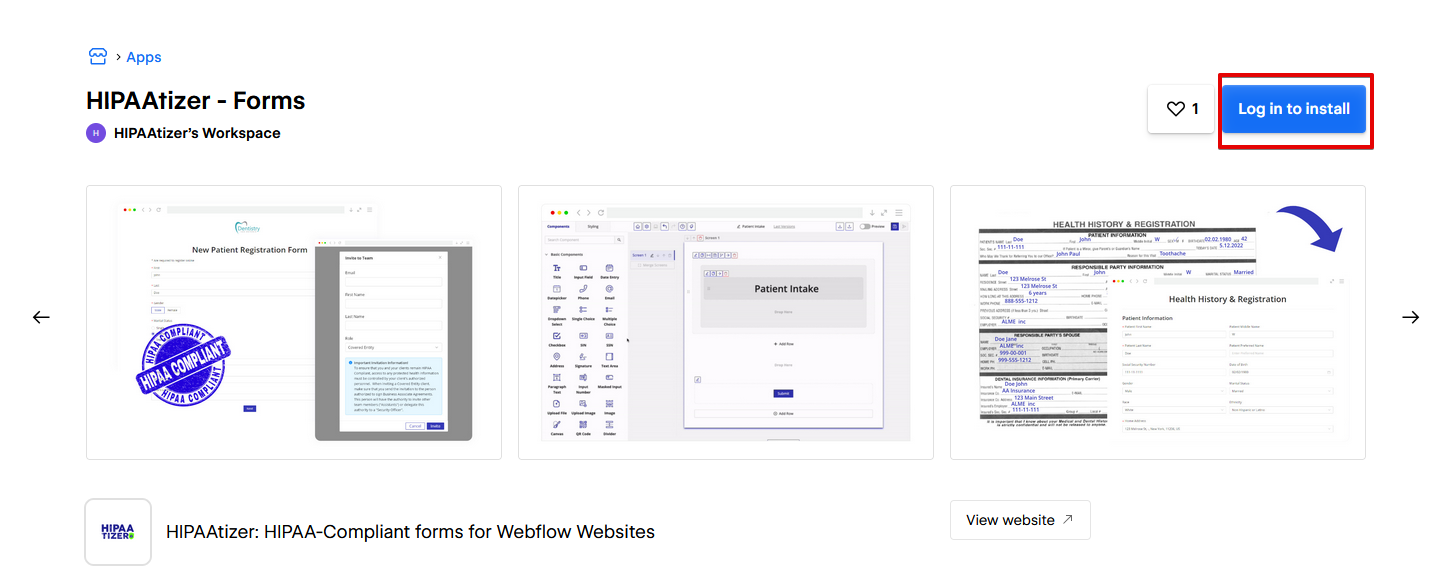
Install the HIPAAtizer app from the Webflow Marketplace and follow the installation steps to connect to your website.
Embed your HIPAAtizer Form
Once connected, Launch the HIPAAtizer app in your Webflow Stie Designer (Apps > Connected > HIPAAtizer > Launch), then select or add a Div Block to your page to embed one of your published HIPAAtizer forms.
Your HIPAA-compliant HIPAAtizer form is now successfully embedded into your Webflow website.
Need help? Reach out to support@hipaatizer.com.