

Pipedrive
This guide walks you through how to connect a HIPAAtizer form to your Pipedrive CRM.
Pipedrive is not HIPAA-compliant. Do not send fields that contain Protected Health Information (PHI) to your CRM.
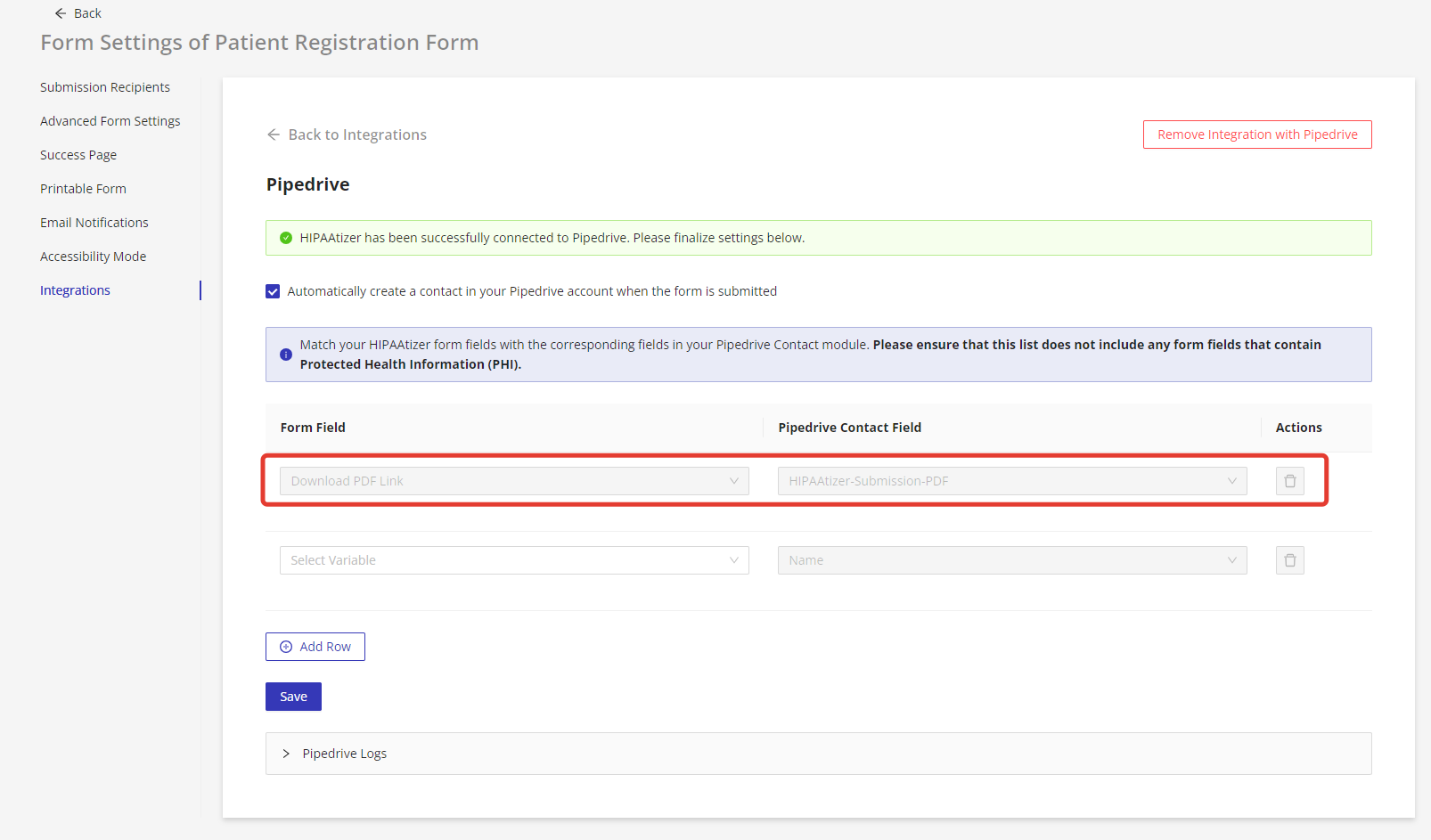
By default, HIPAAtizer creates a custom field in the Contacts module called HIPAAtizer-Submission-PDF. This field contains a secure link to the printable version of the submission stored in HIPAAtizer.
You can also create your own custom fields in Pipedrive to store submission links in CSV or HTML format. 👉 Learn more about creating custom fields
Connect Pipedrive to HIPAAtizer
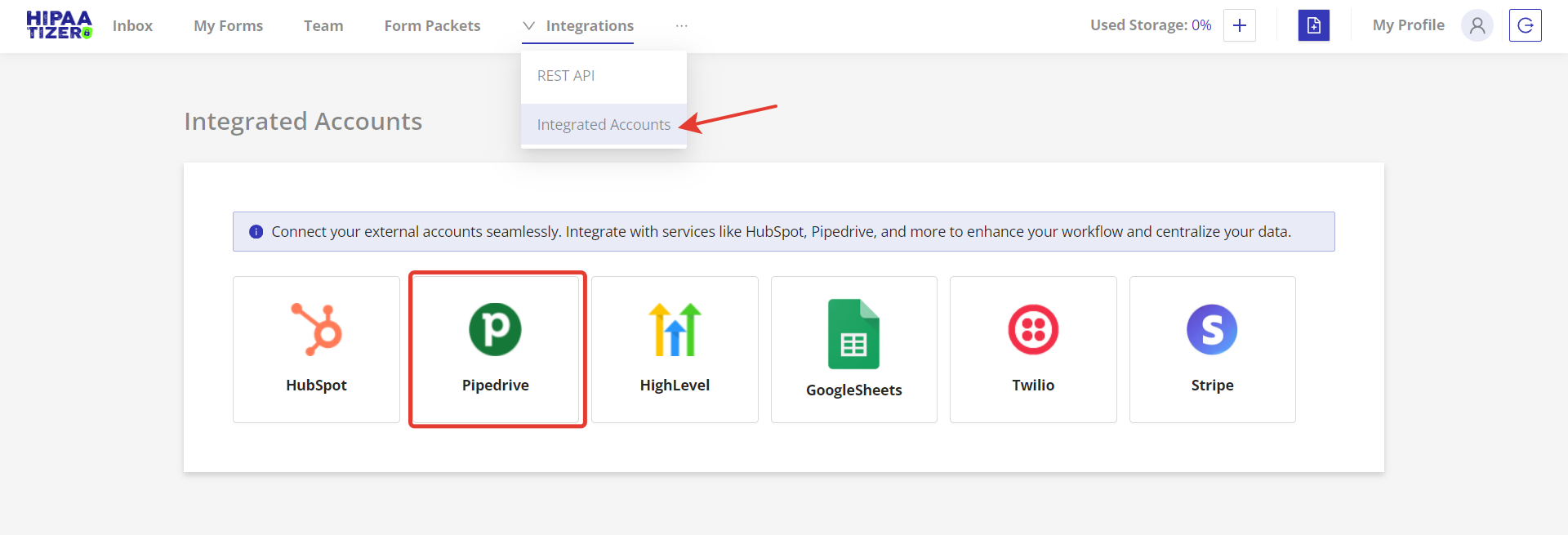
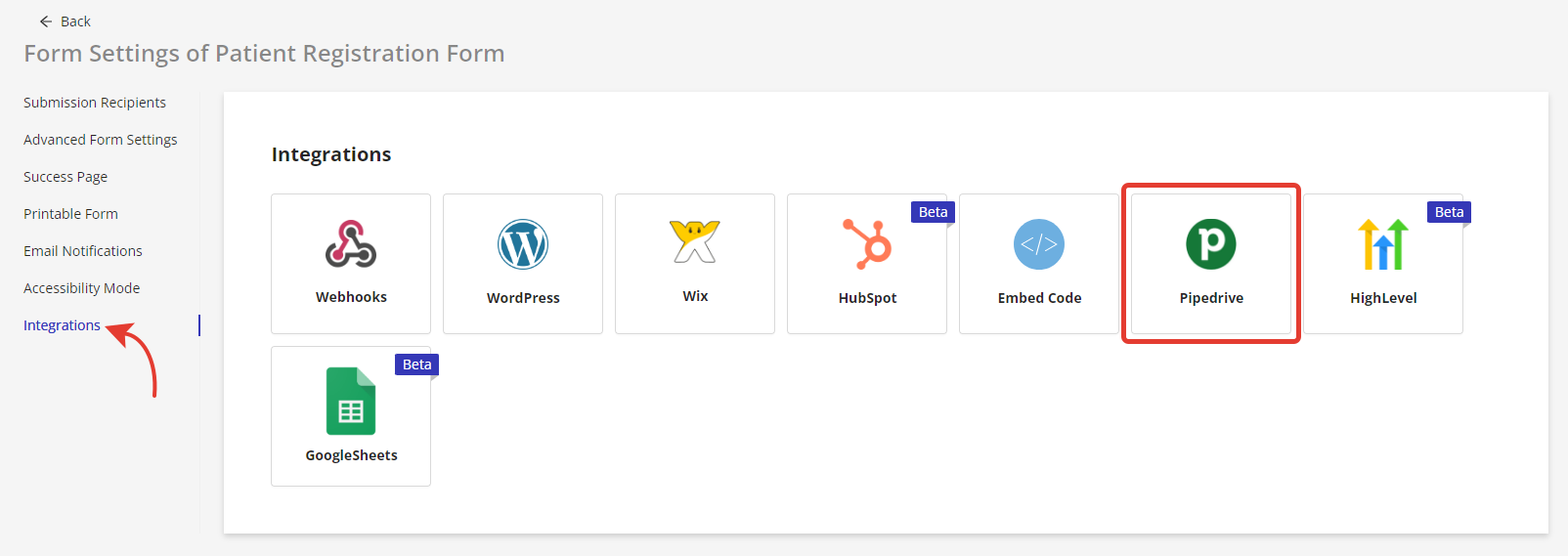
Go to the Integrations section in the HIPAAtizer dashboard and select Integrated Accounts. Choose Pipedrive from the available options.
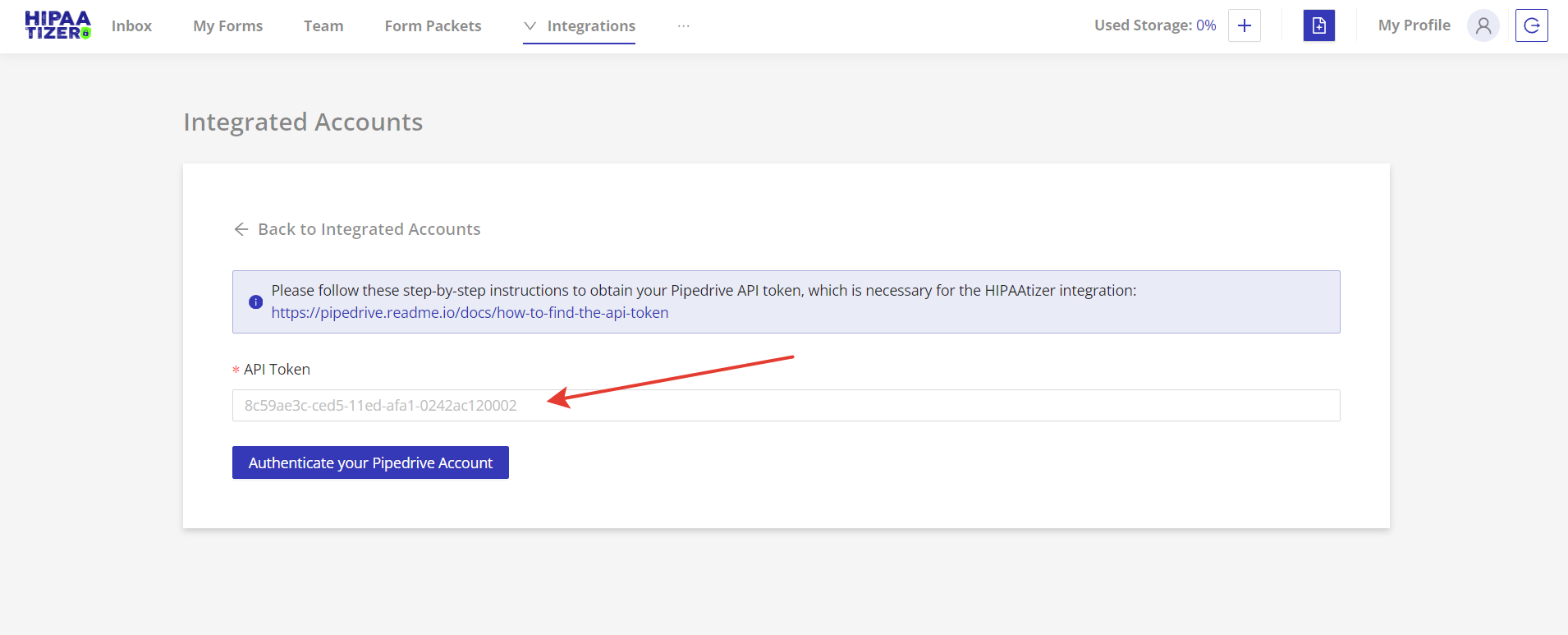
You'll be prompted to enter your Pipedrive API token to authorize the connection. 👉 How to find your API token
Link Your Form
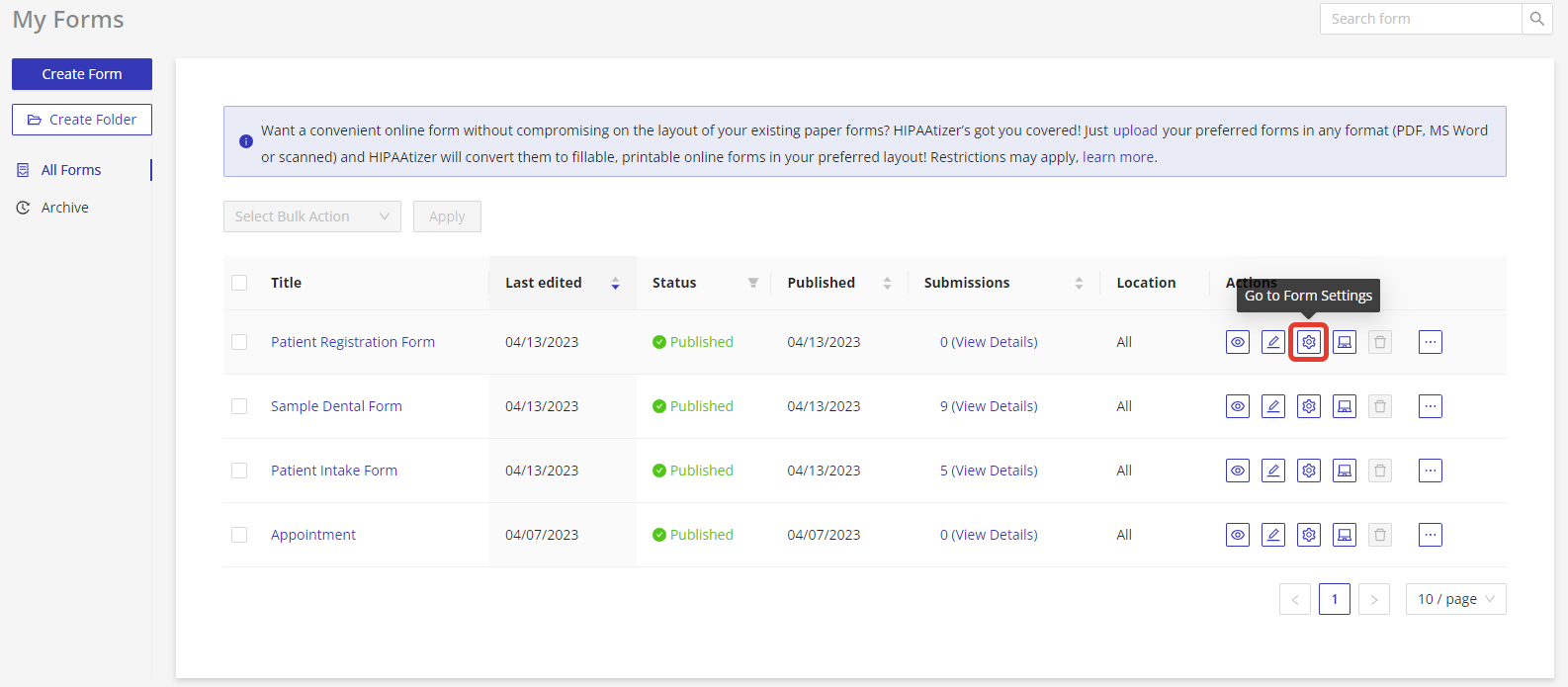
In the My Forms area, open the Form Settings for the form you want to integrate.
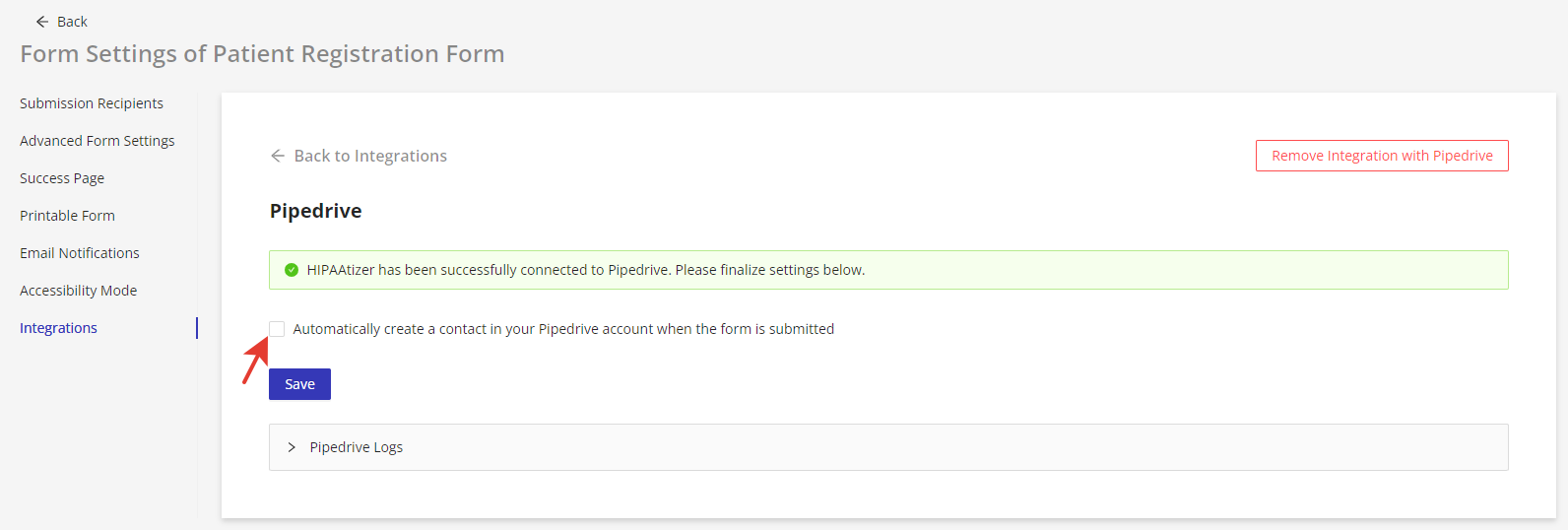
Navigate to the Integrations tab, then open the Pipedrive section.
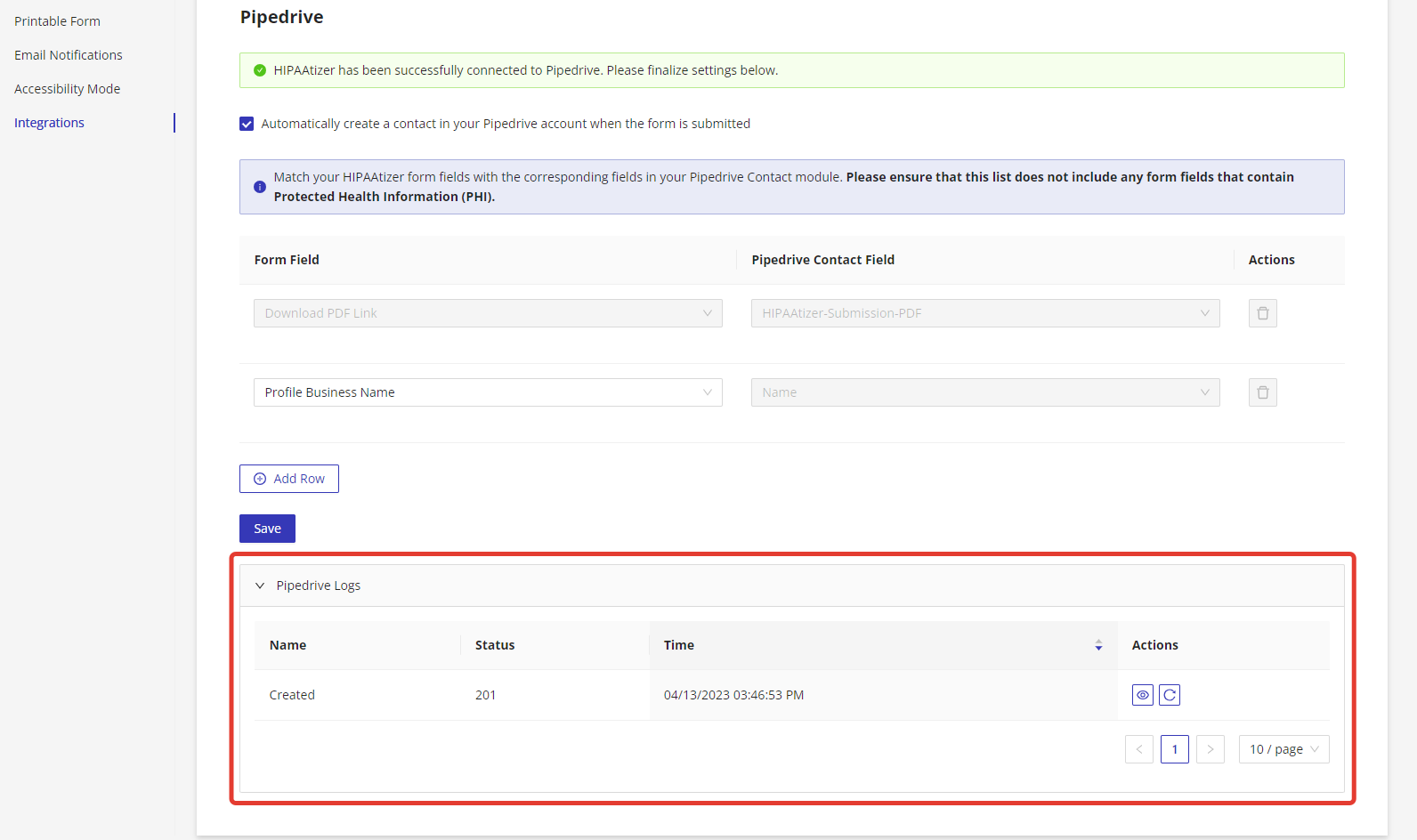
Enable the option: "Automatically create a contact in your Pipedrive account when the form is submitted."
Match Fields
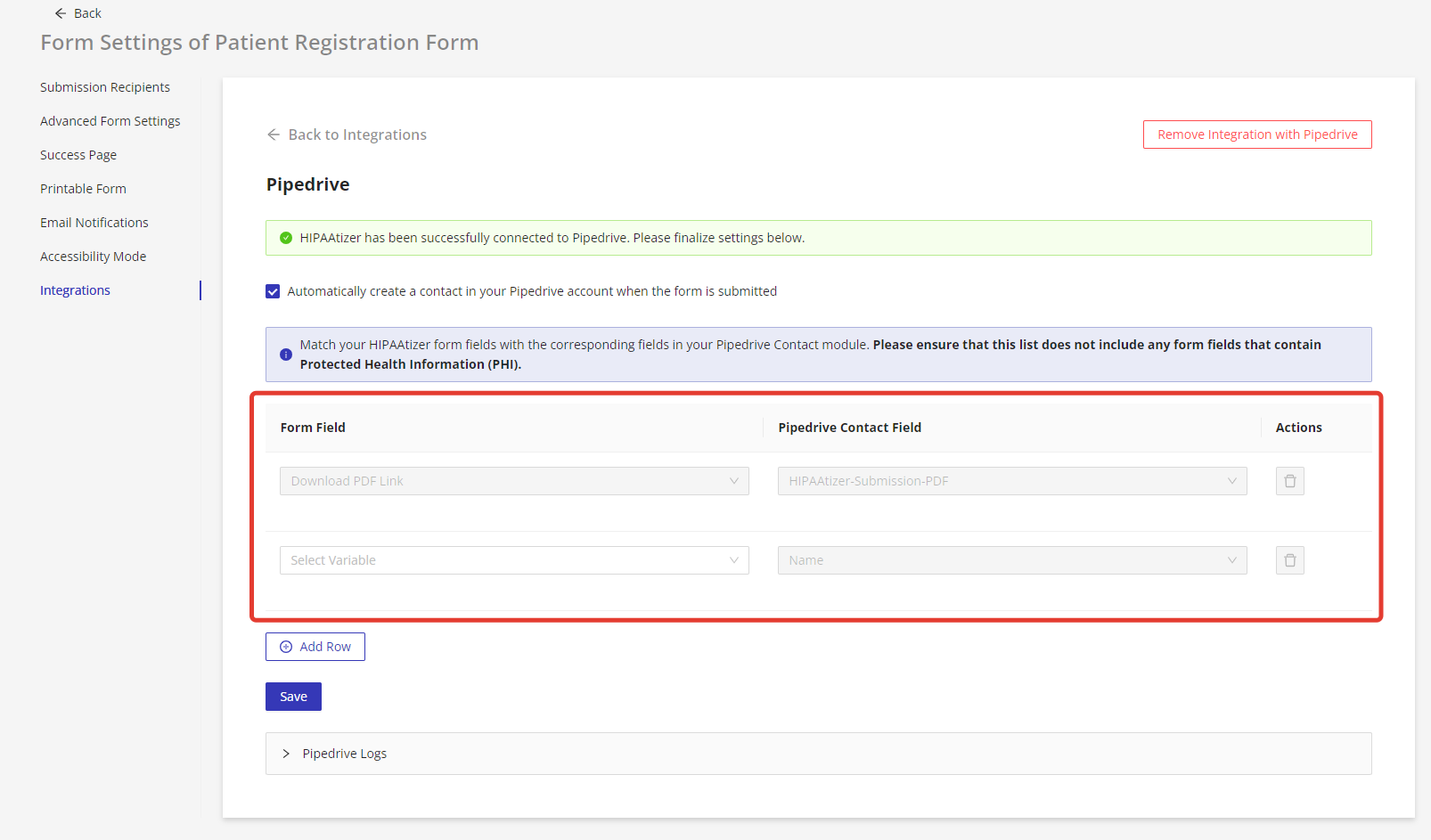
Use the mapping interface to link fields from your HIPAAtizer form to corresponding fields in Pipedrive's Contact module.
Make sure:
- No PHI fields are included in the mapping. 👉 What counts as PHI?
- The
HIPAAtizer-Submission-PDFfield is mapped to the correct form submission link. - The contact's name field in Pipedrive is matched to the appropriate form field (e.g.,
fullNameorfirstName).
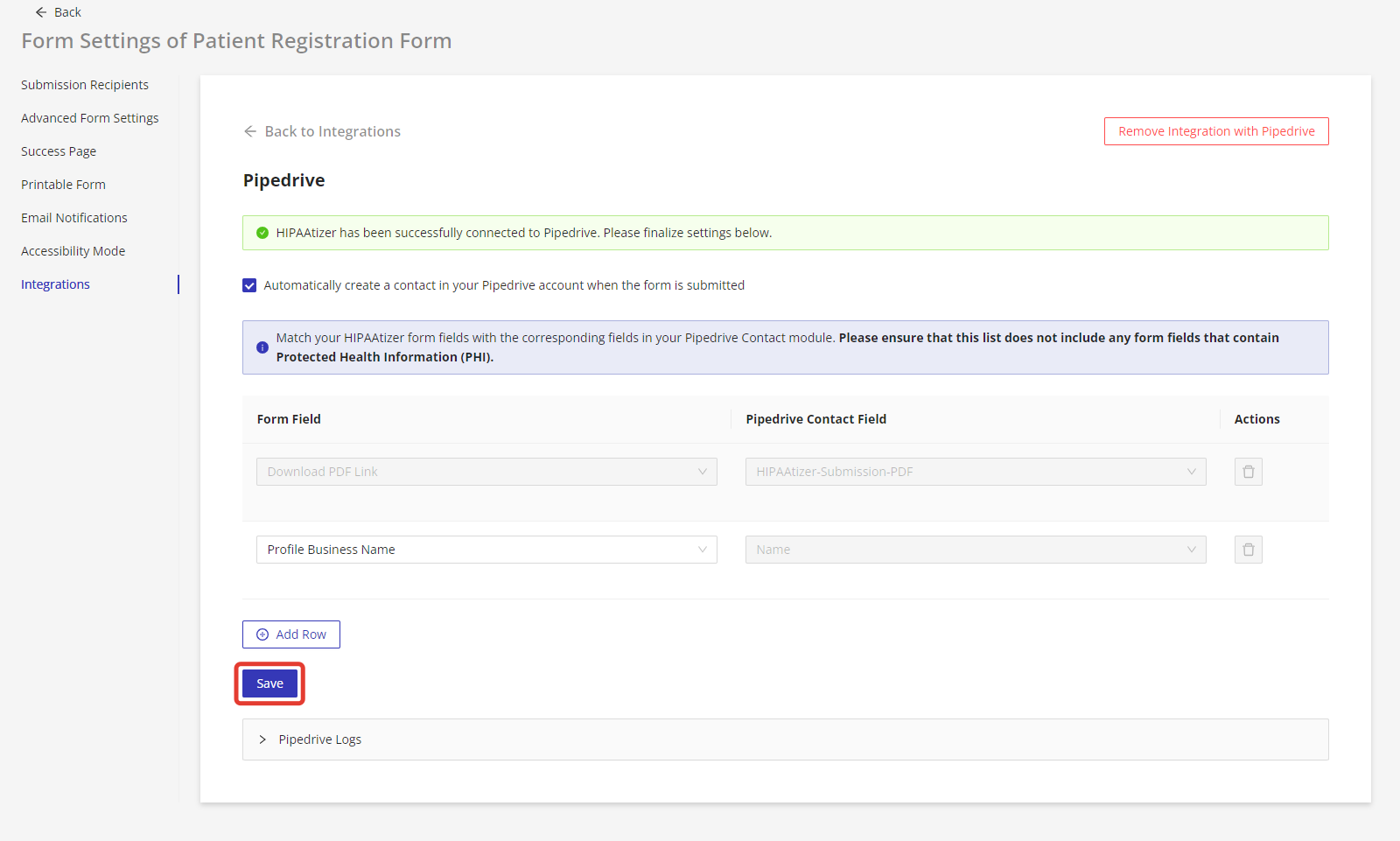
Additional fields from the form can also be matched as needed. Once everything is configured, click Save.
Test Your Setup
Submit a test entry using the integrated form.
Go back to the Pipedrive integration settings for that form and expand the Pipedrive Logs section. A successful integration will show a Status 201 response.
Log in to your Pipedrive account to verify that the new contact has been created as expected.
With this setup, your HIPAAtizer form will automatically create new contacts in Pipedrive, allowing you to manage leads more efficiently - while keeping PHI securely within HIPAAtizer.