
HIPAA-Compliant Massage and Bodywork Intake Forms
Convert the intake form your practice already uses into a secure online form. Add it to any website, send it as a link, or put a QR code on the front desk. No website needed.
A Business Associate Agreement comes with every Covered Entity account.
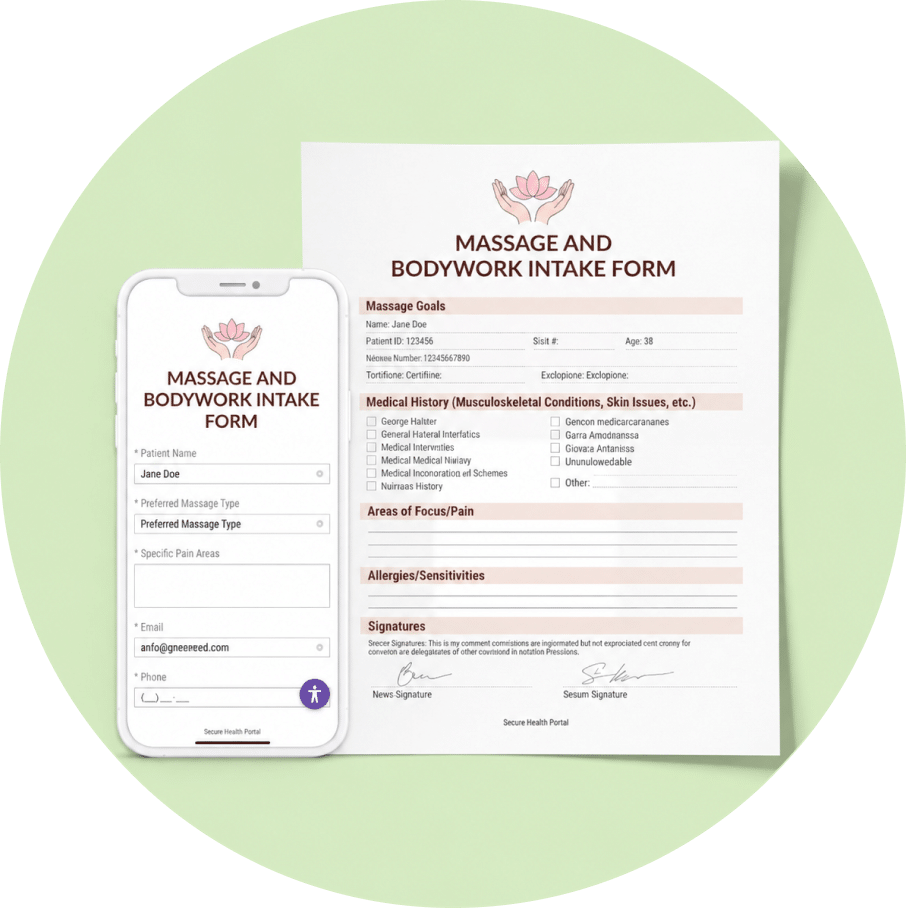
Make an online form without changing your workflow
Templates are how you get started, not what you end up with. The Nutrition Initial Assessment Intake Form in our template library is a working starting point, and you are meant to take it apart.
You do not need a website to collect intake forms securely, and if you have one, it does not have to be HIPAA Compliant itself. Submissions go straight to HIPAAtizer, not to your site.
EMBED TO YOUR WEBSITE
Paste an embed code. Works on Squarespace, Wix, WordPress, Webflow, Shopify and any other website.
SEND A DIRECT LINK
Drop a link into a confirmation email your booking system already sends, or text it to a client before their first visit.
GENERATE A QR CODE
Printed on a card at reception, or on a tablet. The client scans, fills it in on their own phone, and you never handle a clipboard.
SHARE ON YOUR SM
A secure link in your Instagram bio or Facebook page works the same way as one on a website.
Built for how bodywork intake actually works
Every HIPAAtizer form comes with a JavaScript snippet and an iFrame embed code, which is all you need to maintain HIPAA Compliance on any website. Some platforms make it even quicker:
BODY CHART ON CANVAS
The body outline where the client circles where it hurts is the most useful thing on a paper intake form, and it is the first thing lost when most practices move online. Clients end up typing “lower back, left side, also right shoulder sometimes” and you end up interpreting.
Upload your own body diagram and clients draw straight onto it with a finger on a phone. Offer more than one pen color and ask for red where it is sharp and blue where it is tight, and you get a chart carrying twice the information at no extra effort for the client. The drawing saves with the submission and prints on the PDF, so your record looks like the paper chart you are used to reading.
INTERNAL NOTES
Add your session note fields to the intake form and mark them internal, so clients never see them. After the session you open the submission, click Edit Submission, write the note and save. Intake and treatment notes live on one record instead of in a form system and a notebook, and six months later you are not cross-referencing by date.
RETURNING PATIENT’S
A client of two years should not fill in a blank form every spring. Send their last submission back for review and they get a secure one-time link, or a QR code at the desk, that opens the form already filled in with what they told you last time. They change what has changed and submit.
E-PAYMENT
If you take a deposit before an appointment, send clients to your existing Stripe or Square payment page right after they submit the intake form, with their details carried through to the payment page. No new payment account is required, and you don’t need a separate message asking them to pay.
What belongs on a massage intake form
Our template covers these. Adjust for your modality and scope.
CONTACT AND EMERGENCY CONTACT
Name, date of birth, phone, email, emergency contact. Date of birth flags a minor who needs guardian consent.
REASON FOR THIS VISIT
What brought them in, when it started, what helps, what makes it worse, and what they want from the session.
PAIN AREAS
The body chart, plus a short description.
HEALTH HISTORY
A checklist of specific conditions rather than a blank line. See the contraindication table below.
MEDICATIONS
A repeatable table, so a client on six medications can list six.
ALLERGIES
Including oils, lotions and essential oils by name, and nut allergy specifically, since a popular massage lubricant is almond oil.
PREGNANCY
Whether pregnant, and the trimester question appearing only if the answer is yes.
PREFERENCES AND BOUNDARIES
Pressure preference, areas not to work, draping, and a plain statement that they can ask you to stop or adjust at any time.
POLICIES AND CONSENT
Cancellation and no-show policy, a short scope of practice statement, consent to treat, and a signature.
Does HIPAA apply to massage therapists?
Often it does not, however here are some quick questions to help you find out if it applies to you. Remember, best to confirm with your own legal counsel to confirm your specific case.
HIPAA binds covered entities and their business associates. A provider becomes a HIPAA “covered entity” by transmitting health information electronically for certain standard transactions, which in practice almost always means billing insurance.
- Billing insurance electronically, or through a billing service? You are almost certainly a covered entity.
- Working inside a chiropractic, physical therapy or medical practice? That practice is most likely a covered entity. As an employee, the practice’s obligations under HIPAA cover your records. As an independent contractor handling client health information on its behalf, you may be a business associate needing a signed agreement. Once again, seek legal counsel to confirm your obligations.
- Cash-only and solo, billing nobody? HIPAA most likely does not reach you.

That last case still deserves care. A completed intake form potentially lists medical conditions, medications and pregnancy status. Several states have health privacy laws broader than HIPAA that are not limited to covered entities, for example, the state of Washington. Your state board sets record retention rules. Your liability insurer expects records be kept confidentially and produced if a complaint is made. If you would not want the form read by the next client in the waiting room, treat it as confidential whether or not federal law compels you to. This is general information rather than legal advice.

Build, Convert, and Customize Your Intake Forms
Upload the form you already use. Send us your PDF or Word file and our AI form converter rebuilds it as a responsive online form, keeping your wording, your sections and your order. Your clients fill it in on a phone. You stop deciphering handwriting and retyping answers.
No form yet? Start with our template. Use the massage intake template as a first draft, then change it: add the questions your modality needs, delete the ones you do not use, rename a section. The template gets you started.
Frequently Asked Questions
Yes, and it is the usual starting point. Upload your existing PDF or Word intake form and HIPAAtizer converts it into an online form that keeps your wording, sections and order. You can edit any part of it afterwards. You are not required to use our template.