
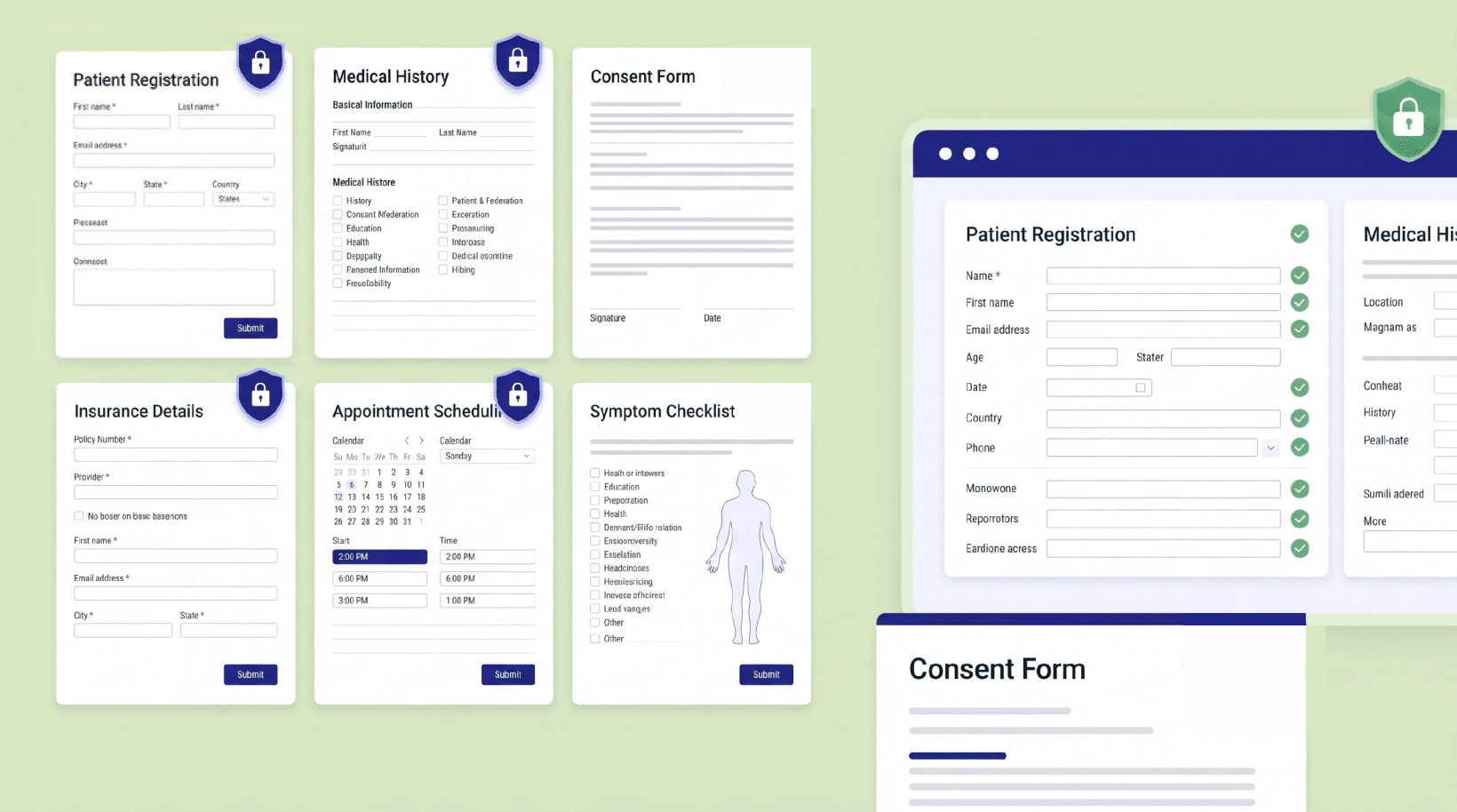
Every patient visit starts with a form. The problem is that most “free intake form templates” you’ll find online are Word docs or web forms that were not built to protect health information, and the moment a patient types their name, symptoms, or insurance details into one, you’re handling Protected Health Information (PHI). That’s why practices need a HIPAA-Compliant intake form from the start.
This page collects the intake forms healthcare and wellness practices ask for most, what each one should include, and how to use them without creating a compliance gap.
What makes an intake form HIPAA Compliant?
A template is just a starting point. The form becomes HIPAA Compliant based on how it collects and stores data, not what fields it has. At minimum you need:
- A signed BAA with whoever hosts the form and stores the responses.
- Encryption of data in transit and at rest.
- Access controls so only authorized staff can see submissions.
- An audit trail of who accessed what, and when.
- No PHI leaking into non-compliant tools (email notifications, spreadsheets, scheduling apps).
A PDF emailed back and forth fails almost all of these.
A form built on a HIPAA-Compliant platform passes them by default. Keep that distinction in mind as you pick a template below.
Patient intake form template
The general-purpose new-patient form. It captures identity, contact details, insurance, medical history, current medications, and consent to treat. Because it gathers nearly every category of PHI at once, it’s the single most important form to get right.
What to include:
- Patient demographics and contact information
- Insurance and billing details
- Medical history and current medications
- Allergies and existing conditions
- Emergency contact
- Consent to treat and acknowledgment of privacy practices
- Signature and date
Build it so submissions land in a compliant system from the start, rather than collecting data first and worrying about storage later.
Counseling / therapy intake form
For mental health and counseling practices, intake is more sensitive than a typical medical form, it often includes presenting concerns, history of treatment, substance use, and risk screening. That makes the compliance bar higher, not lower.
What to include:
- Client demographics and contact information
- Reason for seeking counseling / presenting concerns
- Mental health and treatment history
- Current medications and providers
- Risk and safety screening questions
- Consent, confidentiality, and privacy acknowledgment
- Signature and date
This is also a high-demand search topic, which means patients are actively looking for practices that make intake easy and private. A clean, secure online form is a real differentiator here.
Telehealth consent form
Telehealth has its own consent requirements: patients need to understand how a virtual visit works, its limits, how their data is transmitted, and their rights. This form is usually paired with the intake form for any remote visit.
What to include:
- Explanation of telehealth services and how the visit works
- Risks, benefits, and limitations of virtual care
- How PHI is transmitted and protected
- Patient rights and the option to withdraw consent
- Technology and contact requirements
- Signature and date
Because telehealth data crosses networks and devices, the form and its storage both need to sit inside a compliant boundary.
Physical therapy intake form
PT and rehab intake adds functional and pain assessments on top of standard medical history, injury details, pain levels, mobility, and treatment goals.
What to include:
- Patient demographics and contact information
- Injury or condition details and date of onset
- Pain assessment and affected areas
- Relevant medical and surgical history
- Current activity level and functional goals
- Consent to treat and privacy acknowledgment
- Signature and date
From template to compliant form in minutes
You don’t have to choose between a usable template and a compliant one. With HIPAAtizer you start from any of these intake forms, customize the fields to your practice, and the form is HIPAA Compliant by design, we sign a BAA with you, PHI is encrypted and access-controlled, and a built-in electronic signature means patients can sign consent right in the form.
It also drops into the site you already have, WordPress, Squarespace, Wix, and more, so the patient does not leave your brand. (Already see our dental intake form for an example of a finished, ready-to-use template.)
Start with a template: Build a HIPAA-Compliant intake form
Frequently Asked Questions About HIPAA-Compliant Intake Form
Not on their own. A template defines the questions; compliance depends on how the form collects, transmits, and stores the answers. A downloadable PDF or generic web form usually isn’t compliant for PHI.
This article is general information, not legal advice. Requirements vary by state and specialty, confirm your intake and consent language with your compliance officer.
Still have questions? Contact us