
Connect HIPAAtizer Forms to Any System with Webhooks
Send HIPAA-Compliant form submission data directly to any external system – your CRM, marketing platform, internal API, or automation tool – the moment a patient submits a form.

Push Patient Form Data securely
HIPAAtizer’s Webhooks integration lets you send form submission data to any HTTPS endpoint in real time. Whether you’re routing new patient intake into a CRM or EHR, triggering an automation workflow, or syncing submissions to an internal API, Webhooks give you control over what gets sent, when, and how – without writing custom backend code.
You decide the destination URL, the HTTP method, the headers, and the exact shape of the JSON payload.
With HIPAAtizer Webhooks, You Can:
Connect to other system
Send form submissions to CRMs, marketing platforms, EHRs, practice management tools, or your own internal APIs – if it accepts an HTTPS request, HIPAAtizer can talk to it.
Trigger on the right events
Fire webhooks on new submissions, updates, deletions, or when a patient saves a partial form to continue later. A single webhook can listen for multiple events.
Build the exact payload you need
Map any form field or system variable (submission ID, PDF link, form ID, and more) into a fully customizable JSON body. Use prebuilt templates for Sendgrid, Mailchimp, and Airtable, or build your own from scratch.
Keep your data secure
Every request includes a signed HIPAA-Signature header you can verify on your end. Add Authorization headers or API keys for authenticated endpoints. Always confirm receiving systems are HIPAA Compliant and covered by a BAA before sending PHI.
How It Works
Here’s how to connect HIPAAtizer forms to any external system:
Step 1
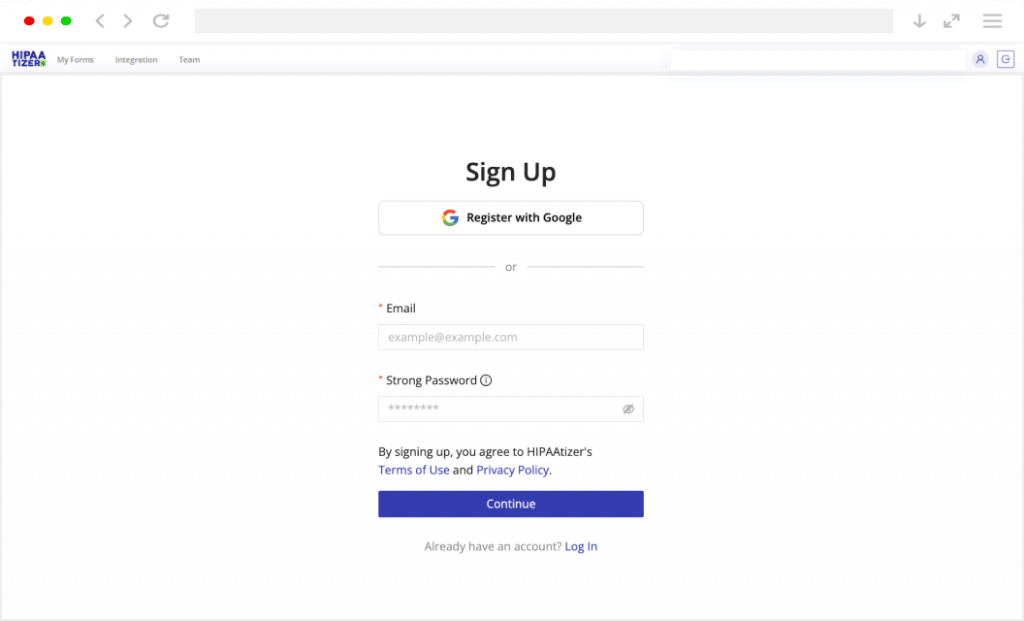
Sign Up
Create your account. Developers get a free sandbox account; Covered Entities start with a 30-day free trial.
Step 2
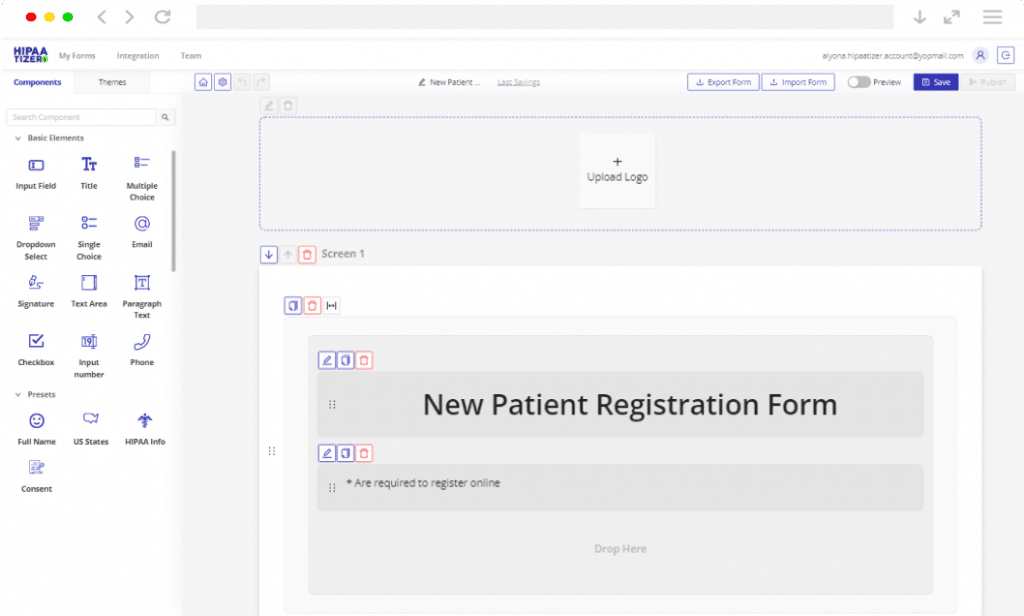
Build or Upload Your Form
Use the drag-and-drop form builder to create a form from scratch, or upload an existing PDF and our AI converts it to a HIPAA-Compliant online form in minutes. Manual team support is available for complex forms.
Step 3
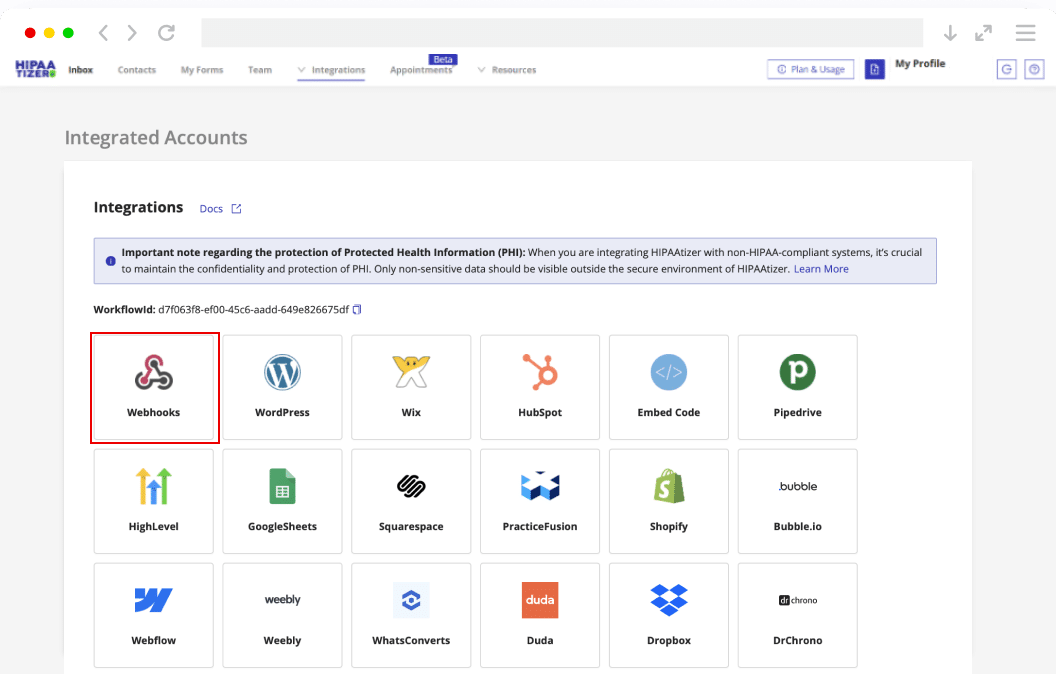
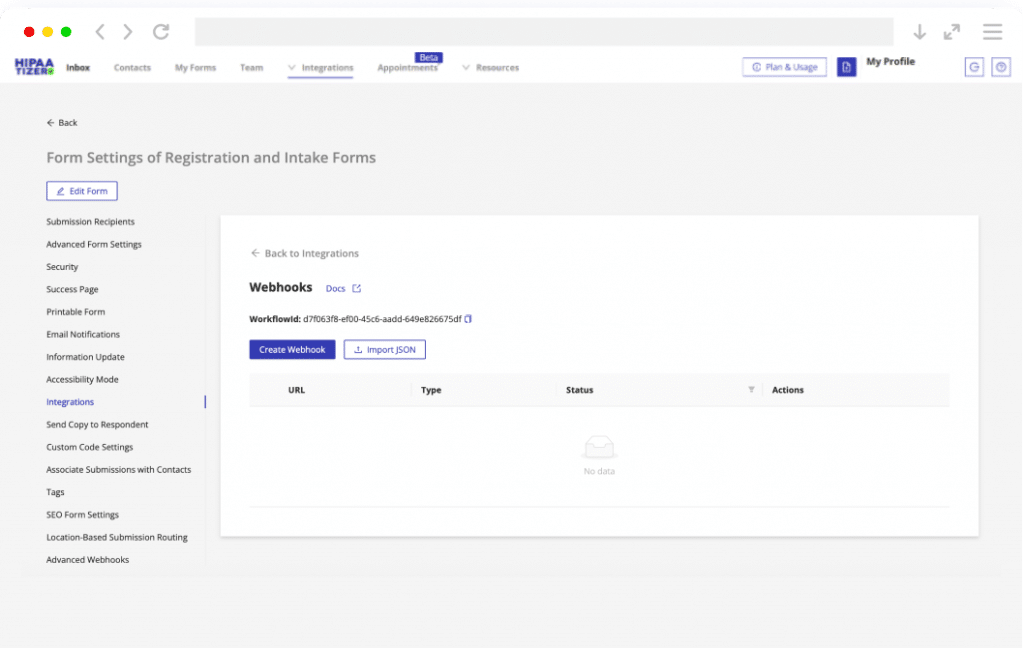
Configure Your Webhook
Open My Forms → Form Settings → Integrations → Webhooks for the form you want to connect. Click Create Webhook, choose a prebuilt template (HighLevel, Mailchimp, Airtable) or start from scratch, and configure your destination URL, HTTP method, trigger events, custom headers, and JSON request body.
Step 4
Save and Go Live
Click Submit to save. HIPAAtizer will start delivering signed HTTPS requests to your endpoint on every triggering event. Check the Logs section at any time to inspect delivery status and troubleshoot if needed. View the Full Webhooks Guide
What This Integration Enables
Webhooks are flexible by design. Here are the most common ways healthcare teams and developers use them with HIPAAtizer:
New patient → CRM contact
When a patient submits an intake form, a new contact is automatically created in your CRM (e.g., HighLevel, HubSpot, Pipedrive) with all mapped fields populated. No copy-pasting between systems.
Submission → automation trigger
Use a webhook to kick off a workflow in your automation platform – send a welcome email, schedule a follow-up, assign a care coordinator, or update a patient record – the moment a form is completed.
PDF link → document storage
Forward the signed submission PDF link to a document management endpoint so your storage system can fetch and file the record automatically alongside the patient’s other documents.
Form data → internal API
Send structured patient data directly to your own internal system or proprietary API – no middleware required. Full control over the payload shape, headers, and authentication method.
Draft save → partial sync
Fire a webhook when a patient saves a form to continue later. Use this to flag incomplete intake in your scheduling system, send a reminder, or pre-populate a patient record before the form is fully submitted.
Don’t see your workflow? HIPAAtizer Webhooks are fully customizable!
Contact us via support@hipaatizer.com to discuss your workflow.
Built for These Specialties
Webhooks are a universal integration layer – they work with any healthcare workflow that needs to move patient data between systems. HIPAAtizer Webhooks are used across a wide range of practice types:
Primary Care & Family Medicine
Mental & Behavioral Health
Dermatology
Plastic Surgery & MedSpa
Dental Practices
Orthopedics & Physical Therapy
Telemedicine & Telehealth
Urgent Care
Pharmacies
Chiropractic
Pain Management
Podiatry
Don’t see your specialty? Contact us via support@hipaatizer.com.

Start Connecting Your Forms Today
Use Webhooks to route HIPAA-Compliant form data directly into the tools your team already uses.
Frequently Asked Questions
Any system that accepts HTTPS requests – CRMs, marketing platforms, EHRs, internal APIs, automation tools, and more. If it has an API endpoint, HIPAAtizer can send data to it.