

Inputting or Updating Credit Card Information
Account Type
This article applies to Covered Entity (CE) accounts.
Follow these steps to add or update your payment method for your HIPAAtizer subscription:
Navigate to Subscription Settings
From the HIPAAtizer dashboard:
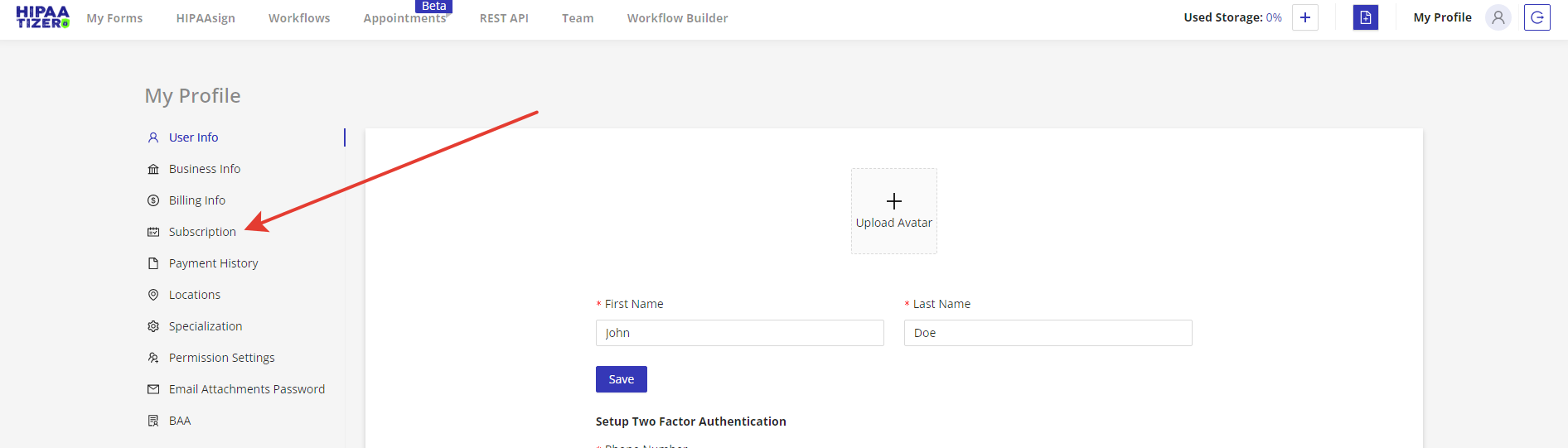
- Click Go to Profile Settings under My Profile.
- In the left-hand menu, select the Subscription tab.

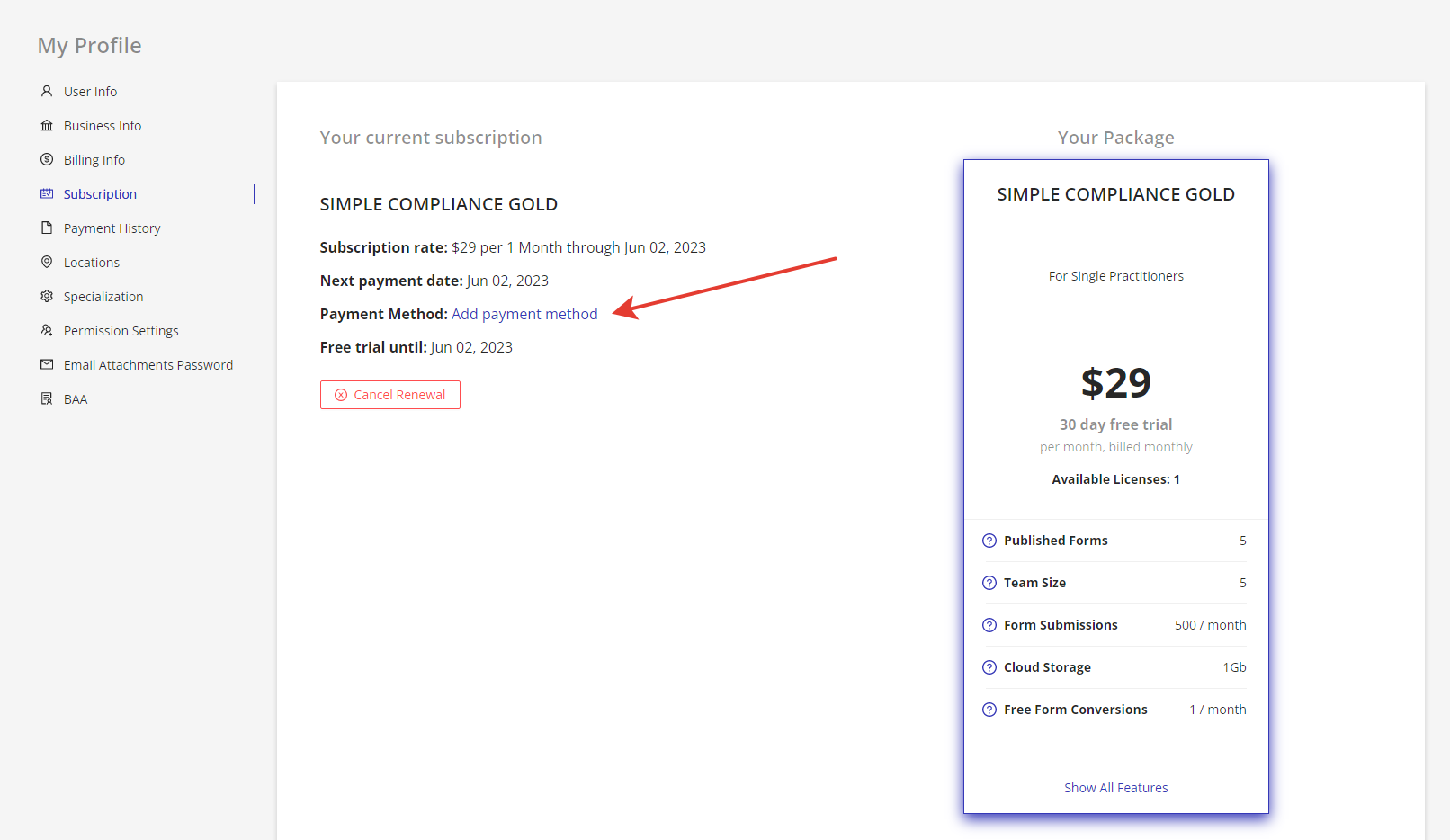
Open the Billing Info Page
- Click on Add Payment Method.
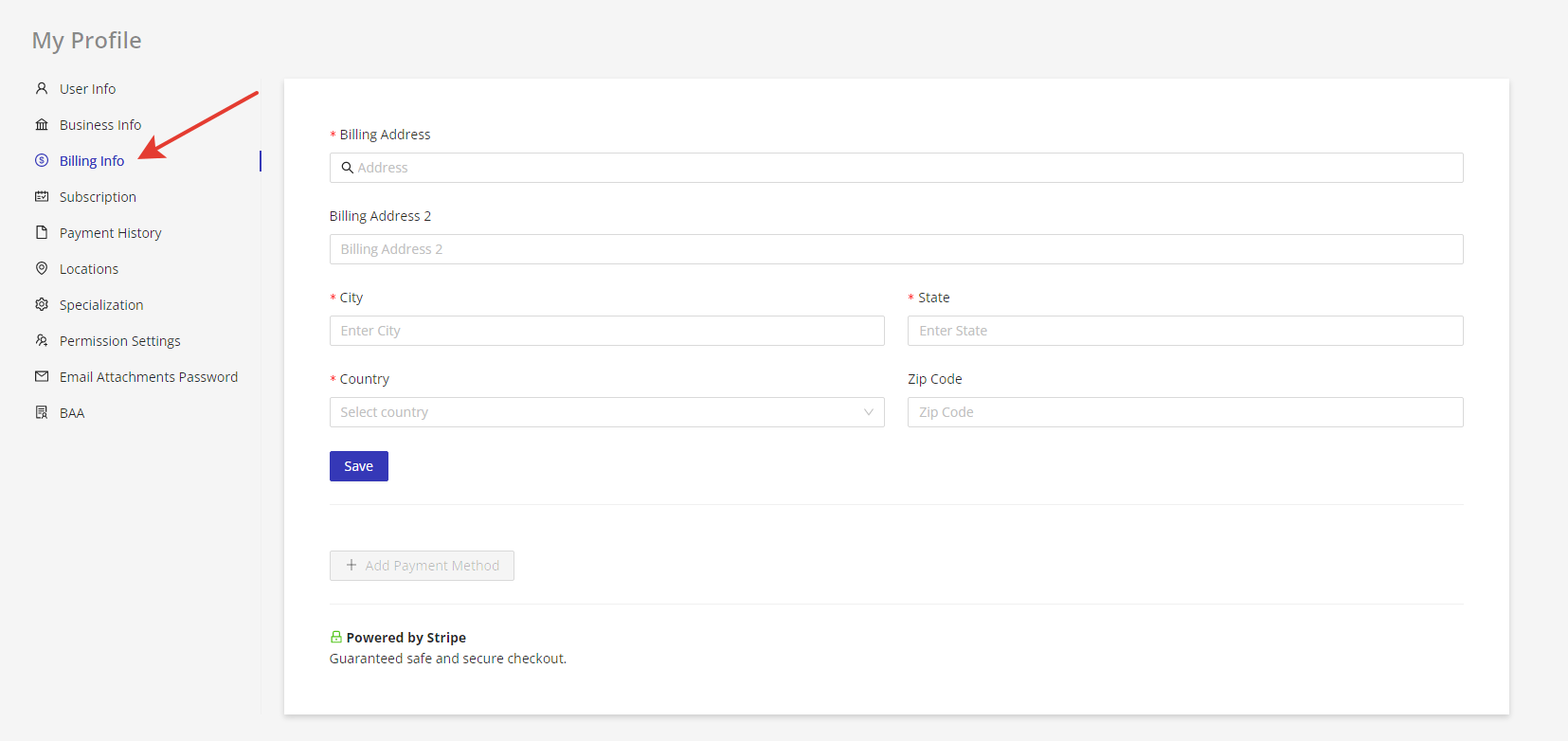
This opens the Billing Info page, where you can enter your billing address and contact details.
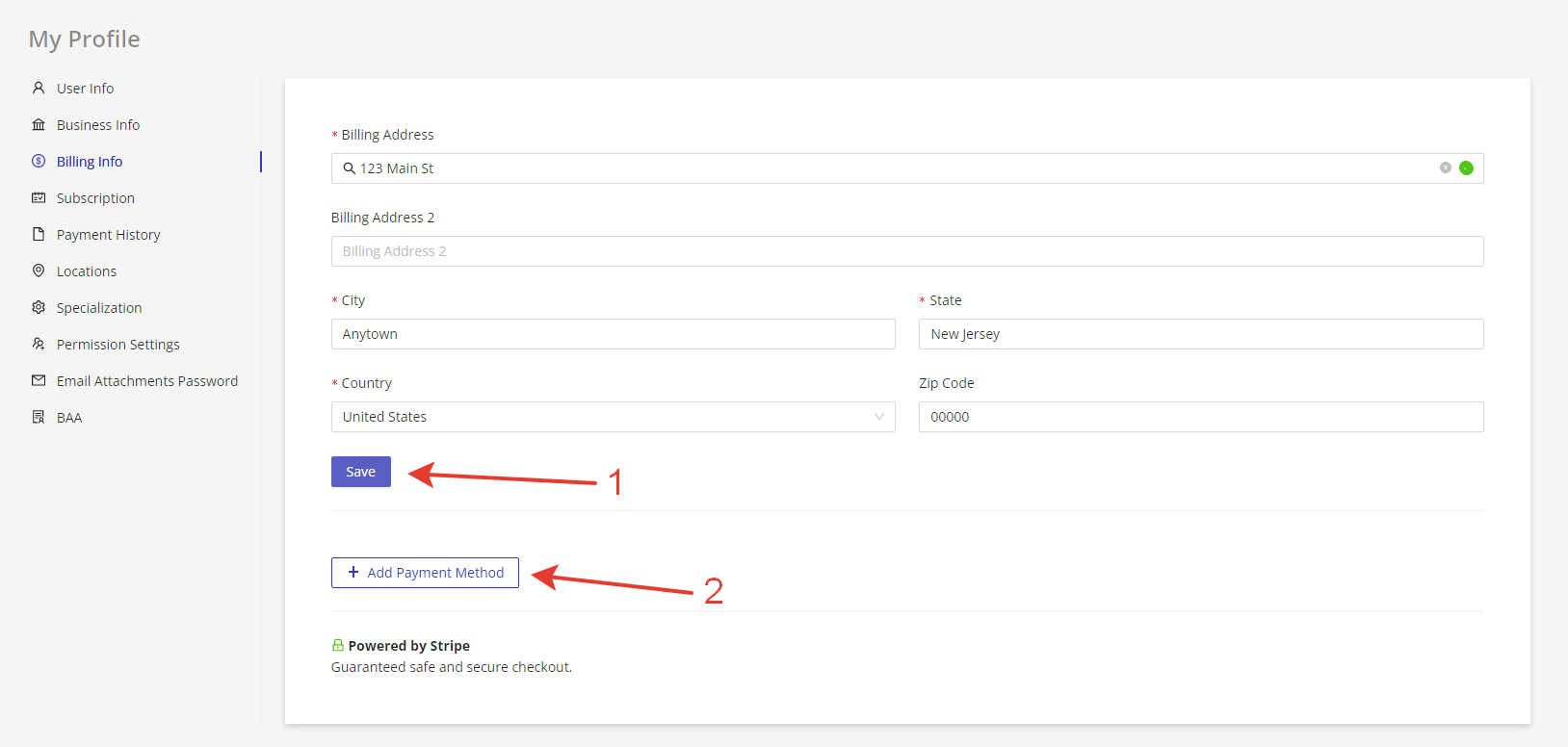
- After entering your billing information:
- Click Save.
- Then click + Add Payment Method to enter your card details.
Enter Credit Card Details
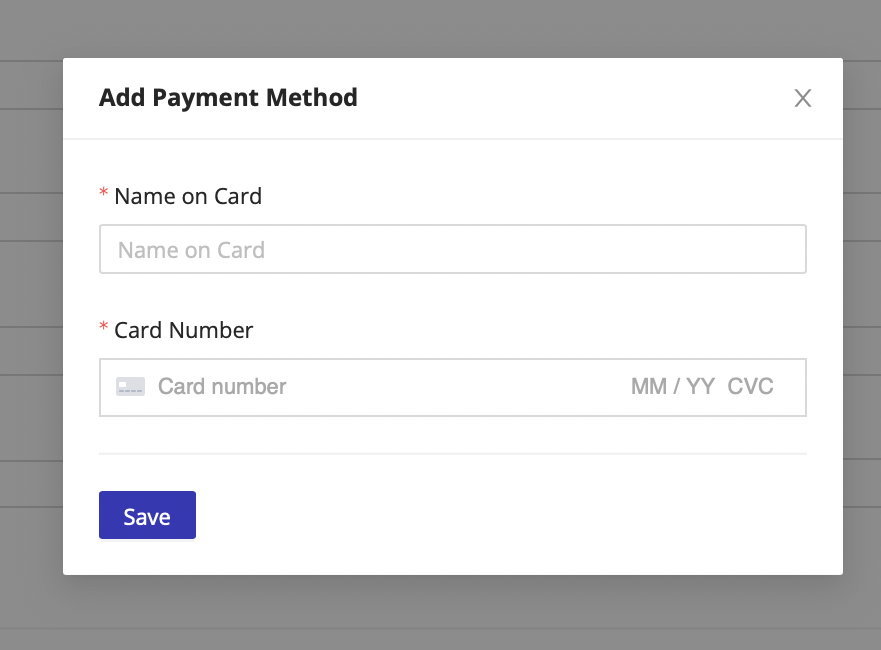
- A Stripe-secured pop-up will appear.
- Enter your name, credit card number, expiration date, CVC, and ZIP code.
- Click Save to securely store your card.
✅ Once saved, your updated payment method will be used for all future billing.