
Short answer
There’s no single way to go paperless with dental intake forms, the right setup depends on what you need. If you just need a standard form and patients fill it out in the office, your practice management system’s built-in forms module may be enough. If you want the form branded, mobile-friendly, and embedded on your own website (while still pushing data into Open Dental), a dedicated HIPAA-Compliant form builder is the better fit. This guide walks through each option, with the trade-offs, so you can pick the one that matches your practice.
Going paperless means patients complete intake online instead of on a clipboard, and the information ends up in your system without anyone retyping it. But “paperless” can look very different from one dental office to the next. Before you pay for anything, it helps to understand the options and where each one breaks down. If you decide to digitize your form, start with your EMR – Open Dental or another one you use, and search for online form options there.
What is a paperless dental intake form?
A dental intake form collects what you need before a visit: contact details, medical and dental history, insurance information, and signed consents. A paperless intake form is simply a digital version that the patient fills out on a phone, tablet, or computer.
To handle Protected Health Information legally, the paperless intake form has to be HIPAA Compliant: this means the data must be encrypted in transit and at rest, stored securely, and the service should provide a Business Associate Agreement (BAA). This rules out generic tools like Google Forms or a basic website contact form for any field that touches medical history, insurance, or identity.
What to decide before you choose a tool
The “best” setup is the one that matches how your practice actually works. Five questions usually settle it:
- Where do patients fill it out? In the waiting room on a tablet, or at home before they arrive?
- Do you need it on your website? Some tools live only on a vendor-hosted page and can’t be embedded into your own site.
- Does it need to look like your practice? Branding, logo, and styling matter for forms patients see before their first visit.
- How mobile-friendly does it need to be? Most patients open links on a phone.
- Where does the data need to land? Directly in the patient chart in Open Dental, or is PDF/email enough?
Option 1: Use your practice management system’s built-in forms module
Many systems, including Open Dental, offer some form of built-in or add-on intake forms (often called web forms or patient forms).
Pros
- Nothing extra to set up. The feature is already part of the system you use, so there’s no new vendor to manage.
- Data lands natively. Because it’s the same software, submissions map into the chart without a separate integration.
- Fine for standard forms. If you just need a plain medical-history or registration form, this can do the job.
Cons
- It may be a paid add-on. Built-in form modules are often licensed separately rather than included.
- Limited styling. These forms are usually plain and hard to brand to match to your practice’s branding and styles.
- Often not very mobile-friendly. Older form modules can be clunky on a phone.
- Usually can’t be embedded on your website. They typically live on a vendor-hosted page or kiosk rather than inside your own site.
Best for: practices that only need a standard, no-frills form completed in the office and don’t care about branding or putting the form on their website.
Option 2: Use a dedicated HIPAA-Compliant form builder
A dedicated builder (such as HIPAAtizer) is the better fit when the built-in module’s limits get in the way, specifically when you want the form styled, mobile-friendly, and embedded on your own website, while still getting the data into Open Dental.
Pros
- Branded and styled. Match your logo, colors, and fonts so the form looks like part of your practice.
- Mobile-first. Patients complete it on any device from a link or QR code, before they arrive.
- Embed it anywhere. Drop the form into your website (WordPress, Wix, Squarespace, Webflow, and others) instead of sending patients to a separate page.
- Keep your existing forms. Upload your current PDF or Word form and convert it rather than rebuilding from scratch.
- Still connects to Open Dental. Submissions can flow into the chart through Open Dental’s API.
Cons
- It’s a separate tool. That means another login and an integration to set up, even though it’s designed to be straightforward.
- Overkill for the basics. If you genuinely only need a plain in-office form, the built-in module may be all you need.
Best for: practices that want a polished, mobile-friendly intake form on their own website and still want the data in Open Dental.
Option 3: Generic free form builders (use with caution)
Tools like Google Forms or standard website form plugins are easy and free, but they are not HIPAA Compliant and won’t provide a BAA. They’re fine for a “request an appointment” inquiry that collects only a name and phone number, but they should never collect medical history, insurance, or other protected health information.
Comparing the options at a glance
| Built-in PM module | Dedicated form builder | Generic free tool | |
|---|---|---|---|
| HIPAA / BAA | Usually yes | Yes | No |
| Branding & styling | Limited | Full | Limited |
| Mobile-friendly | Often basic | Yes | Varies |
| Embed on your site | Usually no | Yes | Sometimes |
| Data into Open Dental | Native | Via API | No |
| Cost | Often paid add-on | Paid plan | Free |
| Best when | Standard in-office form | Branded form on your site | Non-PHI enquiries only |
How form data gets into Open Dental
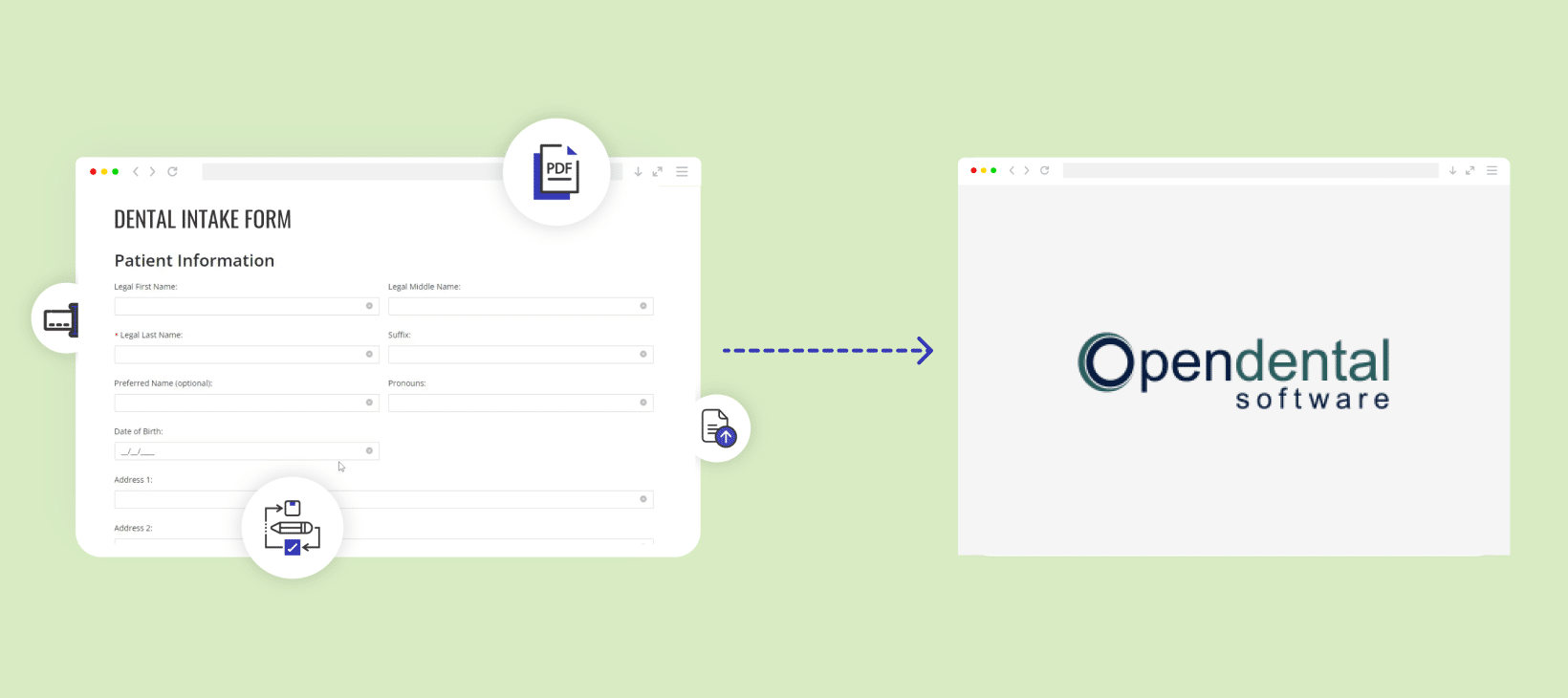
Whichever route you choose, the goal is the same: stop retyping. With Open Dental’s built-in forms, that happens natively because it’s one system. With a dedicated builder like HIPAAtizer, it happens through Open Dental’s API, when a patient submits a form, the data is passed into Open Dental so you can:
Create new patient records from a digital intake form
Update existing records with the latest insurance, contact, or medical-history details
Attach the submitted form as a PDF to the patient’s chart
The practical difference is that a dedicated builder gives you the branded, embeddable, mobile form and the chart sync, rather than making you choose between the two.
Is a paperless dental intake form HIPAA Compliant?
It can be, but only if the tool is built for it. For patient intake, the platform must encrypt data in transit and at rest, store submissions in a secure and access-controlled environment, and provide a signed Business Associate Agreement (BAA). Built-in practice management modules generally meet this; dedicated healthcare form builders do too. Free, general-purpose tools do not, which is the main reason to avoid them for anything beyond a basic non-PHI enquiry.
Frequently Asked Questions
Yes, if you only need a standard form filled out in the office and don’t need branding or website embedding, it’s the simplest path. If you want a styled, mobile-friendly form on your own website, a dedicated builder will serve you better.
Next steps
Start by checking what your practice management system already includes, if a built-in module covers your needs, that may be the simplest option. If you need the form branded, mobile-friendly, and embedded on your website while still syncing to Open Dental, look at a dedicated HIPAA-Compliant builder. You can see how that approach works on the dental intake forms page and the Open Dental integration page.
Still have questions? Contact us