
Automate Healthcare Workflows with Keragon and HIPAAtizer
With the HIPAAtizer + Keragon integration, you can build fully HIPAA-Compliant workflows across your healthcare systems – without manual data entry or complex custom development.
Keragon is a healthcare-focused automation platform that connects EMRs, EHRs, and other tools. When combined with HIPAAtizer, it allows you to securely collect patient data and route where it needs to go.

What This Integration Solves
Healthcare workflows often look like this:
- A patient fills out a form
- Staff downloads or reviews submissions
- Data is manually entered into an EMR or CRM or PDF submission is saved
- Follow-ups are handled separately
This creates:
- double entry
- delays
- higher risk of errors
With HIPAAtizer and Keragon, you can automate this process while keeping Protected Health Information (PHI) secure.
How does the integration work?
Step 1
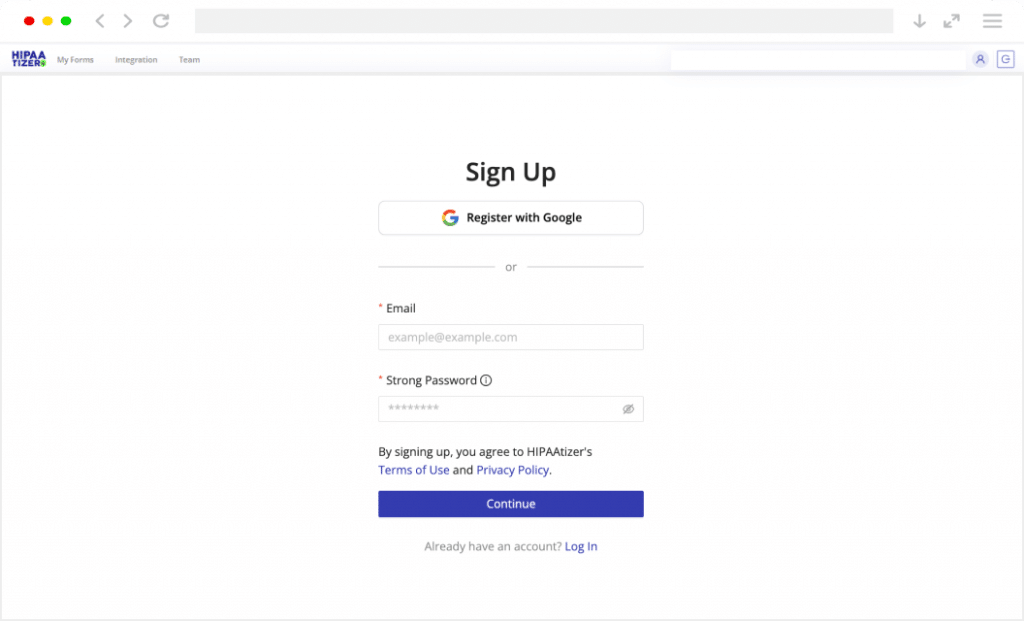
Sign Up for HIPAAtizer
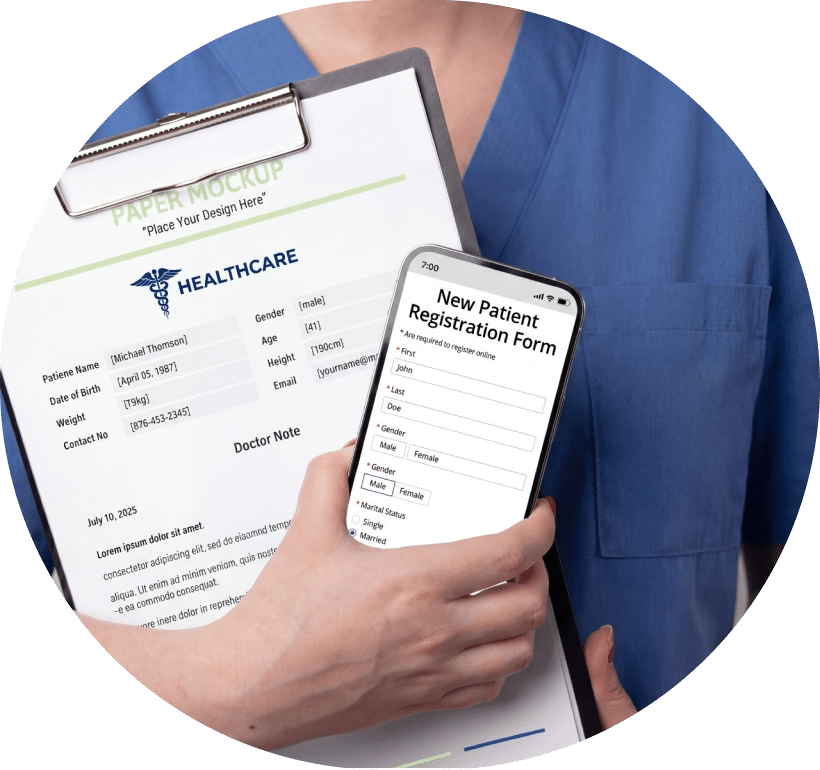
Create your free Developer Sandbox or a Covered Entity account. Use our HIPAA-Compliant form builder with AI converter to convert your paper-based forms into online.
Step 2
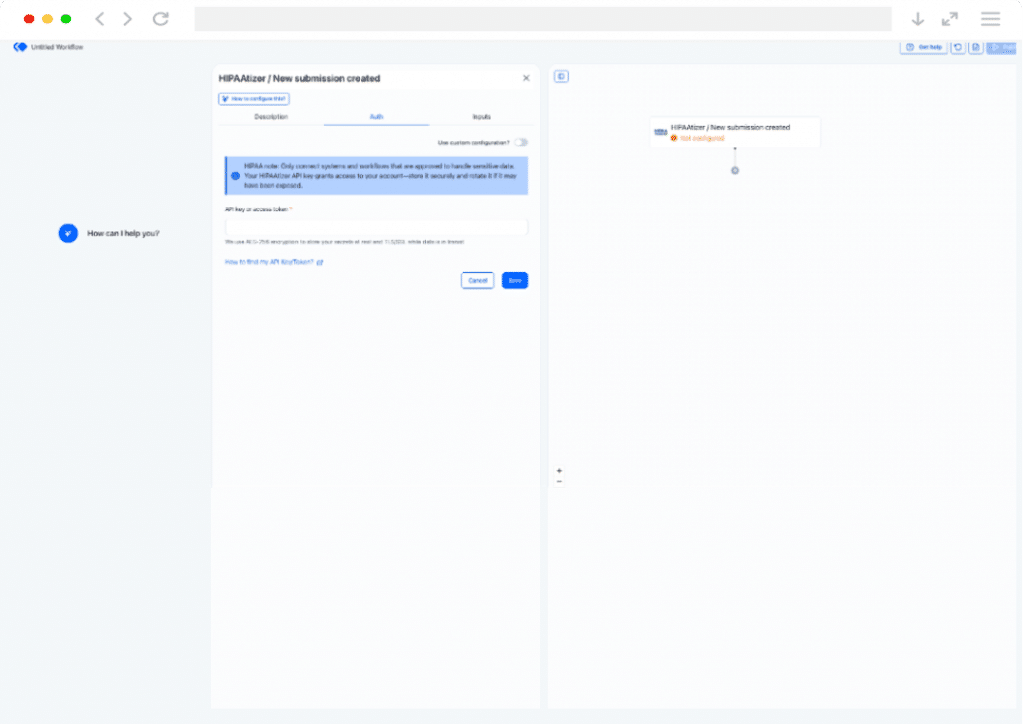
Login to Your Keragon Account and Create a New Workflow
The HIPAAtizer app supports a New Form Submission trigger that can fire when any form in your account receives a new submission. This trigger allows you to pull submission data and optionally, specific form field values into your Keragon workflow. You can configure the trigger with API key that is generated in HIPAAtizer.
Step 3
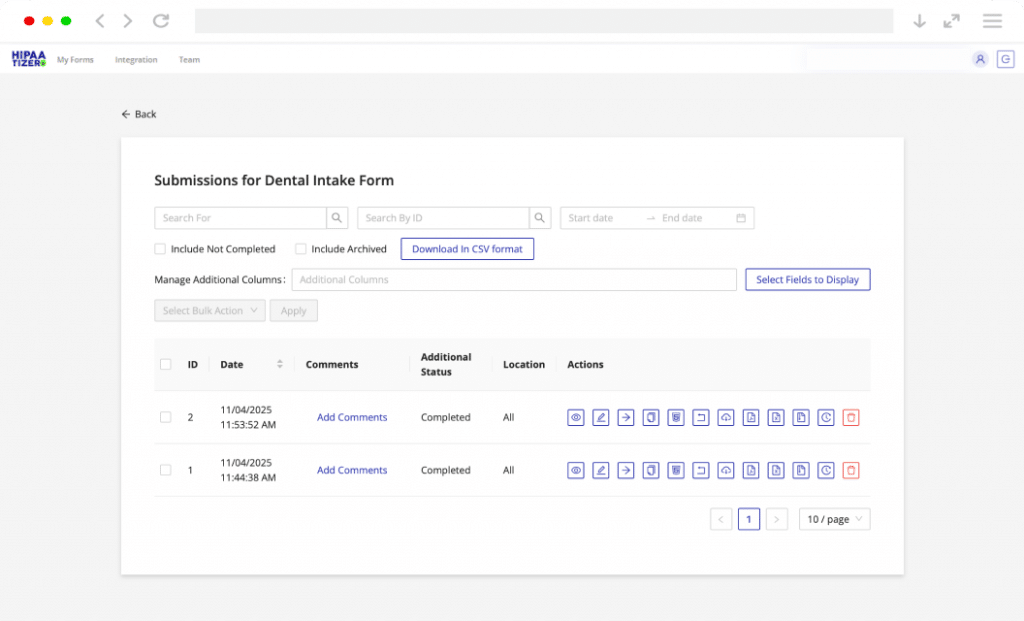
Start Receiving Submissions
Once you set up your Keragon workflow, the received submissions through HIPAAtizer will be routed across the systems automatically and securely.
Why Integrate HIPAAtizer with Keragon?
Automate Data Flow to EMR and EHR Systems
Instead of manually transferring patient information, you can automatically send form submissions to connected systems.
This includes:
- EMR / EHR platforms
- internal tools
- other healthcare systems
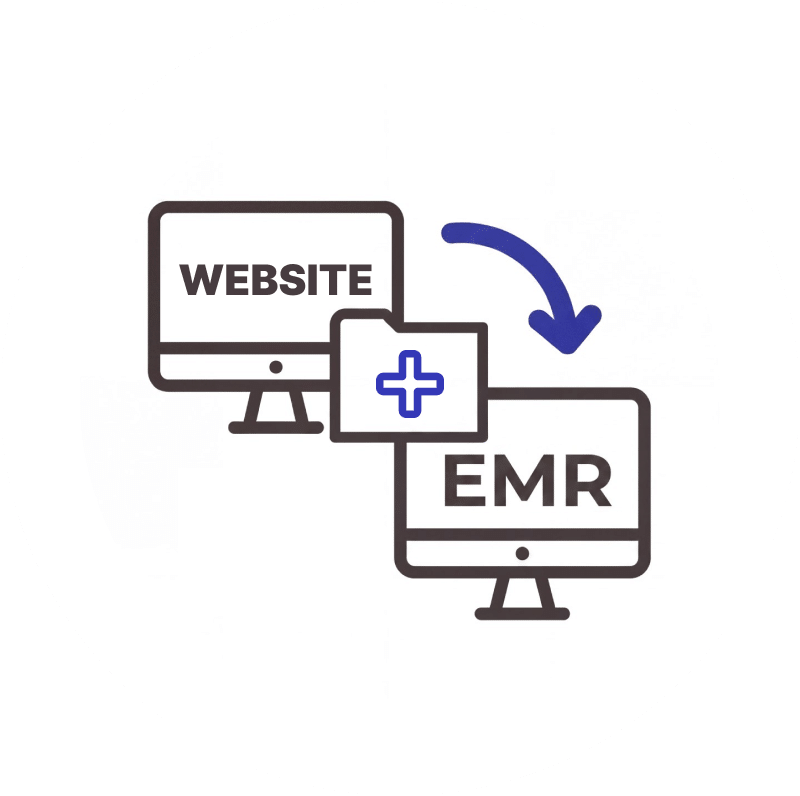
Eliminate Manual
Double Entry
One of the operational issues in healthcare workflows is the need to enter the same data multiple times.
With automation:
- Form data is captured once
- routed automatically
- stored where it’s needed
This reduces administrative workload and improves accuracy.

Keep Your Existing Systems
You don’t need to replace your current tools.
This integration allows you to:
- Keep your EMR or CRM
- Add HIPAA-Compliant online forms to any website
…and connect everything through Keragon.
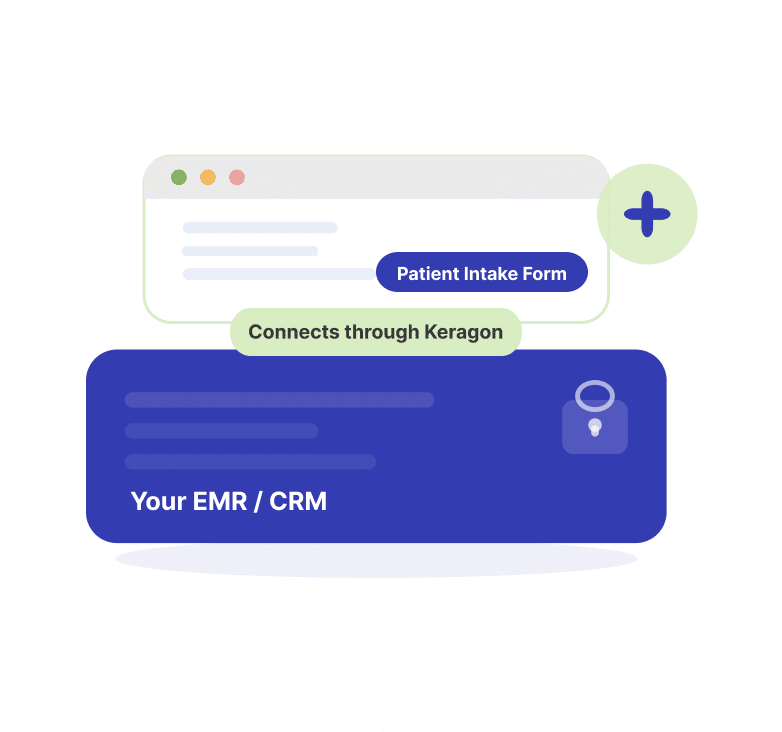
Add Forms to Any Website
HIPAAtizer forms can be:
- used across multiple platforms
- embedded on any website
- shared via link
This means you can:
- collect patient data anywhere
- route it through Keragon
- connect it to your internal systems
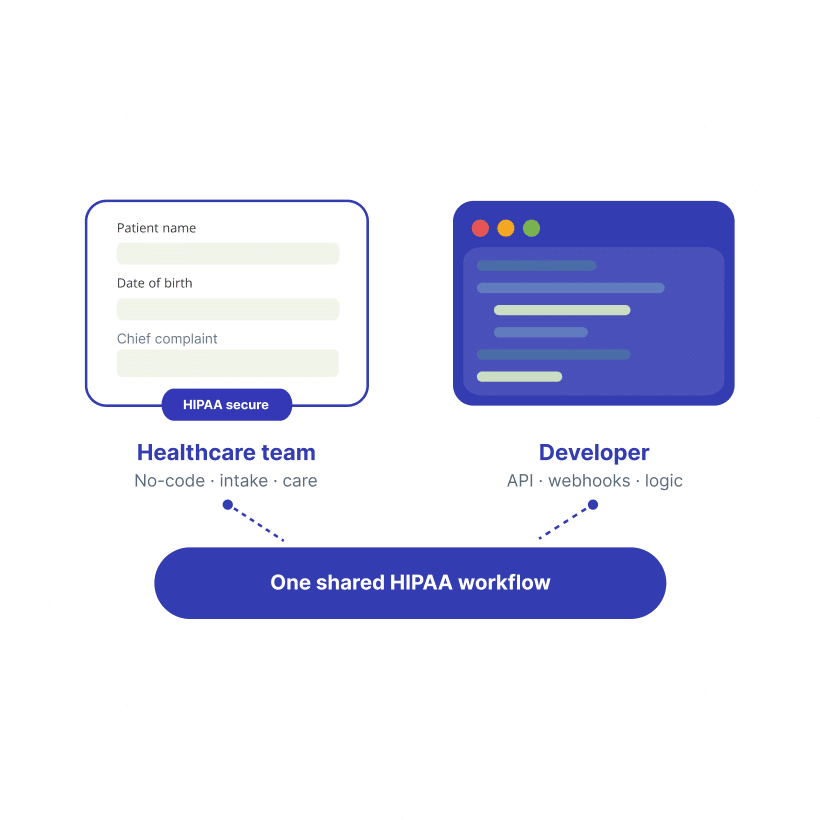
Built for Developers
and Healthcare Teams
This integration works well for:
- clinics looking to automate intake and operations
- developers building healthcare workflows
- agencies managing multiple clients
What You Can Do with This Integration
With HIPAAtizer + Keragon, you can:
- Pull patient data into your EMR or EHR automatically
- Automate patient data exchange with your CRM
- Push patient details into your appointment or scheduling system
- Send form submissions to internal tools and notification channels
- Build multi-step workflows across healthcare systems without custom code
Typical Use Cases
Common workflows include:
- When a patient submits an intake form → a new record is created in your EMR
- When a consent form is signed → your team gets notified automatically
- When a form is submitted → a follow-up task or message is triggered
- When data is collected across multiple forms → it flows to the right systems without manual steps
Frequently Asked Questions
Workflow automation for healthcare means using software to automatically move data, trigger actions, and connect systems without manual double entry. In a HIPAA-Compliant setup, protected health information (PHI) is collected, stored, and transmitted securely between systems that support compliance and have appropriate safeguards in place, such as encryption and Business Associate Agreements (BAAs).