

Settings
Each form in HIPAAtizer has its own settings where you can customize key features like:
- Success pages
- Submission recipients
- Email notifications (style and content)
- Print templates
- Form limits
- Security options
- And more
This page provides an overview of how to access form settings. Specific details about each settings tab will be covered on separate pages.
Accessing Form Settings
To edit the settings for a specific form:
- Go to the My Forms dashboard.
- Click on the Form Settings icon next to the form you want to edit.
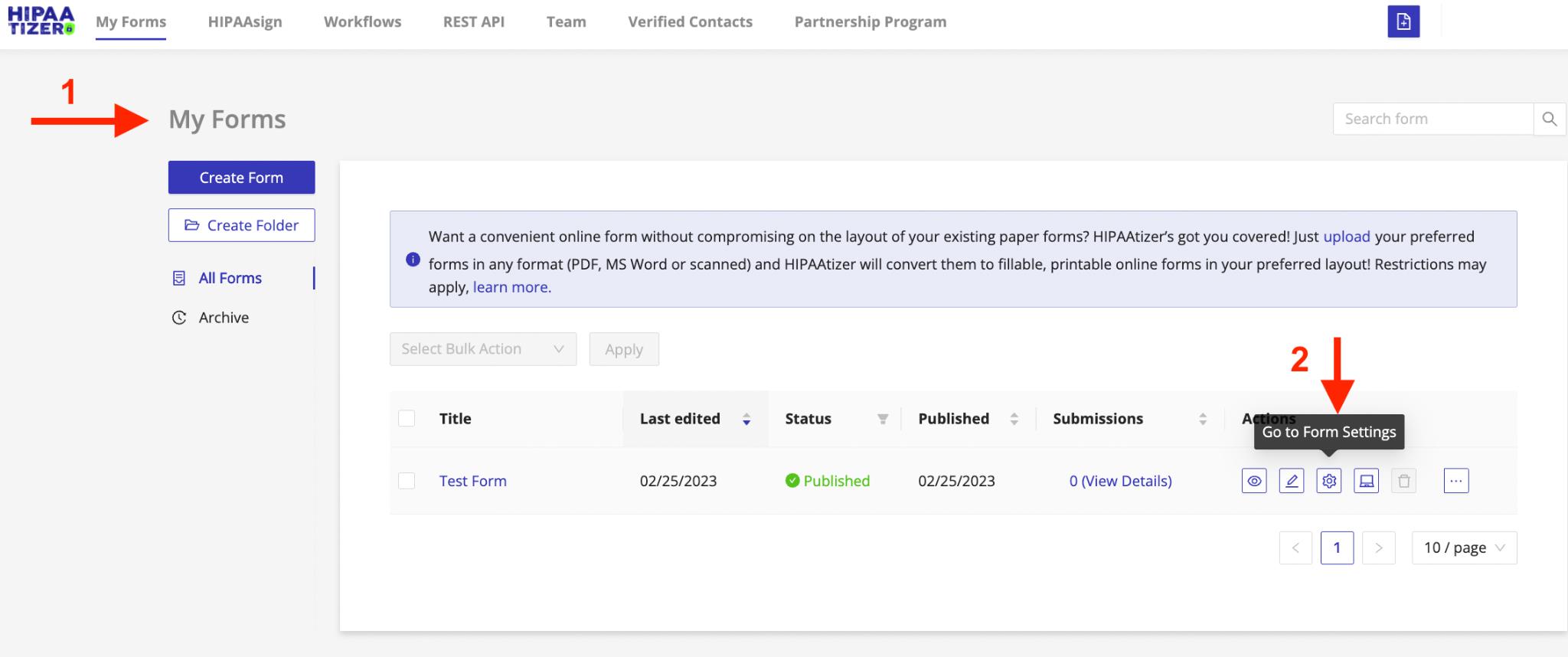
This will open the settings panel where you can configure all form-specific options.