
Let Patients Fill Out Forms and Book Appointments on Your Website
Embed HIPAA-Compliant intake forms with built-in appointment scheduling. Patients pick a time slot, fill out their information, and the appointment lands in your Google Calendar automatically.
Support Google Calendar Users

Is Google Calendar HIPAA Compliant?
Google Calendar is HIPAA Compliant only when it is part of a Google Workspace account covered by a signed Business Associate Agreement (BAA) with Google. The free, personal version of Google Calendar (used with an @gmail.com account) is not HIPAA Compliant and cannot be used to store or manage Protected Health Information (PHI).
If you use Google Workspace and have accepted Google’s BAA in the Admin Console, Google Calendar is one of the covered Core Services. That means appointment titles, attendee names, and event details are protected under the BAA.
But here is the catch: Google Calendar by itself does not collect patient information. It is a calendar. You still need a way to gather intake data, consent signatures, and health history before or during the booking process. That is where HIPAAtizer comes in.
How It Works: HIPAA-Compliant Forms + Appointment Scheduling + Google Calendar
Most healthcare scheduling tools make you choose between compliance and convenience. Either you pay for an expensive all-in-one platform, or you duct-tape a scheduling widget to a form that is not HIPAA Compliant.
HIPAAtizer handles both in one step. Your patient opens the form, fills in their information, picks an available time slot, and submits. The appointment syncs to your Google Calendar. The PHI stays in HIPAAtizer.
No patient portal login. No separate scheduling link. No back-and-forth emails trying to find a time.
What actually happens when a patient submits the form
The patient opens your intake form (embedded on your website, shared via link, or accessed through a QR code).
They fill out the required fields: name, contact info, reason for visit, insurance details, health history, consent signature.
They pick an available date and time from the appointments section of the form. Available slots are sync with your Google Calendar in real time.
They submit. HIPAAtizer stores the full submission (all PHI included) in your encrypted, BAA-covered HIPAAtizer account.
A calendar event is created in your Google Calendar with the patient name, appointment type, and a link back to the full submission in HIPAAtizer. Clinical details stay out of the calendar event unless you are on Google Workspace with a BAA and choose to include them.
How It Works
Step 1
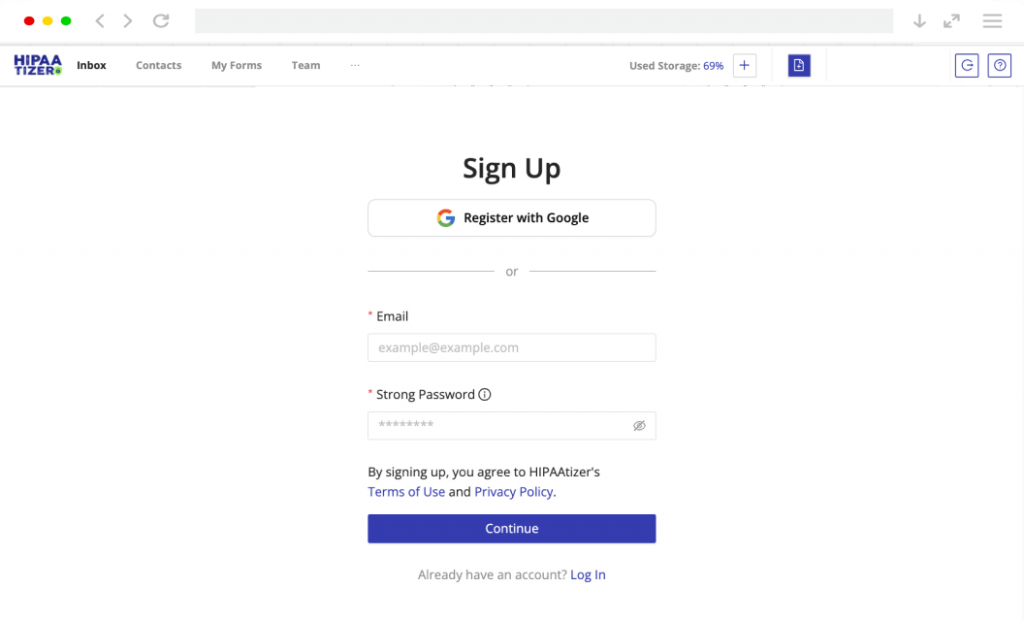
Sign Up for HIPAAtizer
Create a Covered Entity account. Convert existing PDF or Word forms with AI, build new ones with the drag-and-drop builder, or send us your form for a free conversion.
Step 2
Add Appointment Component to Your Form
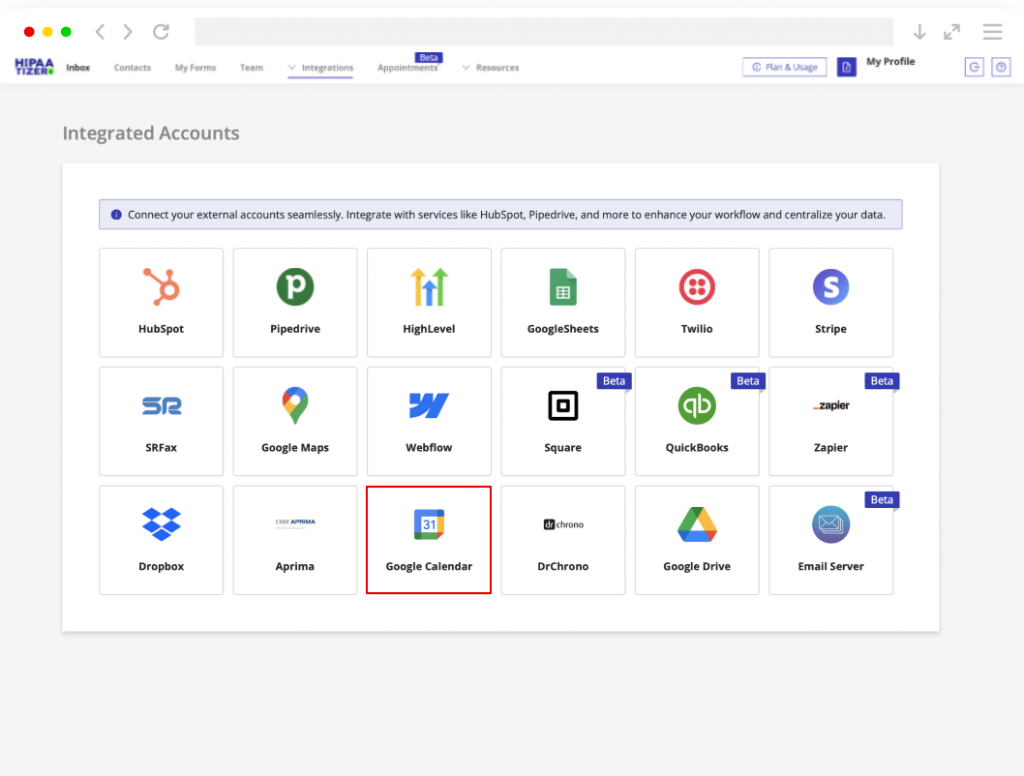
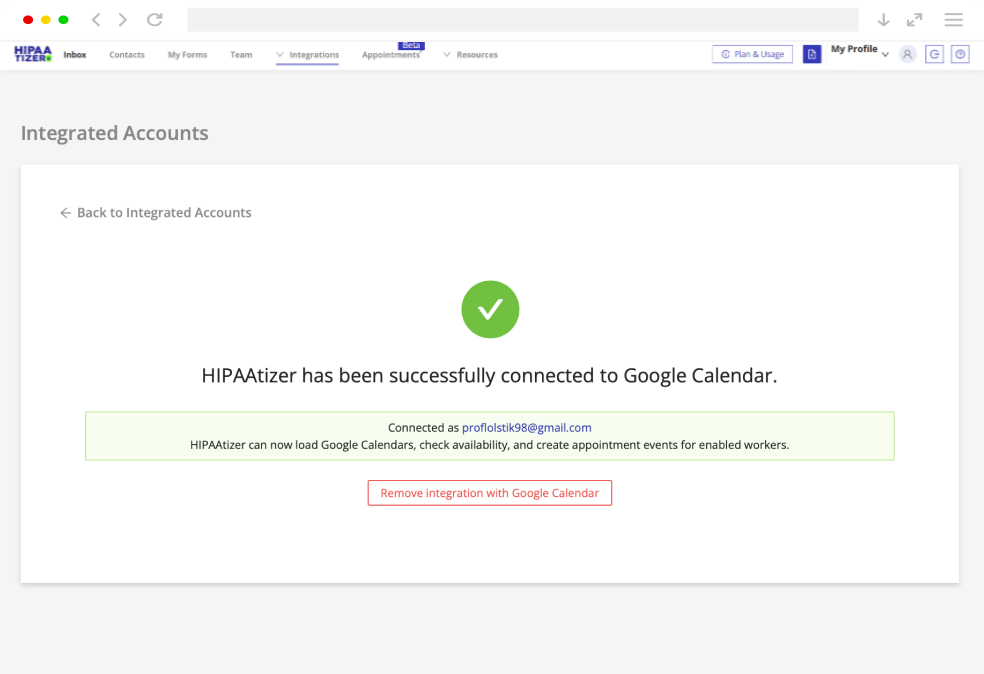
Integrate your HIPAAtizer account with Google Calendar, then add the Appointment component to your intake form in the form builder. Connect Google Calendar with a certain worker so the form can pull the worker’s schedule. You can control how far out patients can book, appointment duration, buffer time between appointments, and blackout dates.
Step 3
Go Live: Share Your Forms
Embed the form on your website, share it as a direct link, or print a QR code for your waiting room. Patients book and submit in one step. You see the appointment on your calendar and the full submission in HIPAAtizer. You can store your submissions in your Google Drive. See how to integrate Google Drive with HIPAAtizer.
What This Integration Is Good For
Patient intake with built-in scheduling
A new patient visits your website. Instead of calling your office, they fill out the intake form and pick a time that works for them. Your front desk sees the appointment on the Google Calendar and the completed intake form in HIPAAtizer before the patient arrives.
This is the most common use case. Therapists, dentists, primary care offices, dermatologists, chiropractors, and veterinary clinics all use this setup.
Consent forms sent before a scheduled procedure
A patient is scheduled for a procedure. You send them a HIPAAtizer form link with a consent form and pre-op questionnaire. They fill it out and confirm their appointment time in one step. The signed consent is stored in HIPAAtizer. The confirmed time is on your calendar.
Ophthalmology practices, oral surgery offices, and outpatient clinics use this for pre-procedure workflows.
Telehealth appointment requests
A patient fills out a brief screening form and selects a telehealth slot. The calendar event includes a link to the video call. The clinician reviews the screening answers in HIPAAtizer before the session starts.
Behavioral health practices and psychiatry offices use this for initial consultations.
Follow-up scheduling from the waiting room
After a visit, the patient scans a QR code in your office, fills out a follow-up form (feedback, symptom tracker, medication list), and books their next appointment before they leave. No front desk bottleneck.
HIPAA-Compliant Scheduling Without Switching Platforms
Your calendar stays your calendar. HIPAAtizer adds the HIPAA-Compliant intake layer and the patient-facing scheduling so you can collect PHI and book appointments in one form.
You do not have to leave Google Calendar. You do not need a $300/month practice management system. If Google Workspace is already how your team manages time, HIPAAtizer plugs into that.
This works for:
- Solo practitioners and small practices already on Google Workspace.
- Clinics that do not want (or cannot afford) a full EHR with built-in scheduling.
- Agencies and developers building HIPAA-Compliant booking flows for healthcare clients.
- Multi-provider practices where each clinician has their own Google Calendar.
- Telehealth providers who need a simple intake-and-book workflow.
Google Calendar HIPAA Compliance: Frequently Asked Questions
Google Calendar is HIPAA Compliant only when it is part of a Google Workspace account with a signed Business Associate Agreement (BAA). The free, personal version of Google Calendar (used with an @gmail.com account) is not HIPAA compliant and cannot be used to store PHI. To enable HIPAA compliance, sign in to the Google Workspace Admin Console, go to Account > Legal and compliance, and review and accept the BAA.

Want to Get Started?
If you already use Google Workspace, adding HIPAA-Compliant intake forms with appointment scheduling takes about 15 minutes. You keep your existing calendar. HIPAAtizer collects the patient data the way HIPAA requires, and Google Calendar manages the appointments the way your team already works.
Use HIPAAtizer for HIPAA-Compliant PHI collection and intake forms.
Use Google Calendar (with a BAA) for HIPAA-Compliant appointment scheduling.
Keep the BAA chain unbroken from form submission to booked appointment.
Google Calendar is a trademark of Google LLC. HIPAAtizer is an independent software provider and is not affiliated with, endorsed by, or sponsored by Google LLC. The integration between HIPAAtizer and Google Calendar is provided solely for user convenience. All product names, logos, and brands are the property of their respective owners.