
Save Your Form Submissions to Google Drive
Automatically route HIPAA-Compliant form attachments, signed PDFs, and patient files to a secure folder in your Google Workspace Drive.
Support Google Drive Users
Is Google Drive HIPAA Compliant?
Yes, but be careful! Google Drive is only HIPAA Compliant when it is part of a Google Workspace account covered by a signed Business Associate Agreement (BAA) with Google. The free, personal version of Google Drive is not HIPAA Compliant and cannot be used to store Protected Health Information (PHI).

How Google Drive Works with HIPAA-Compliant Forms
With the HIPAAtizer + Google Drive integration, Google Drive becomes the secure storage layer for files captured through your HIPAA-Compliant forms.
- Patients fill out a HIPAAtizer form on your website.
- Form attachments, signed PDFs, and completed form files are routed automatically into a designated folder in your Google Workspace Drive.
- PHI never sits in a personal Drive, a public link, or an email inbox.
- Both HIPAAtizer and Google have signed BAAs covering their part of the workflow.
How it works
Step 1
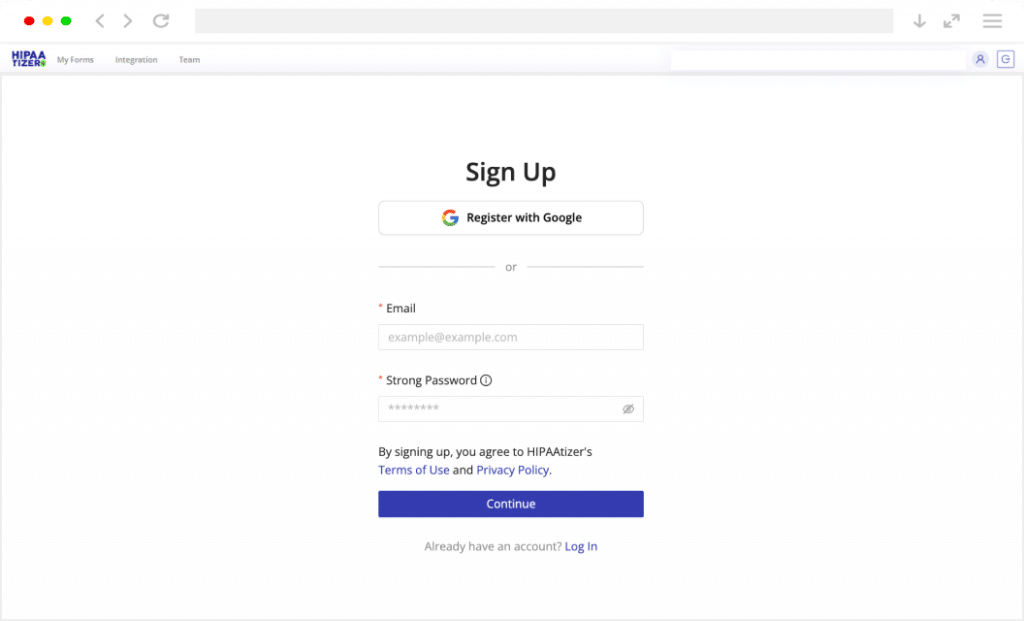
Sign Up for HIPAAtizer
Create a Covered Entity account. Convert existing PDF or Word forms with AI, build new ones with the drag-and-drop builder, or send us your form for a free conversion.
Step 2
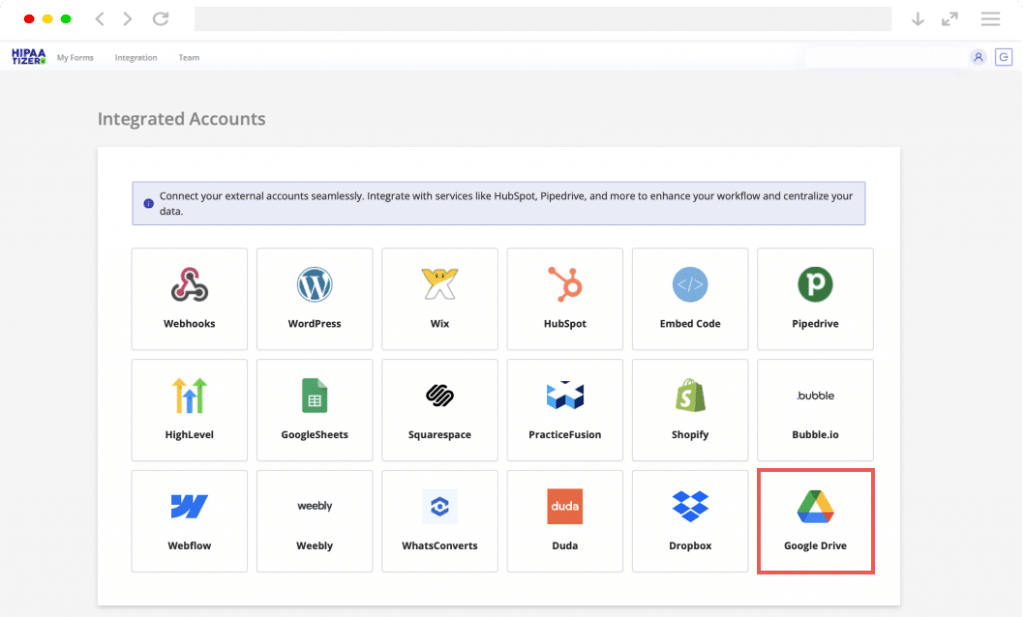
Confirm Your Google Workspace BAA
Inside your Google Workspace Admin Console, request and accept the BAA for Core Services. Without this step, Google Drive cannot legally hold PHI, no matter how the integration is configured.
Step 3
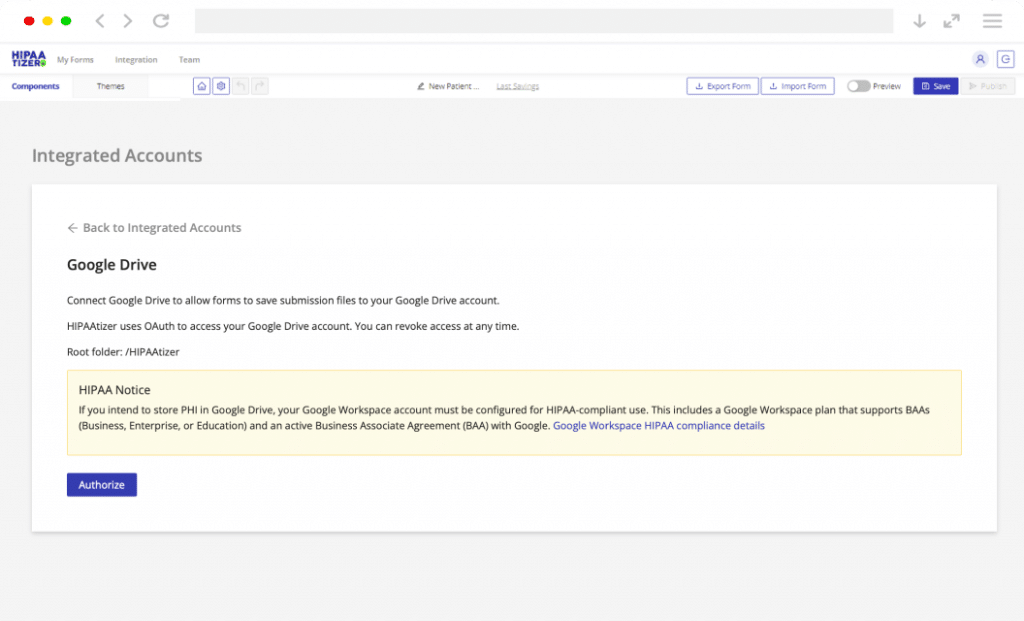
Connect Google Drive in HIPAAtizer
In your HIPAAtizer dashboard, authenticate your Google Workspace account and select the Drive folder where form submissions and attachments should be saved. New submissions land in that folder automatically.
What This Integration Enables
Common use cases for HIPAAtizer + Google Drive:
- Patient intake forms (PDFs) filed automatically into a clinic’s Drive folder by date or patient.
- Signed consent forms archived as searchable PDFs alongside the rest of the patient record.
- Insurance card uploads and ID scans stored in a single, access-controlled folder.
- Backup of all form submissions for clinics that centralize records in Workspace.
It works particularly well for:
- Independent clinics already running on Google Workspace.
- Multi-location practices that need predictable, auditable file storage across teams.
Google Drive HIPAA Compliance: Frequently Asked Questions
Google Drive is HIPAA Compliant only when it is part of a Google Workspace account with a signed Business Associate Agreement (BAA). The free, personal version of Google Drive (used with an @gmail.com account) is not HIPAA Compliant and cannot lawfully store PHI.

Want to Get Started?
If you already use Google Workspace, adding HIPAA-Compliant intake forms to it is straightforward. You keep your existing storage setup. HIPAAtizer collects the patient data the way HIPAA requires, and Google Drive holds the files the way your team already works.
- Use HIPAAtizer for HIPAA-Compliant PHI collection.
- Use Google Drive (with a BAA) for HIPAA-Eligible storage.
- Keep the BAA chain unbroken from form submission to filed document.
Google Drive® is a registered trademark of Google LLC. HIPAAtizer is an independent software provider and is not affiliated with, endorsed by, or sponsored by Google LLC. The integration between HIPAAtizer and Google Drive is provided solely for user convenience. All product names, logos, and brands are the property of their respective owners.