Adding Locations
Setting Up Your Locations
Important
Only the Account Owner or a Security Officer can configure Locations.
Accessing Locations
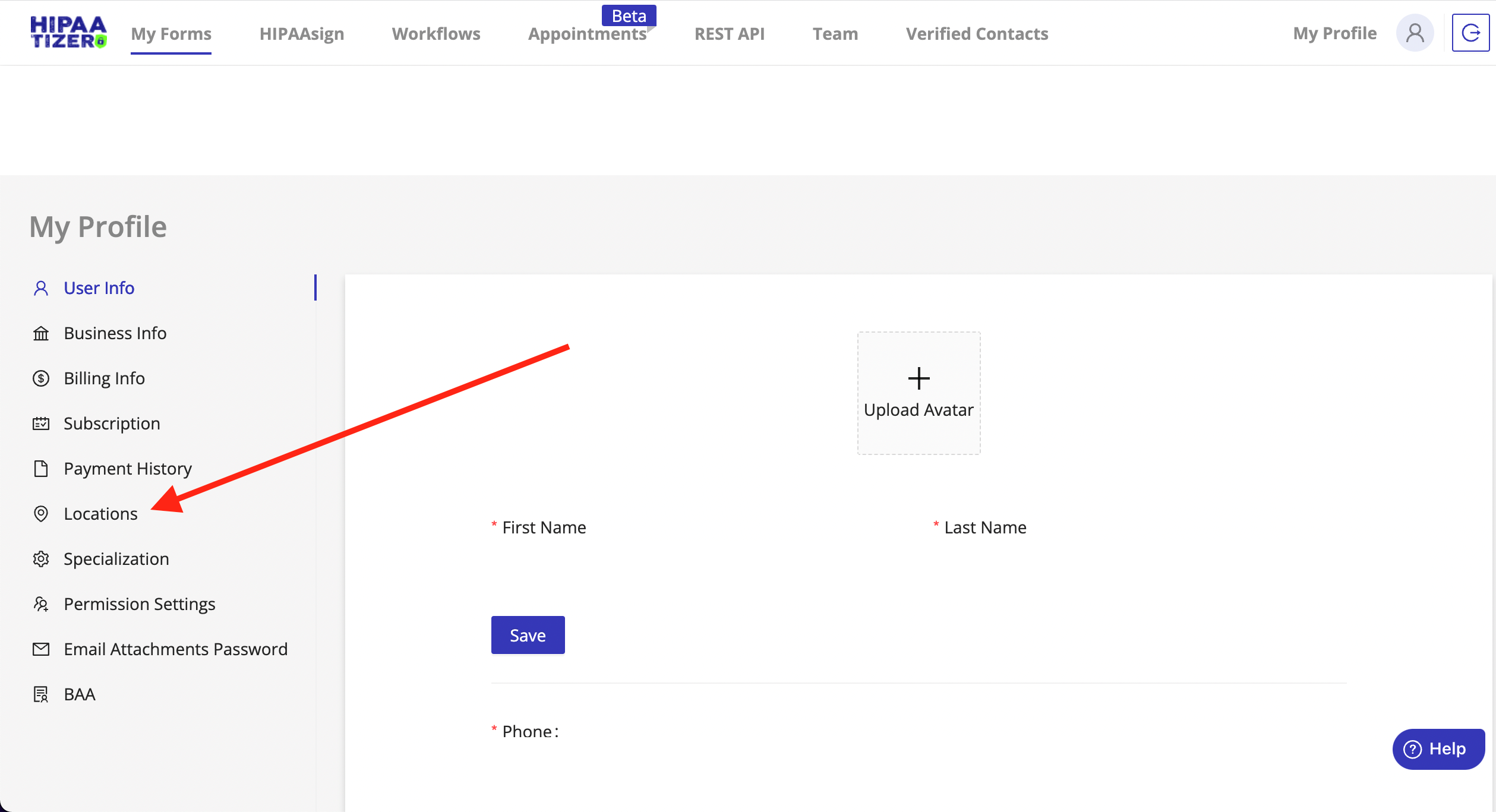
From the HIPAAtizer dashboard, go to:
My Profile → Go To Profile Settings → Locations
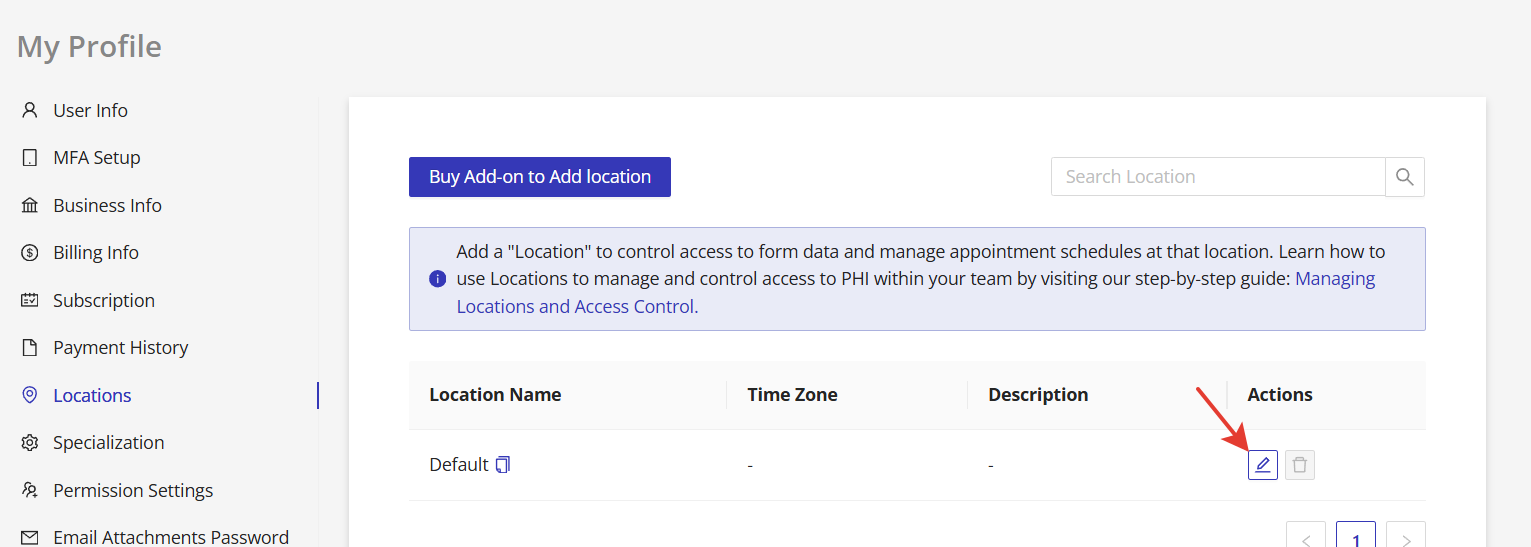
Every account starts with a default Location named Default, accessible to all team members. You can rename this Location, assign team members, and control permissions.

Adding New Locations
To create a new Location (e.g., a new clinic or department):
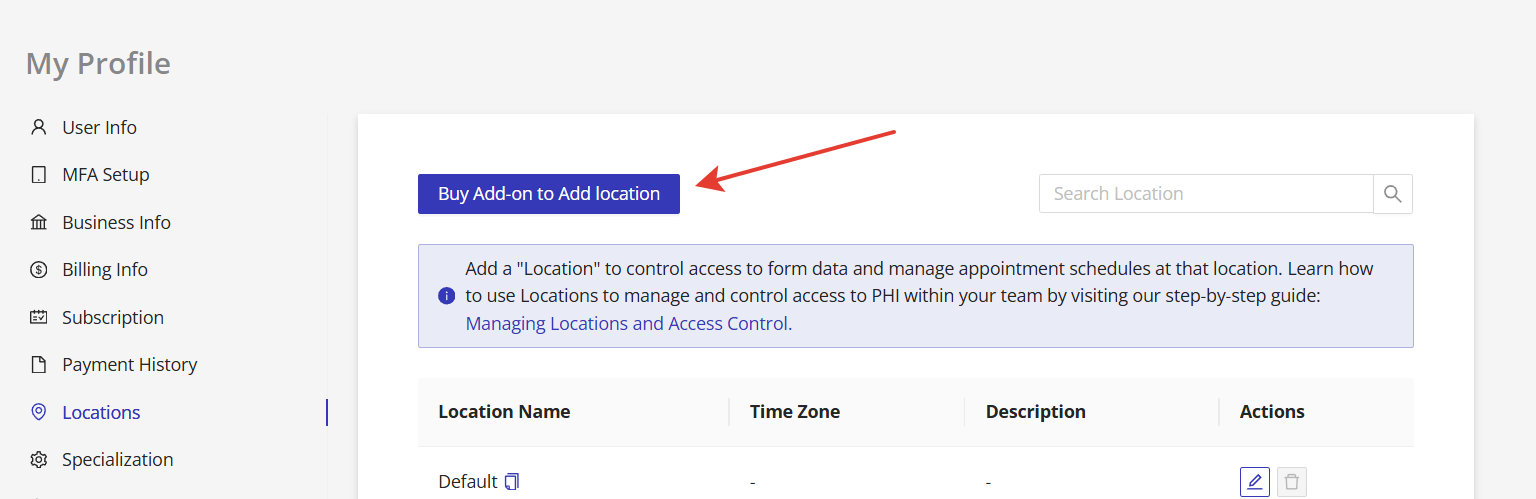
- Click Buy Add-on to Add Location. Pricing depends on your subscription plan.
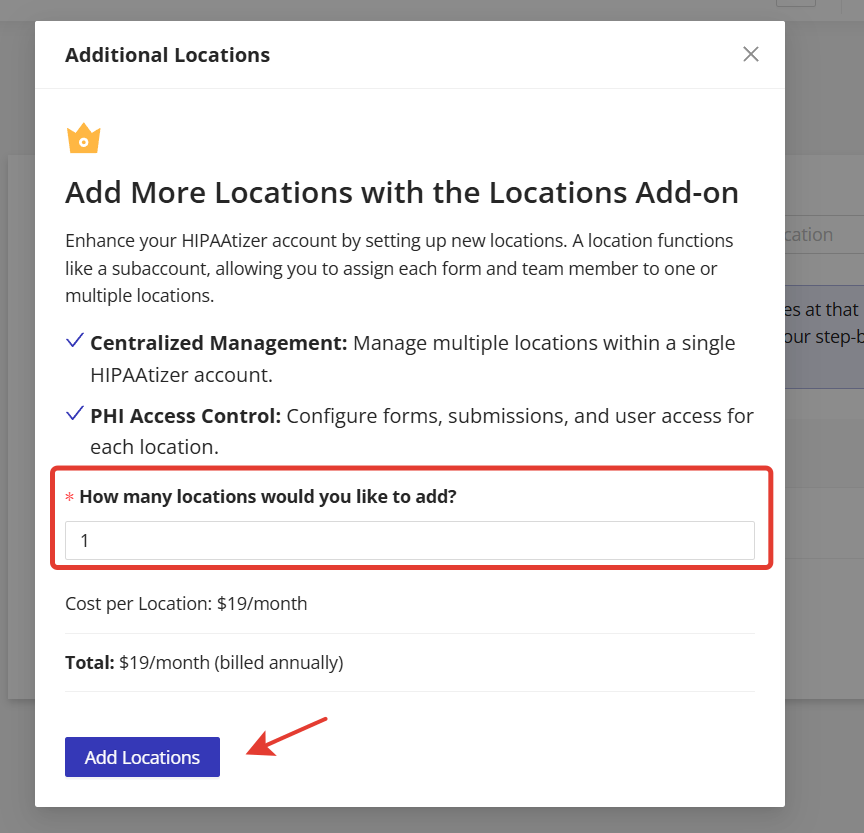
- In the modal window, select the number of Locations to add, then click Add Locations.
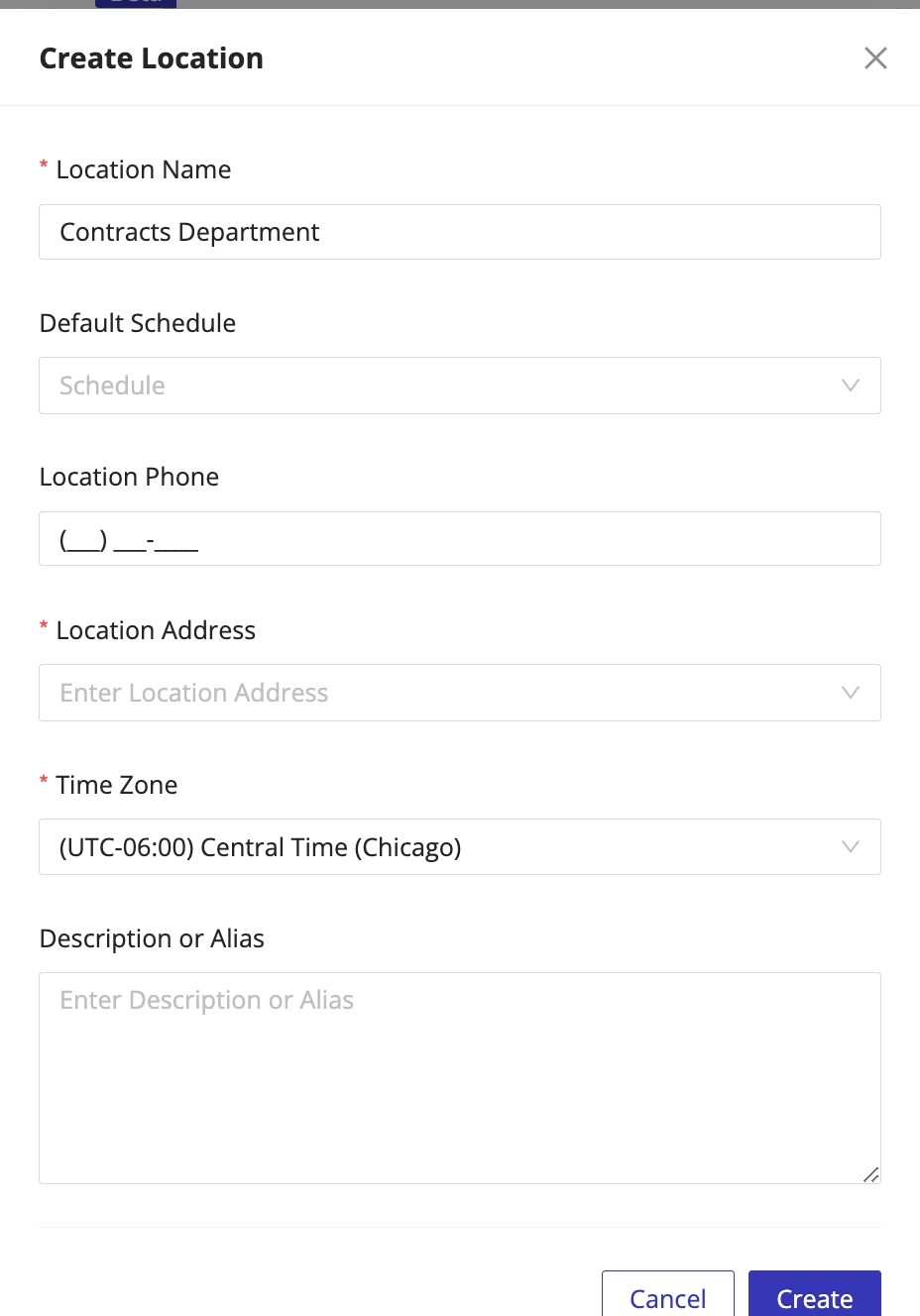
- Fill out the required details and click Create to finish.