
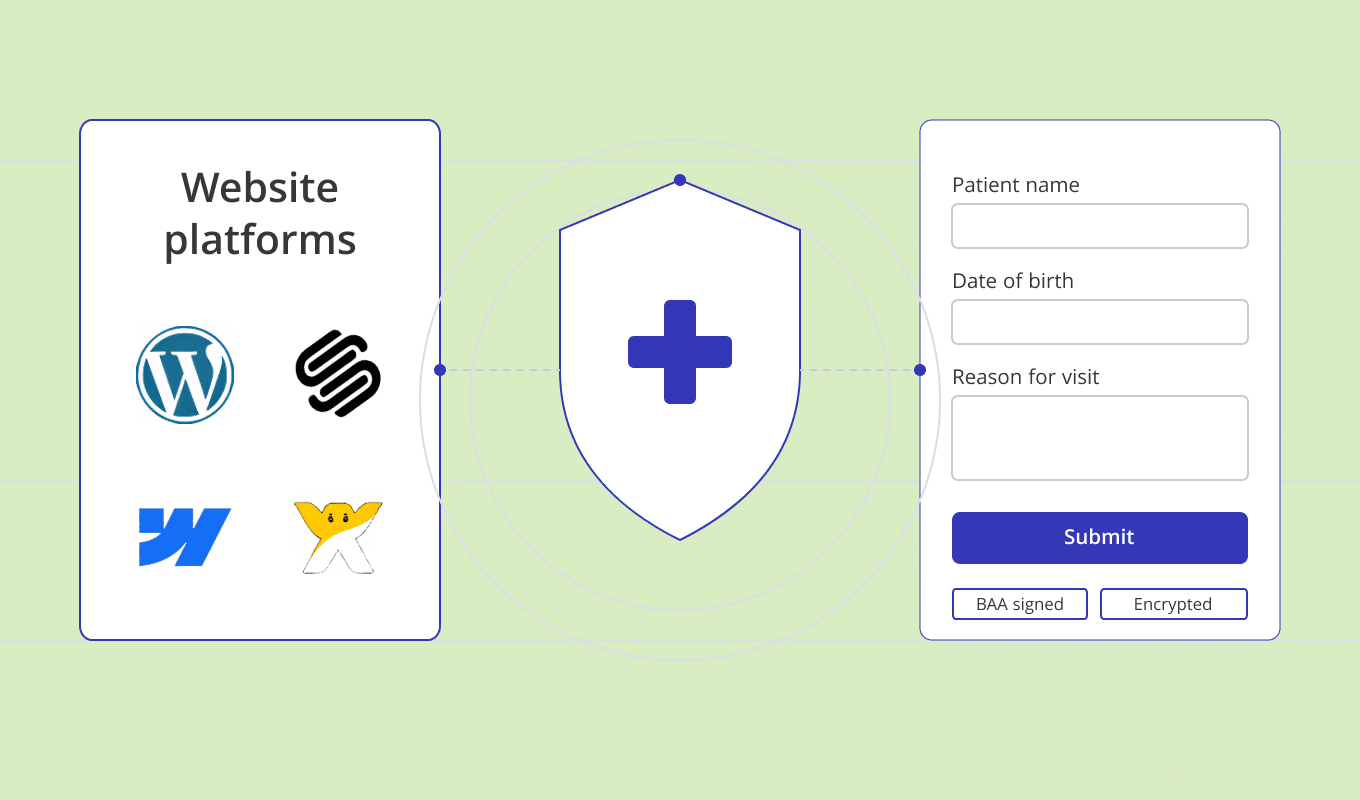
Most web designers who take on a healthcare client hit the same wall. The brief is clear. The brand is sorted. Then someone asks: is the website HIPAA Compliant? The honest answer is usually: not yet. But it can be, without rebuilding anything. Here’s what you actually need to know about HIPAA-Compliant website design – as a designer, a developer, or both.
What HIPAA Means for a Website
HIPAA – the Health Insurance Portability and Accountability Act – sets the rules for collecting, storing, and transmitting Protected Health Information (PHI). PHI is anything that could identify a patient and relate to their health condition, treatment, or payment.
Names. Dates of birth. Contact details attached to a health condition. A symptom entered into a form. All PHI.
The moment a website collects any of that, HIPAA applies.
For web designers and developers, here’s the part that matters most: the visual design is not the compliance risk. The data layer underneath it is.
Where does the form submission go? Who stores it? Is it encrypted? Has the vendor signed a Business Associate Agreement (BAA) with the healthcare practice?
A Business Associate Agreement is a legal contract required by HIPAA between a healthcare provider (“covered entity”) and any third-party service that handles PHI on their behalf. Without a signed BAA, using a third-party form tool for patient data is a HIPAA violation – regardless of how secure the tool appears to be.
Most website platforms don’t handle that. Not because they’re badly built, but because they weren’t built for healthcare.
For a full walkthrough of making any website HIPAA Compliant – including platform-specific steps – see How to Make Any Website HIPAA-Compliant in 2026.
The Websites You’re Already Using
Healthcare practice websites get built on WordPress, Squarespace, Wix, and Webflow. These are good tools. Web designers know them, clients can manage them, and they produce professional results.
None of them are HIPAA Compliant out of the box.
That doesn’t mean you can’t use them for healthcare projects. It means the forms on those sites – the ones that collect patient information – can’t run on the platform’s native form tools.
Squarespace Forms. Wix Forms. Gravity Forms on WordPress. Webflow’s built-in forms. None of these offer a BAA. None store submissions in a HIPAA-Compliant environment.
A common mistake is assuming the entire website needs to move to a “HIPAA-Compliant platform.” It doesn’t. Only the parts that collect PHI need to be compliant. The homepage, the blog, the services page – none of that changes.
What needs to be HIPAA Compliant on a healthcare website:
Patient intake forms
Contact forms that ask about symptoms or conditions
Appointment request forms
Consent forms
Any form where a patient might enter health information
How the Design Workflow Works
Designing in Figma
Nothing about the design process changes. You design website in Figma or you other favorite design platform as you would any other component – field layout, labels, spacing, error states, mobile breakpoints. Same spec. Same handoff.
You can build the website using your favorite website builder: Squarespace, webflow or other, just make sure you do not include forms and other documents that may further collect PHI into this part.
The difference is where the form gets built.
Instead of building it natively in the CMS, you build it in a HIPAA-Compliant form builder, style it to match the design, and embed it into the page. The form lives on your page, looks like your design, and behaves like any other form. But the data routes through infrastructure that’s built for healthcare.
HIPAAtizer is a HIPAA-Compliant form builder that works with all major website platforms. It takes a full design handoff: custom fonts, brand colors, field styles, button labels. You’re not inheriting a generic form template – you’re matching your Figma comp.
Building and Embedding
For web designers, the integration is a standard script tag. It goes into a custom code block or directly in the HTML. It renders client-side, fits any layout, and doesn’t require backend work.
You’re not building encrypted databases. You’re not writing security policies. You’re not configuring access controls. That infrastructure already exists in HIPAAtizer. You’re connecting to it, not building it. For more on the developer side of HIPAA Compliance, see HIPAA Compliance for Developers: Essential Tips for Building Secure Online Forms.
HIPAAtizer works with WordPress, Squarespace, Wix, Webflow, Shopify, Weebly, and Duda. The embed pattern is the same on every platform. For detailed embed instructions, see How to Add a HIPAA-Compliant Form to Any Website with Embed Code.
Platform
WordPress
Squarespace
Wix
Webflow
Shopify, Weebly, Duda
Embed Method
WordPress plugin
Custom code block – see Squarespace integration guide
Wix App
Webflow App
HTML embed
What’s Different About Healthcare Web Design
Beyond compliance, healthcare websites have design requirements that don’t come up in most other briefs. If this is your first healthcare web design project, here are patterns worth knowing.
Clarity Matters More Than Cleverness
Healthcare visitors are often anxious. They’re looking for a specific service, trying to work out if a practice takes their insurance, or completing a form before their first appointment.
The design needs to get out of their way. Complex navigation, heavy animations, and unclear copy cost completion rates. Simple, fast-loading, and well-organized layouts outperform.
Mobile-First Is Not Optional
A large share of healthcare traffic is on mobile. Patients search for a therapist from a parking lot. They fill out an intake form on their phone the night before an appointment.
Forms need to be designed for thumbs: single-column layouts, large tap targets, input types that trigger the right keyboard (tel, email, date), and minimal required scrolling.
Trust Signals Are Primary Content
In healthcare, credentials and compliance badges are not decorative. They’re the information patients are actively looking for.
A third-party HIPAA Compliance certificate displayed on the form page informs patients that their information is protected. That affects how many people complete the form – not just whether the practice is legally covered.
HIPAAtizer holds a HIPAA-Compliant Certificate verified by Compliancy Group, an independent third-party auditor. This certificate appears on every published HIPAAtizer form automatically.
Accessibility Is a Requirement
Healthcare practices serve a wide range of patients. Forms should meet WCAG 2.1 AA standards at a minimum: sufficient color contrast, properly labeled fields, keyboard navigation, and screen-reader-compatible markup.
For many healthcare providers, this isn’t optional. It’s a legal requirement under the ADA and Section 508.
The Developer Sandbox Is Free
HIPAAtizer’s Developer Sandbox Account is free. You can build forms, test the embed, and see how it works on your client’s site before anyone commits to a paid plan.
If a client has existing paper or PDF forms to digitize, HIPAAtizer’s AI form converter takes a PDF and produces a styled, HIPAA-Compliant online form in minutes. It handles the first pass. You review it, make any necessary adjustments, and publish.
That’s a useful deliverable to include in scope. And it saves significant build time.
Common Mistakes on Healthcare Website Projects
Using Native CMS Forms for Patient Data
Using Squarespace Forms or a standard WordPress contact form to collect PHI is the most common HIPAA violation on healthcare websites. Without a BAA, it’s non-compliant. The rest of the site can be well-designed and well-built – this one decision creates the exposure.
Rebuilding the Whole Site for Compliance
Only the forms that collect PHI need to be HIPAA Compliant. Migrating an entire website to a “HIPAA-Compliant platform” when all that’s needed is a compliant form layer adds unnecessary cost and time. Check what actually needs to change before quoting a rebuild.
Leaving Forms as PDFs
PDF forms sent by email are not HIPAA Compliant. No encryption in transit. No audit trail. No BAA with the email provider. Many practices don’t know this is an issue until it becomes one.
Skipping the Post-Conversion Review
If you use HIPAAtizer’s AI form converter to digitize a client’s existing forms, review the result before publishing. The AI is accurate on standard intake forms, but conditional logic and consent language can need adjusting. A brief review is all it takes.
Frequently Asked Questions
Squarespace is not HIPAA Compliant on its own. It does not offer a Business Associate Agreement (BAA), which HIPAA requires for any service handling Protected Health Information. However, you can make a Squarespace healthcare website HIPAA Compliant by embedding HIPAA-Compliant forms from HIPAAtizer. The rest of the Squarespace site stays as-is. See the full Squarespace HIPAA integration guide for step-by-step instructions.

Where to Start
The Developer Sandbox is free. Build the forms, test the embed on the client’s site, and confirm everything works before the project goes live.
If the client has existing forms to digitize, start with the AI converter. Upload the PDF, review the result, publish.
For platform-specific setup instructions:
• Squarespace: HIPAA-Compliant Forms for Squarespace
• Webflow: HIPAA-Compliant Forms for Webflow
Nothing here requires rebuilding the site or switching platforms. Pick the right tool for the PHI touchpoints. Everything else stays the same.
Design the site. We handle the Compliance.
Still have questions? Contact us