
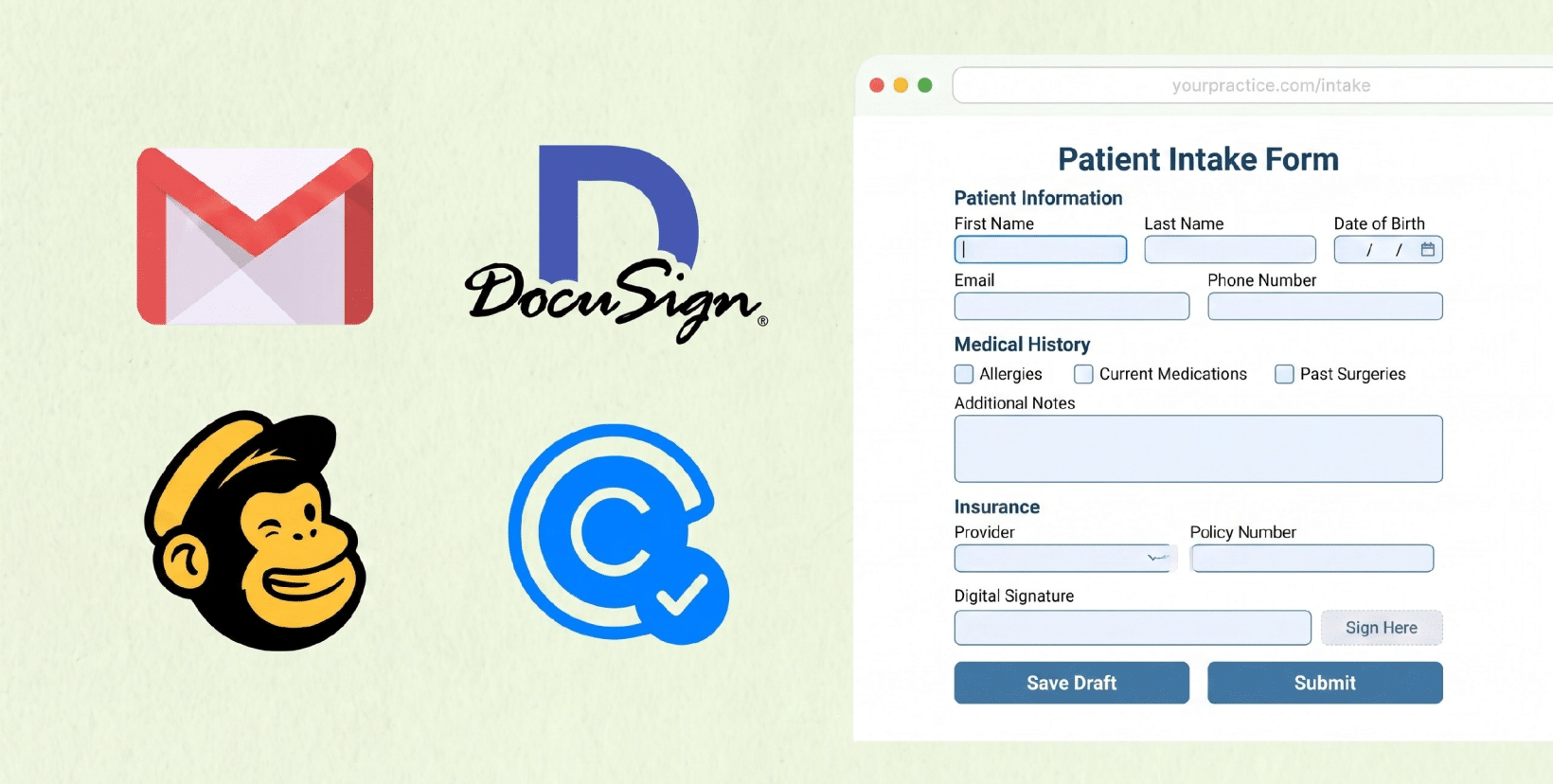
Healthcare runs on everyday tools for email, e-signatures, scheduling, marketing. But “everyone uses it” is not the same as “it’s safe for patient data.” Under HIPAA, the question that matters isn’t how secure a tool feels; it’s whether the software provider will sign a Business Associate Agreement (BAA) and let you configure the product to protect Protected Health Information (PHI). So before you trust any tool with patient information, it’s worth asking a simple question: is this software HIPAA Compliant?
Below is a straight answer for four of the most-asked-about tools, plus what to do when the answer is no.
What actually makes software “HIPAA Compliant”?
No app is HIPAA Compliant out of the box. A tool can be used in a HIPAA-Compliant way only when two things are true:
- The vendor signs a BAA — a contract that makes them legally responsible for protecting any PHI they touch.
- You configure and use it correctly — with encryption, access controls and audit logging in place, and with PHI kept out of fields the BAA doesn’t cover.
If a vendor won’t sign a BAA, no amount of encryption makes it compliant for PHI. Keep that test in mind for every tool below.
Is Gmail HIPAA Compliant?
Quick answer: Free Gmail (@gmail.com) is not HIPAA Compliant and never can be. Paid Google Workspace can be used in a HIPAA-Compliant way, because Google will sign a BAA, but only on paid plans, and only after you configure it correctly.
Google offers a HIPAA BAA on all paid Workspace tiers (Business Starter and up), and that BAA covers Gmail along with Drive, Docs, Calendar, Meet, and Forms. You accept it electronically in the Google Admin Console. What it does not do is make you compliant automatically, you still have to turn off non-covered services, enforce strong access controls, and train staff not to put PHI where it doesn’t belong.
If you’re on free Gmail, there is no BAA available, so it’s not HIPAA Compliant. Any patient information sent through it is unprotected.
Is DocuSign HIPAA Compliant?
Quick answer: Yes. DocuSign can be HIPAA Compliant when you’re on a plan that includes a BAA and you set it up properly.
DocuSign will sign a BAA for qualifying (typically enterprise/healthcare) accounts, and the platform supports the safeguards HIPAA expects: encryption in transit and at rest, audit trails, and signer authentication. As always, the BAA is the prerequisite, collecting signatures on PHI-containing documents without one puts you out of compliance, regardless of how secure the signing experience is.
If you only need HIPAA-Compliant signatures on your forms rather than a full enterprise e-signature contract, that capability can live inside your form itself. (See HIPAAtizer’s HIPAA-compliant electronic signature feature.)
Is Mailchimp HIPAA Compliant?
Quick answer: No. Mailchimp is not HIPAA Compliant, does not sign a BAA, and its terms prohibit sending PHI on every plan, Free through Premium.
This one trips up a lot of practices, because Mailchimp is the default for email marketing. But its Terms of Service explicitly bar a client from using the platform to collect, store, or transmit protected health information. No BAA is available, so there’s no compliant way to email patients about anything tied to their care, appointments, or conditions through Mailchimp.
If you need to reach patients, you need an email/marketing path that’s built for PHI and backed by a BAA. For automated patient communication tied to your forms, look at HIPAA-Compliant automation.
Is Calendly HIPAA Compliant?
Quick answer: No. Calendly does not sign a BAA and states plainly that it isn’t a HIPAA-Compliant solution for practices that require one.
Calendly has solid general security (encryption, SOC 2), but security isn’t the test, the BAA is. Calendly’s own guidance says it won’t sign one, and its terms say not to use it for PHI. So a booking that collects a reason for visit, symptoms, or anything identifying about a patient’s health shouldn’t go through standard Calendly.
The fix is usually upstream: capture the sensitive intake details in a HIPAA-Compliant form, and keep scheduling tools limited to non-PHI fields.
The pattern: when a tool can’t take PHI, move PHI to the form
Notice the theme. Gmail and DocuSign can work with the right plan and a BAA. Mailchimp and Calendly can’t take PHI at all. In every case, the safest move is the same: collect Protected Health Information through a form that’s HIPAA Compliant by design, then connect it to the tools you already use.
That’s exactly what HIPAAtizer does. You build a HIPAA-Compliant form, HIPAAtizer signs a BAA with you, and PHI stays inside the compliant boundary, even when the form feeds data into Stripe, Zapier, WordPress, Squarespace, or Wix. Your favorite tools keep doing their job; the patient data just stops living somewhere it shouldn’t.
Frequently Asked Questions About Software HIPAA Compliance
No. A signed BAA is required, but you also have to configure the tool correctly and keep PHI out of any feature the BAA doesn’t cover.
This article is general information, not legal advice. Confirm each vendor’s current BAA terms before relying on them, and consult your compliance officer for your specific situation.
Still have questions? Contact us