
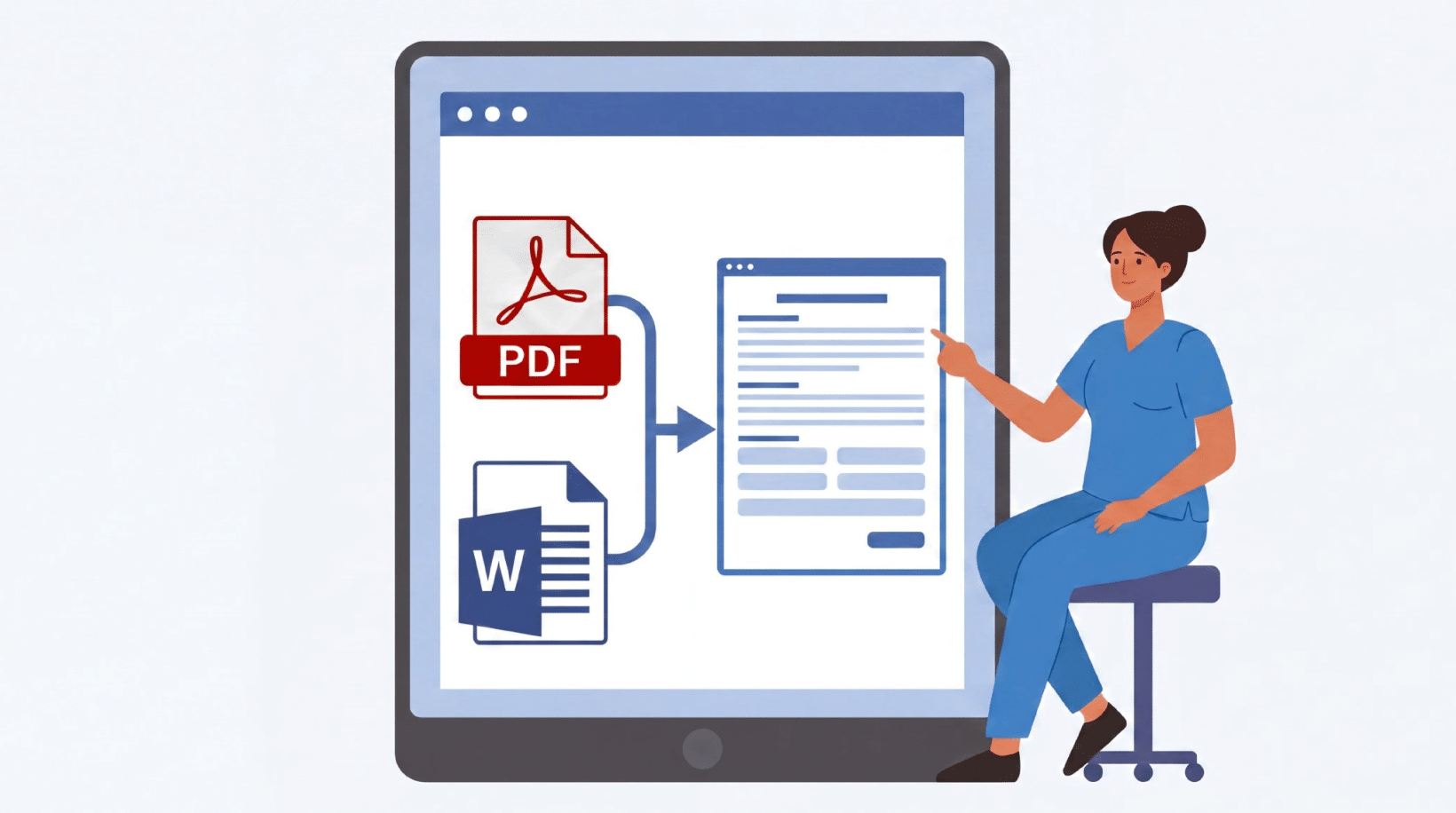
You have forms that work, intake packets, consent documents, assessment questionnaires. They’ve been doing their job for years. The problem isn’t the form. The problem is that it’s stuck on paper, and the people filling it out want to do it on their phones before they walk through your door.
So, you need a solution that quickly and easily converts your PDF or Word form to a digital form using AI. And, if you’re a doctor or medical clinic that collects Protected Health Information, you need the solution to be HIPAA Compliant.
Here’s the part most people skip: converting from paper to digital isn’t just putting the same fields on a screen. Online forms are so much better than paper forms, and once you understand why, you’ll never want to go back to paper!
1. Conditional logic replaces blank space
Paper forms try to cover every scenario for every person. Allergies? Section. Medications? Section. Previous provider? Another line. The result is a dense multi-page document where half the fields don’t apply to whoever’s actually filling it out.
Online, you don’t show everything to everyone. If someone selects “No,” the follow-up disappears. If they select “Yes,” a specific field opens. Sections that don’t apply never appear on the screen. On paper, everyone gets the same five pages. Online, the form adapts.
When you upload your form, our AI reads the structure and sets the conditional logic automatically. It identifies which sections are follow-ups, which fields depend on a prior answer, and connects them. You’re not building rules from scratch – you’re checking what the AI already built and confirming it looks right. A four-page paper form becomes a single flowing screen that shows each person only what applies to them. And you don’t have to configure it by hand.
2. Automatic calculations replace manual math
Some forms involve scoring. Nine questions, each worth 0 to 3. A risk evaluation with weighted factors, calculating BMI and so on. On paper, someone adds those numbers up manually, and errors happen on forms where the score actually matters.
Online, the form does the math. Answers go in, the total appears at the bottom, and the reviewer sees it before they sit down with the client. Scores are calculated the same way every time, so you can track them across visits. A one-time form becomes something you can use for ongoing decisions and clinical assessments.
3. Hidden fields for staff replace back-office paperwork
Most forms are a two-sided process. The client fills out their information. Your staff reviews it and adds notes – on the back of the same form, or a separate sheet, or in a different system altogether.
Online, the form has two layers. Clients see their fields. After they submit, your staff can see additional internal-use fields that were invisible to clients: verification status, notes, and follow-up flags. Same form, one record.
These staff fields don’t exist on the original paper form, so you add them after conversion. That’s where the online version starts doing things paper never could.
4. E-signatures and conditional consent replace the signature line
Consent forms look simple. Read, sign, done. In practice, they’re tricky because different situations call for different consent sections. On paper, everyone signs all three blocks, whether they’re relevant or not, or the organization maintains three separate forms.
Online, only the relevant consent blocks appear. Someone opting into a basic service sees the general consent. If their situation requires more, they see those additional sections. Nobody signs something that doesn’t apply to them. And the signature becomes an electronic field that captures the signer’s name, the timestamp, and the whole record.
Read the converted consent language word for word against your original. If the AI skipped a sentence or changed the meaning, catch it before you publish. This is the one form type you can’t just scan and approve.
5. Mobile-friendly design replaces the clipboard
Registration packets run six to eight pages. On paper, people fill them out on a clipboard in a waiting room, rushed and not thrilled about it. Handwriting is hard to read, fields get skipped, and your front desk spends the first ten minutes re-asking everything.
Online, people fill it out on their phone the night before. The form breaks into sections with a progress bar, one section per screen. The mobile layout isn’t something you design separately – it’s built into the platform. The AI handles field recognition; the platform handles the rest.
People arrive with their forms done. The information is legible, complete, and already in your system.
So what actually makes the converted form HIPAA Compliant?
HIPAA Compliance is about where the data goes after someone hits submit.
The compliance comes from the platform. Encryption, a signed Business Associate Agreement, access controls, audit logging, and no data leaking to third parties. If the platform doesn’t handle those things, none of the smart form features matter. (We covered the full HIPAA Compliance checklist for AI form conversion here.)
That’s also why the tool you use for conversion matters. Most AI form builders can convert your PDF into a working online form. But the result lands on a platform that wasn’t built for HIPAA. You’d still need to find a separate HIPAA-Compliant host, rebuild the form there, and start over.HIPAAtizer is the only platform that does both in one step: the AI converts your PDF or Word form, and the result is already inside a HIPAA-Compliant environment. No stitching two tools together. No re-uploading to a different platform.
The conversion is the easy part. The upgrade is the point.
The actual file conversion takes minutes. But that’s not where the value is. The value is in everything you couldn’t do when the form was on paper.
Think about the examples above. On paper, every person fills out the same fields whether they apply or not. On paper, someone adds up scores by hand. On paper, your staff uses a separate sheet for internal notes. On paper, you can’t tell if a patient’s signature was captured at 3 pm or 3 am, and you can’t prove it either way. On paper, a six-page form is a six-page form, no matter what size the screen is.
Online, all of that changes. And the form you’ve been using for years? It’s still the same form. Same questions, same order, same structure, your staff already knows. It just does more now.
If you’re ready to convert your first form, the whole process from upload to published form is covered in our step-by-step guide.
Want to see what your form looks like with conditional logic, calculations, and e-signatures? Upload it to HIPAAtizer and get a HIPAA-Compliant online version in minutes. Your first conversion is free.
Frequently Asked Questions About Converting a PDF or Word Form
The AI builds the fields and structure from your original form. Conditional logic (showing or hiding sections based on answers) is something you add after conversion using the form builder’s visual editor. It’s point-and-click, not code. Most rules take a minute or two to set up.
Still have questions? Contact us