
Short answer
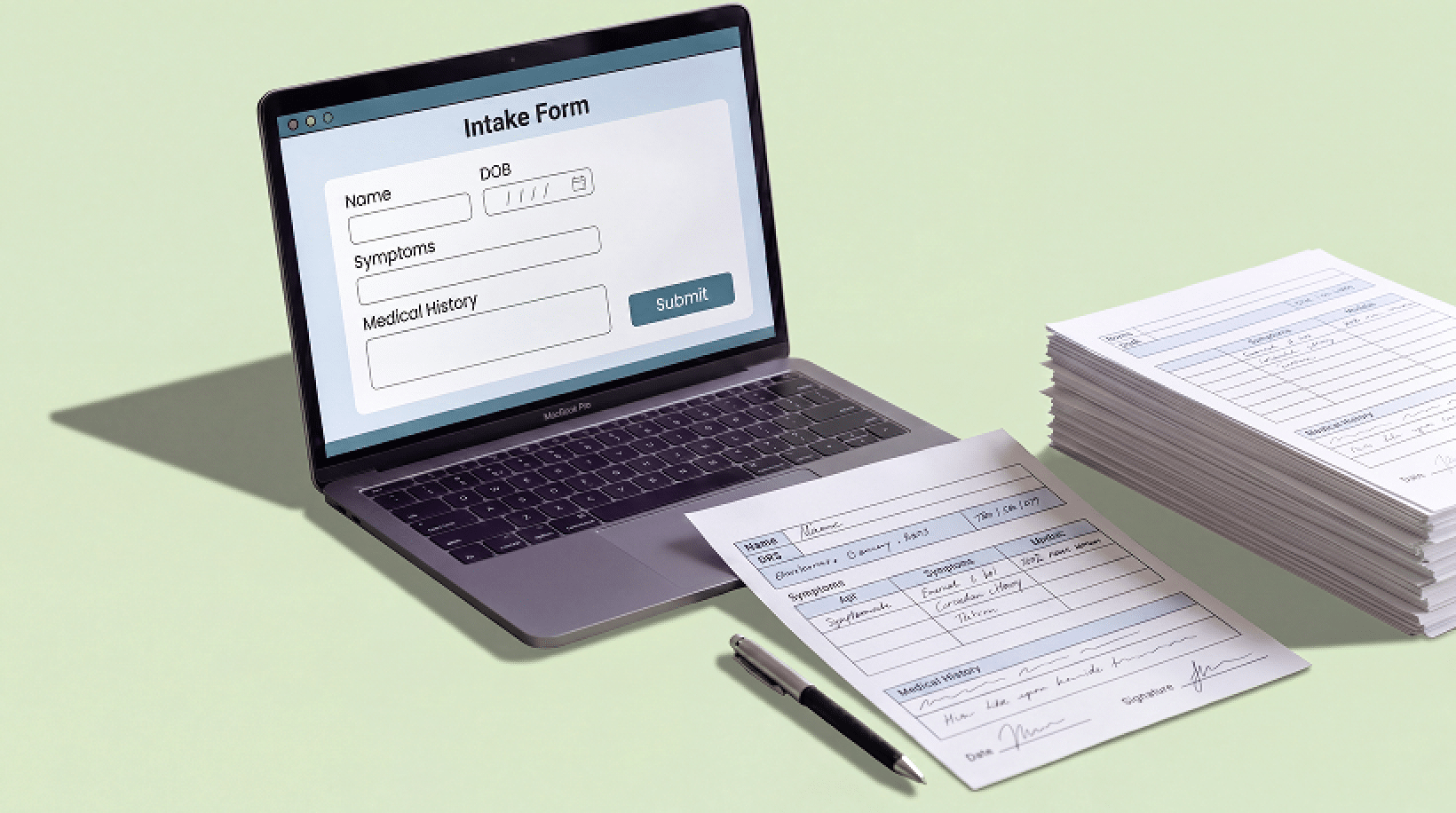
The best way to collect patient information online in 2026 is through a HIPAA-Compliant online form or patient portal that encrypts data in transit and at rest, sits behind access controls, and is backed by a signed Business Associate Agreement (BAA). For most practices, embedding a secure, HIPAA-Compliant intake form directly on your existing website is the fastest and most cost-effective method. It lets patients submit registration, medical history, consent, and insurance details from any device before their visit, with no paper and no manual re-typing.
Paper clipboards and emailed PDFs are slow, error-prone, and – when they contain health data – a compliance liability. In 2026, patients expect to fill out forms on their phone, and practices that meet this expectation, book more appointments and spend far less time on data entry. But collecting patient information online is not as simple as dropping a contact form on your site. The moment a form touches protected health information (PHI), it falls under HIPAA, and the wrong tool can quietly expose you to breach notifications and penalties. This guide walks through what counts as PHI, the compliance baseline every online collection method has to meet, the seven best ways to collect patient information online this year, what to avoid, and how to choose the right approach for your practice.
Why collect patient information online?
Moving intake online is not just a convenience upgrade. Done correctly, it changes how reception runs:
- Faster check-in. Patients complete registration and history forms before they arrive, cutting waiting-room time and front-desk bottlenecks.
- Fewer errors. Typed responses and required fields eliminate illegible handwriting and missing data, and submissions can flow straight into your EHR without manual transcription.
- Lower admin cost. No printing, scanning, shredding, or filing. Staff stop re-keying the same information from paper into software.
- Better security than paper. A clipboard left on a counter is a privacy incident waiting to happen. Encrypted online forms keep PHI access-controlled and auditable.
- Higher completion rates. Mobile-friendly forms with save-and-resume let patients finish on their own time, so you get more complete information up front.
The compliance baseline: what every method must meet
Before comparing methods, it helps to be clear on the floor every one of them has to clear. Protected health information (PHI) is any individually identifiable health information, names, contact details, dates, medical history, insurance and payment data, and similar. Under the HIPAA Privacy and Security Rules, even a simple appointment-request form that collects symptoms or a reason for the visit can trigger compliance obligations.
Any online method you use to collect patient information should provide all of the following:
- Encryption in transit and at rest. Data must travel over HTTPS/TLS and be stored encrypted, so it is unreadable if intercepted or if a database is exposed.
- A signed Business Associate Agreement (BAA). Any vendor that stores or processes PHI on your behalf must sign a BAA. No BAA means the tool is not an option for PHI – full stop.
- Access controls and authentication. Only authorized staff should be able to view submissions, ideally with unique logins and multi-factor authentication.
- Audit logging. You should be able to see who accessed what data and when.
- Secure delivery and storage. Submissions should never be emailed in plain text or left in an unsecured inbox or spreadsheet.
Regulatory watch: the 2025 HIPAA Security Rule proposal
In January 2025, the HHS Office for Civil Rights published a proposed update to the HIPAA Security Rule (the comment period closed in March 2025). As of June 2026, a final rule has not yet been issued, so the current Security Rule still governs. The proposal would make many safeguards that are currently “addressable”, including encryption and multi-factor authentication, explicitly required. The practical takeaway: choosing tools that already encrypt PHI and support MFA is the safe bet, because it is the direction the rules are heading.
The 7 best ways to collect patient information online in 2026
There is no single “best” method for every practice, the right choice depends on your website, your EHR, your specialty, and your budget. Here are the seven approaches worth considering this year, roughly from the most broadly useful to the most specialized.
1. HIPAA-Compliant online intake forms embedded on your website
For most practices, this is the highest-leverage option. A HIPAA-Compliant form builder lets you create registration, medical-history, consent, and insurance forms and embed them directly on the website you already have. Patients complete them on any device before the visit, data is encrypted on submission, and you avoid sending people to a separate, unfamiliar portal. Because the form lives on your own domain, it also reinforces trust and keeps your branding intact.
This is exactly the gap HIPAAtizer fills: it adds HIPAA-Compliant forms to sites built on Squarespace, Webflow, WordPress, Wix, and other platforms that are not HIPAA Compliant on their own, without rebuilding your site or migrating to a new system.
2. Patient portals
A patient portal is a secure, login-protected area where patients can register, update records, message the practice, and complete forms over time. Portals are excellent for ongoing relationships and repeat data collection, and they are often bundled with an EHR. The trade-off is friction: patients have to create and remember an account, which can lower completion rates for first-time or one-off intake. Many practices use a portal for established patients and a simple embedded form for new-patient intake.
3. Secure form builders integrated with your existing site platform
Website builders like Squarespace, Wix, and Webflow are popular with healthcare practices but are not HIPAA Compliant for PHI out of the box, and their native form tools typically will not be covered by a BAA. The fix is a dedicated HIPAA-Compliant form layer that integrates with the platform, collecting and storing the data securely while the rest of your site stays where it is. This lets you keep the website you like and still collect PHI safely.
4. E-signature and digital consent forms
Consent, HIPAA acknowledgment, financial-policy, and treatment-authorization documents all need a legally valid signature. Online forms with built-in e-signature capture consent at the same time you collect the rest of the patient’s information, with a timestamped record. This removes the print-sign-scan loop entirely and is essential for specialties like dermatology, med spas, and dental, where consent packages are part of every visit.
5. Contactless and mobile intake (QR codes and kiosks)
Contactless intake lets patients scan a QR code in the waiting room, or from a reminder text, and complete forms on their own phone, or use a check-in tablet/kiosk in the lobby. It is fast, hygienic, and meets patients where they already are. The same HIPAA requirements apply: the form behind the QR code still has to be encrypted and BAA-covered.
6. EHR-integrated digital intake
If your EHR offers digital intake or an API, collected data can post directly into the patient chart, eliminating manual entry and reducing transcription errors. This is the cleanest workflow when it is available, but it can be more expensive, less flexible to customize, and tied to a single vendor. Evaluate whether the built-in forms are flexible enough for your specialty before relying on them exclusively.
7. AI-assisted and conversational intake
A newer 2026 trend is conversational intake, chat-style or voice assistants that ask patients questions and structure the answers. These can improve completion and accessibility, but they raise the compliance bar: the AI vendor must sign a BAA, PHI must not be used to train external models without authorization, and outputs should be reviewed. Treat AI intake as promising but verify the data handling carefully before putting PHI through it.
Quick comparison of online intake methods
| METHOD | BEST FOR | WATCH OUT FOR |
|---|---|---|
| Embedded HIPAA forms | Most practices; new-patient intake on your own website | Choose a vendor that signs a BAA |
| Patient portal | Ongoing care and repeat data collection | Account creation lowers first-time completion |
| Form builder + site integration | Squarespace / Wix / Webflow / WordPress sites | Native site forms are not BAA-covered |
| E-signature consent forms | Consent-heavy specialties (dental, med spa, derm) | Keep timestamped, retrievable records |
| Contactless / QR / kiosk | Waiting-room and pre-visit check-in | Form behind the code still must be encrypted |
| EHR-integrated intake | Direct-to-chart workflows | Costlier, less flexible, vendor lock-in |
| AI / conversational intake | Accessibility and completion gains | Confirm BAA and no model training on PHI |
What to avoid when collecting patient information online
Some of the most common methods practices reach for are precisely the ones that create risk:
Will the vendor sign a BAA?
If not, stop here.
Is data encrypted in transit and at rest?
Look for HTTPS/TLS plus encrypted storage.
Does it support access controls and MFA?
Unique logins and multi-factor authentication for staff.
Are there audit logs?
You need a record of who accessed data and when.
Does it fit your existing website and workflow?
Embedding on your current site beats forcing patients into a separate system.
Can patients complete it on mobile?
Most patients will fill out forms on a phone.
Does it capture e-signatures and route data where it needs to go?
Ideally into your EHR or a secure dashboard, without manual re-entry.
Collecting patient information on the website you already have
Many practices assume they have to adopt a whole new platform to collect patient information online safely. They don’t. If your site is on Squarespace, Webflow, WordPress, or Wix, you can add a HIPAA-Compliant form layer on top of it, keeping your design, domain, and content while making intake secure and BAA-backed.
That is the approach HIPAAtizer is built around: HIPAA-Compliant forms that embed in your existing website, with encryption, a signed BAA, e-signatures, and integrations so submissions reach the tools you already use. For practices that want secure online intake without rebuilding anything, it is usually the shortest path from paper to a compliant digital workflow.
Ready to move intake online?
See how HIPAAtizer adds HIPAA-Compliant patient intake forms to your existing site, no rebuild required. Explore HIPAA-Compliant intake forms
Frequently Asked Questions
Yes. Collecting patient information online is legal and common, as long as the method is HIPAA Compliant: PHI must be encrypted in transit and at rest, protected by access controls, and handled by a vendor that has signed a Business Associate Agreement.
This article is for general informational purposes and does not constitute legal or compliance advice. Consult a qualified professional about your specific HIPAA obligations.
Still have questions? Contact us