
Make HighLevel HIPAA Compliant Without Breaking the Bank!
You and your clients love HighLevel’s great functionality. But, some healthcare clients get a little sticker shock at the HIPAA-Compliant options.
Don’t worry, HIPAAtizer has you covered with our HighLevel + HIPAAtizer integration that’s HIPAA Compliant at a fraction of the cost.
Why Agencies Love HighLevel, but Don’t Always Use the HIPAA Add-On
HighLevel offers a HIPAA add-on designed for healthcare use cases. For some practices, that’s the right choice.
However, some agencies hesitate to enable it because:
- Not all of their clients are healthcare providers
- The HIPAA add-on increases per-account costs
- Many marketing workflows don’t require PHI inside the CRM
For agencies managing a mixed client portfolios, a HIPAA CRM setup is not always necessary and may be costs prohibitive.
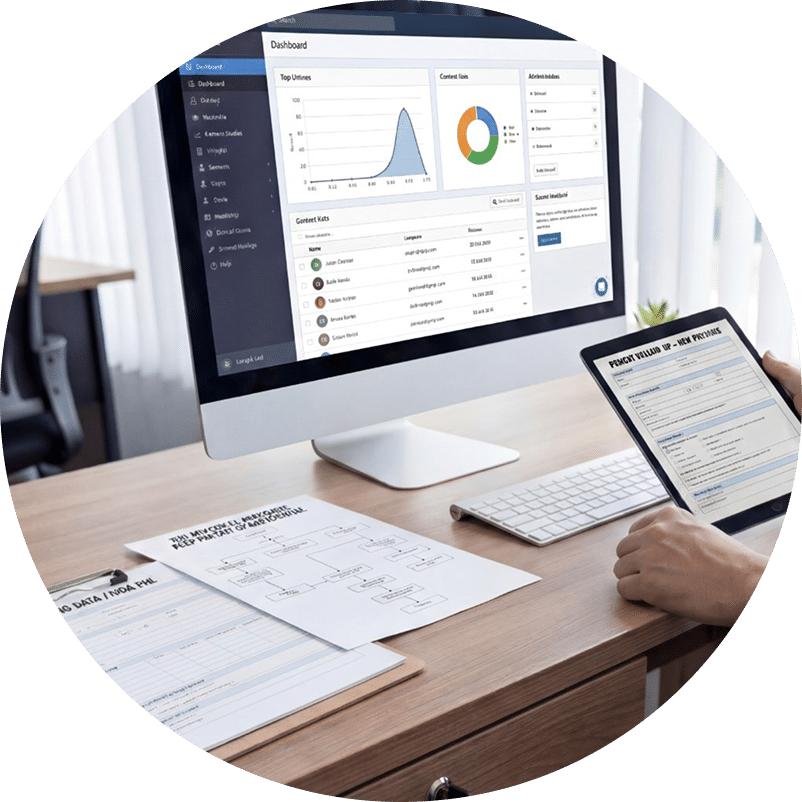
Using HighLevel in HIPAA regulated professions without the HighLevel HIPAA Add-On
One solution is to use HighLevel in regular mode (without the HIPAA Add-On) together with a more cost-effective pure HIPAA-Compliant solution to manage HIPAA-sensitive Protected Health Information (PHI).
This means:
- Using HighLevel for marketing, automation, and follow-ups
- Collecting PHI outside the HighLevel CRM
- Passing only non-PHI data into HighLevel
This is where HIPAAtizer fits in.
HIPAAtizer allows agencies to continue using HighLevel while keeping all PHI in a dedicated, HIPAA-Compliant environment under a signed BAA.
How It Works
Step 1
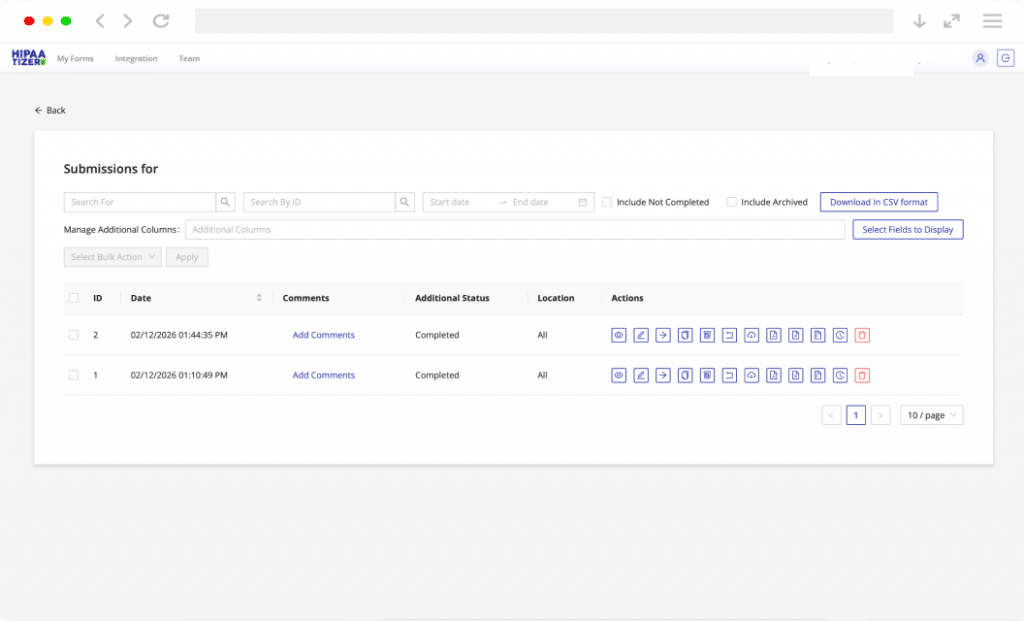
Capture Data via HIPAAtizer’s Secure Forms
Embed or share your HIPAA-Compliant forms. Patients or clients submit their sensitive information and documents directly into HIPAAtizer’s encrypted environment, ensuring all PHI is captured and stored with a provider who’s provided a signed BAA.
Step 2
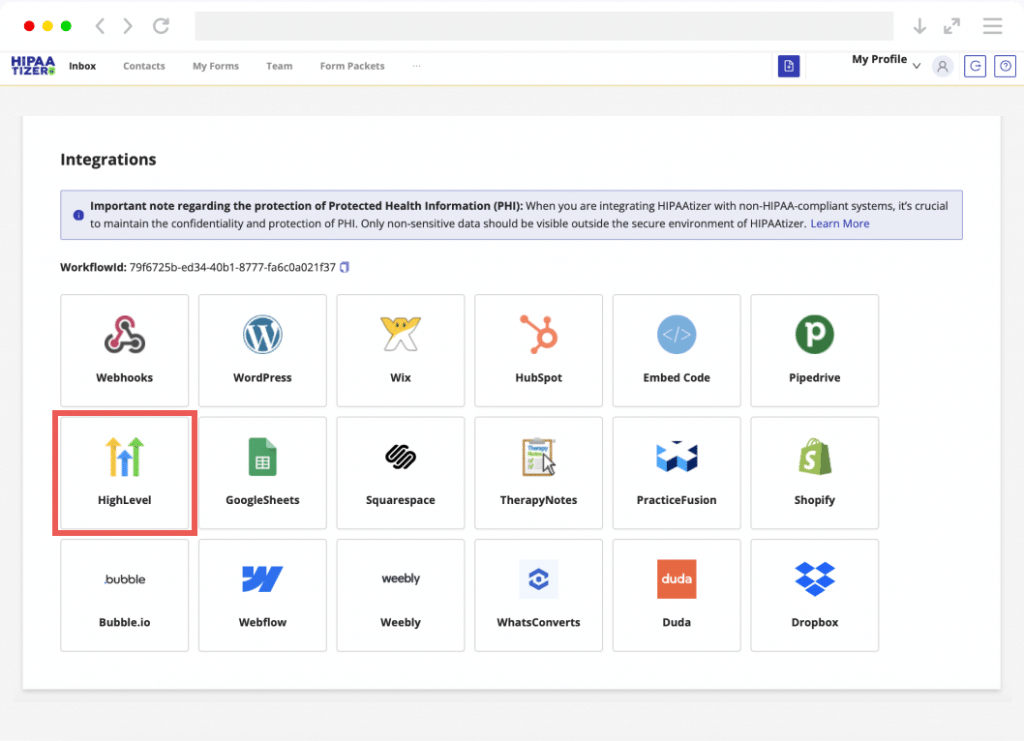
Filter and Map Data for HighLevel
Use our integration settings to choose exactly which non-PHI data (such as Name, Email, and Phone) should be sent to HighLevel. This keeps your CRM clean of sensitive health data while ensuring your marketing records stay up-to-date.
Step 3
Trigger HL Automations Automatically
Once the submission is received, HIPAAtizer pushes the selected data into HighLevel. This immediately creates a new “Opportunity” or updates a “Contact,” allowing your HL Workflows to trigger follow-up SMS, emails, or lead nurturing sequences instantly.

Why This Setup Works for Agencies
- No PHI stored in HighLevel
- Reduced compliance risk
- Agencies never access sensitive medical data
- One CRM workflow for all clients

HighLevel HIPAA Compliance – FAQs
HighLevel can support HIPAA Compliance only in specific configurations, such as when a HIPAA add-on and proper safeguards are in place. By default, GoHighLevel is not designed to store Protected Health Information (PHI).