
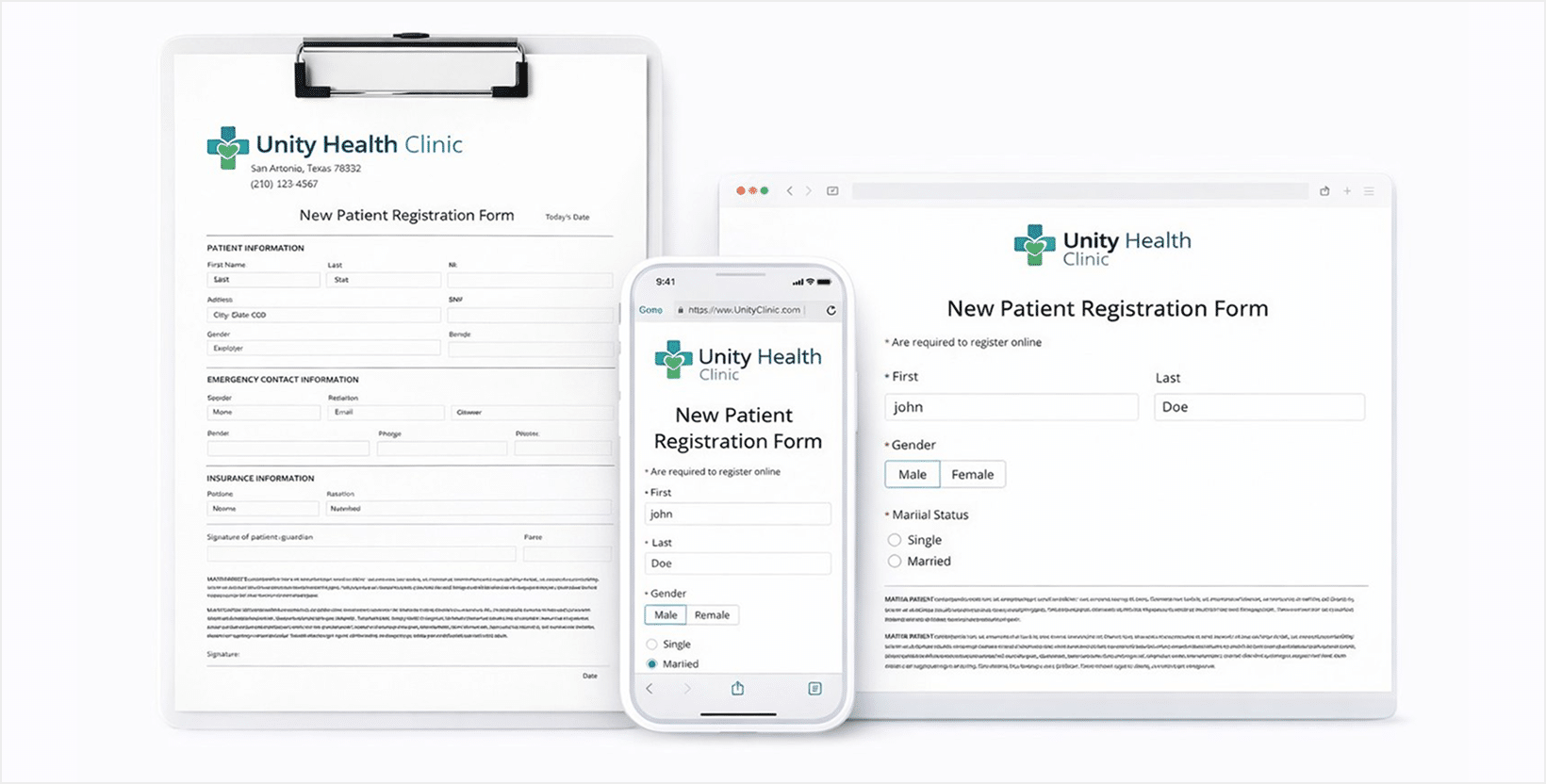
A HIPAA-Compliant web form is more than just paperwork handed to a patient at the front desk. HIPAA web forms are completed online before virtual visits, during digital intake, and at checkout for certain healthcare services and products when sold online. Patients expect forms to be mobile-friendly, and easy to complete, while practices must ensure every form meets HIPAA requirements. This guide explains what a HIPAA form is, how it should work online, and what to avoid when collecting protected health information digitally.
What Is a HIPAA Web Form?
A HIPAA web form is any form used to collect, store, or transmit protected health information (PHI) in compliance with HIPAA regulations. These forms are commonly used for patient intake, consent, medical history, telehealth authorization, and certain payment workflows that involve PHI.
What makes a HIPAA web form different from a standard online form is not how it looks, but how it handles data associated with submissions. HIPAA web form submissions must be hosted in a secure, HIPAA-Compliant environment, restricted to authorized users, and protected against data breaches, both in transit and at rest.
Why HIPAA Web Forms Are a Necessity
Healthcare has become increasingly digital since COVID-19. Virtual visits, online follow-up visits, and remote intake workflows have made HIPAA web forms a necessity rather than a convenience.
Patients now expect:
- Forms they can complete on their phone
- Fewer required fields
- No repeated data entry
- A clear and simple experience
Practices, meanwhile, need to reduce administrative workload while staying compliant. HIPAA web forms help meet both expectations when designed correctly.
What a Modern HIPAA Web Form Should Look Like
A well-designed HIPAA web form balances usability with compliance. It should feel simple for patients while meeting strict data protection requirements.
Short and Focused
HIPAA web forms should collect only the minimum information required for their purpose. Longer forms increase abandonment and frustration.
Mobile-Friendly by Default
Most patients complete forms on mobile devices. A HIPAA web form must work seamlessly on phones and tablets, not just desktops.
Pre-Filled Where Possible
When appropriate, repeating fields such as name or contact details should be pre-filled to reduce friction.
Clear Structure
Logical sections, plain language, and visual spacing help patients move through the form confidently.
Optional E-Signature
Many HIPAA forms require consent or acknowledgment. Digital signatures simplify this step while maintaining compliance.
Optional E-Payments
For some workflows, combining forms and payments in one secure flow improves completion rates and operational efficiency.
What a HIPPA Web Form Should Not Be
Even today, many healthcare websites still use forms are frustrating to use and not fully HIPAA Compliant.
Misspelled (HIPPA vs HIPAA)
It happens more often than expected. “HIPPA form” is incorrect and undermines trust immediately.
Long and Overwhelming
Forms that look intimidating or overly complex often go unfinished.
Not Mobile-Friendly
Forms that only work well on desktop are no longer acceptable.
No Secure
Email-based submissions, unsecured storage, or generic form tools without HIPAA safeguards put practices at risk.
Confusing
Patients should never have to guess why information is requested or how it will be used.
Why HIPAA Web Forms Are More Than Just Compliance
HIPAA web forms impact more than regulatory compliance. They influence patient trust, completion rates, and staff efficiency. When forms are secure, easy to use and thoughtfully designed, both patients and practices benefit.
HIPAA Web Forms – Frequently Asked Questions
A HIPAA web form is any form that collects or transmits protected health information (PHI), such as intake forms, consent forms, medical history forms, or telehealth authorization forms.
Still have questions? Contact us