
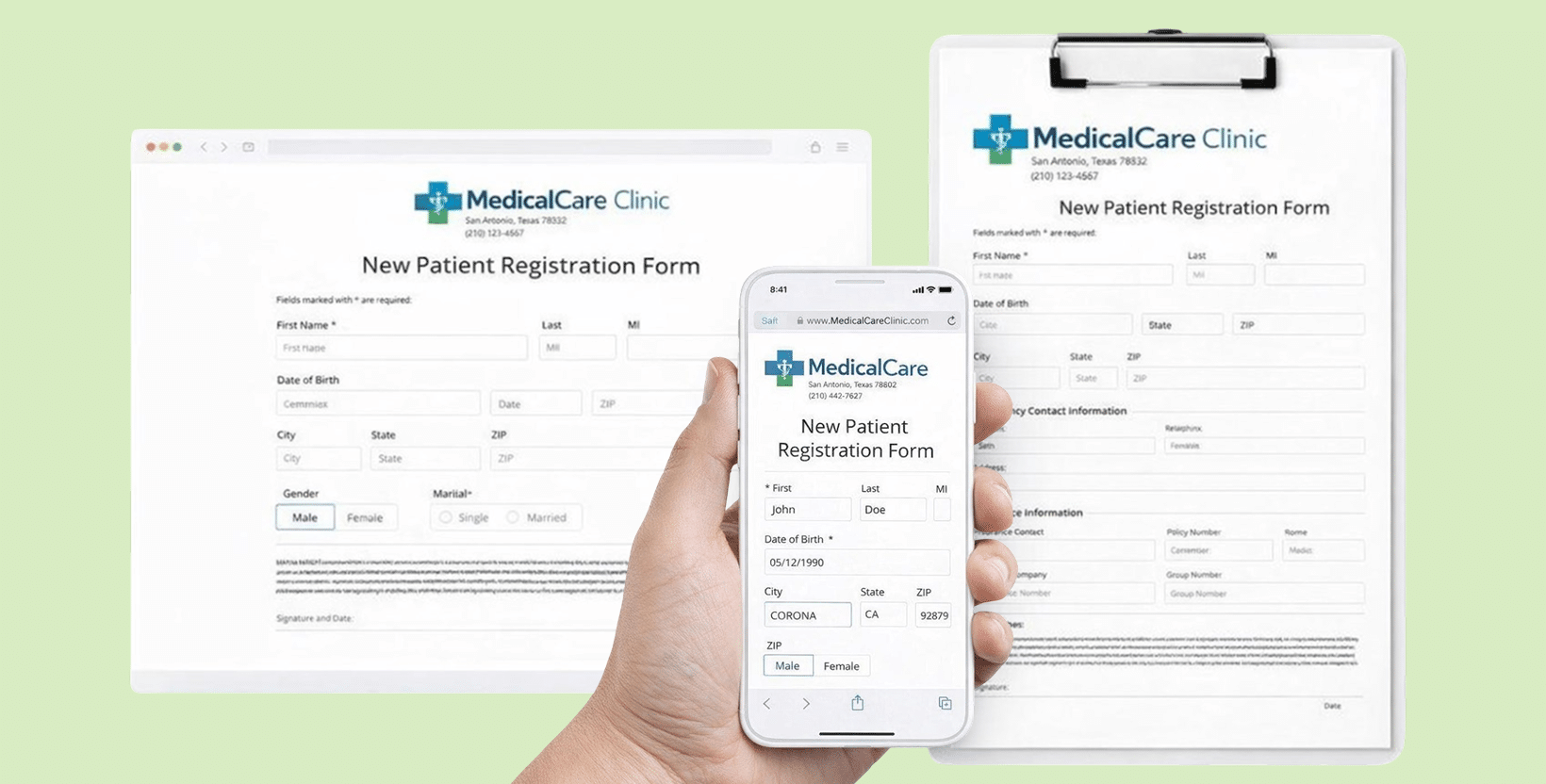
Making an online form doesn’t have to be a long process when you’re using a form builder designed for digital healthcare intake.
In HIPAAtizer, creating a HIPAA Web Form is already simple: you can use drag-and-drop, upload a form for conversion or start from templates, review the form, and publish it to your website or share it as a secure link or QR code.
But if you want to see the draft of your online form even faster, AI form conversion can help.
Instead of recreating fields manually (even with drag-and-drop), you can upload a Word or PDF form and get a ready-to-review online version generated in minutes. You stay in control of the final content; AI just helps you get there faster.
To learn more about what is a HIPAA Web Form and common mistakes to avoid, read our blog: The Most Comprehensive Guide to HIPAA-Compliant Web Forms
How AI Form Conversion Helps Clinics Digitize Forms Faster
Most practices don’t need “new forms.” They already have forms they like.
They have:
- a Word document that their office has used for years
- a PDF packet patients print and bring in
- a consent form that their therapist team trusts
- a pediatric intake form that parents recognize immediately
The only problem is… it’s still Word or PDF.
AI form conversion is helpful because it lets you keep what already works and edit it quickly:
– You upload the form you already use
– AI converts it into an online version
– You review and adjust in minutes
– Your form is ready to embed or share
What You Need Before You Convert a HIPAA Web Form with AI
Before you convert any form, take one minute to check three things.
Use the form you actually use today
Pick the version your practice currently relies on – not a draft from last year, not a scan with handwritten notes.
AI conversion works best with a clean, up-to-date form.
Confirm the purpose of the form
Is this form for:
- patient intake
- consent
- telehealth consent
- mental health screening
- medical history
- payment + intake
Keep it patient-friendly
Online forms work better when they are:
- short
- readable
- mobile-friendly
If your original paper form is long, AI will convert it, but you can still simplify it.
If your original paper form is long, AI will convert it, but you can still simplify it.
How to Make a HIPAA Web Form with AI (Step by Step)
Here is a workflow you can follow.
Upload your form (Word or PDF)
Start with your existing form. In healthcare, “templates” are nice, but most practices prefer their own wording, format, and flow.
Convert it with AI
Once you upload the file, AI generates a working online version in minutes.
This is the moment where most practices realize:
“Oh… we’re already 80% done.”
Review the online form carefully
Even when AI does an excellent job, it’s still important to review the form before sharing it with patients.
Is this form for:
- missing fields
- Incorrect required fields
- formatting issues
- long paragraphs that should be broken up
- checkbox options that need cleanup
And yes, review spelling.
You’d be surprised how often “HIPPA form” is used instead of “HIPAA form” in paper, Word or PDF documents
Test it on mobile
Most patients will complete your form on a phone.
A mobile-friendly HIPAA web form should feel user-friendly:
- short sections
- clear field labels
- minimal scrolling fatigue
- no tiny text blocks
If it feels hard to complete on a phone, patients will spend extra time to fill it out in your office.
Add the extras only if you need them
Once the form is complete, you can improve it based on your workflow.
Optional upgrades many practices love:
- e-signature
- payment collection (when applicable)
- conditional logic
- automated routing or notifications
Don’t overbuild.
Publish and share
Once your form is reviewed, you can:
- embed it on your website
- share it via a secure link
- add a QR code for in-office intake
- use it as part of your telehealth visit
What’s the Best Way to Convert a HIPAA Web Form?
AI form conversion is a great shortcut, but it’s important to think of it as an assistant – not a replacement. AI gives you a fast first version that shows how your HIPAA Form can look online, so you don’t have to start from a blank page. From there, you still have full control: you can fine-tune the layout using drag-and-drop, adjust required fields, and style it to match your practice. And if your workflow is more complex (for example, a full form packet or a form with conditional logic), AI may not be the best fit – that’s where manual form conversion services can help. Some platforms (like HIPAAtizer) offer free assisted form conversion, so you can get a clean, ready-to-use online version without spending hours building it yourself.
What AI Can’t Do (And That’s a Good Thing)
AI form conversion is fast – but it’s not supposed to replace clinical judgment or compliance responsibility.
AI should not:
- decide what your consent language should be
- rewrite medical questions without review
- publish your form without human approval
The safe workflow is simple:
- AI converts the form quickly
- You review the content and structure
- Send form for manual conversion if needed
- The final form matches your real process
What Makes a HIPAA Web Form Actually HIPAA-Compliant
A form is not HIPAA-Compliant just because it looks like a medical form.
It is about how the submission data is handled – including how it is stored, transmitted, and accessed.
When a patient fills out an online form, make sure that Protected Health Information filled out in is:
- Hosted on a secure hosting
- Submissions are password-protected, and access is limited to a clinic
So if you’re using AI to convert forms, make sure the platform behind it is designed for HIPAA workflows – not for generic website forms.
Start with One Form. That’s Enough to See how it works.
If you’ve been thinking about moving intake online but it keeps getting pushed down the list, start small.
Pick one form:
- intake
- consent
- medical history
- telehealth consent

Want to Try It? Convert Your First Form with AI
If you already have a Word or PDF form, AI conversion is one of the fastest ways to see what a HIPAA-Compliant online form looks like.
FAQ – Making HIPAA Web Forms with AI
AI can convert a Word or PDF into an online form, but HIPAA Compliance depends on secure hosting, access controls, and how submissions are stored and shared. Use HIPAA-Compliant service to convert your form.
Still have questions? Contact us