
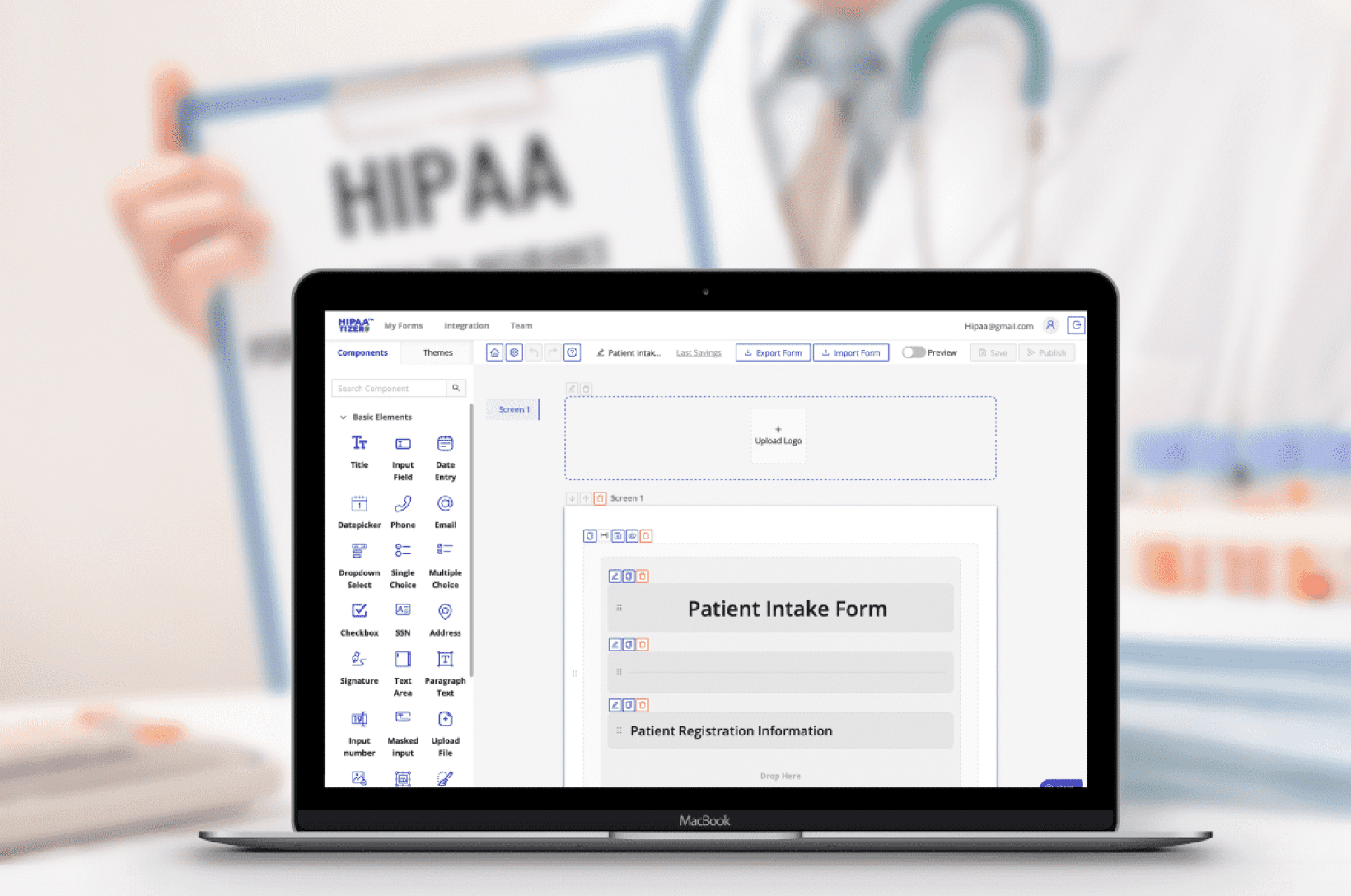
Choosing a HIPAA-Compliant form builder can take time. There are dozens of solutions, pricing tiers, and “HIPAA-ready” claims. For a small clinic or agency, it’s not always clear what actually matters.
If you’re a healthcare organisation owner, developer, or agency, you need to
- Collect patient information securely
- Keep workflows simple
- Avoid overpaying or overbuilding
This guide breaks down how to choose the right solution, without getting lost in technical details.
What Makes a Form Builder HIPAA Compliant?
A form builder is not “HIPAA Compliant” just because it says so.
Compliance depends on how the platform handles Protected Health Information (PHI).
At a minimum, a HIPAA-Compliant form builder must provide:
Business Associate Agreement (BAA)
A signed BAA is required for almost every healthcare company. Without it, the tool cannot be used to handle PHI – even if it has strong security.
Encryption (In Transit and At Rest)
Patient data must be encrypted:
- when submitted
- when stored
Secure Hosting
Forms and submissions must be hosted in a secure environment designed for healthcare data.
Access Controls
Only authorized users should be able to access submissions.
Audit Logs
The system should track who accessed or modified data.
If you want a deeper breakdown, see our HIPAA-Compliant online forms guide.
What Should You Actually Look For?
Beyond compliance, most clinics and developers care about usability and workflow.
Here are the key criteria to consider.
1. HIPAA Compliance (Non-Negotiable for healthcare)
Start here.
If a form builder:
- does not sign a BAA
- or cannot clearly explain how it handles PHI
…it’s not the right tool.
2. Works With Your Website
You shouldn’t have to rebuild your entire website to use secure forms.
A good HIPAA form builder should:
- embed into your existing website (WordPress, Webflow, Shopify etc.)
- work via a secure link, if needed
- not require you to switch platforms
If you just focus on the forms or PHI touchpoints, switching to a “HIPAA-Compliant website builder” is usually unnecessary.
3. Form submissions
Think about what happens after the form is submitted.
- Is the form password protected?
- Can you receive notifications by email?
- Can non-PHI be pulled to another system? This is often key for marketing agencies who want non-PHI to flow to non-HIPAA Compliant CRMs.
4. Ease of Use (Front Desk Friendly)
If your front desk or staff cannot easily:
- access submissions
- download forms
- understand the interface
- Human help desk
…the system won’t be used properly.
5. Mobile-Friendly for Patients
Most patients complete forms on their phones.
Your form builder should:
- work smoothly on mobile
- load quickly
- avoid long, complex layouts
If forms are difficult to complete, patients drop off.
6. Affordability
HIPAA tools can get expensive quickly.
Before choosing a platform, ask:
- Do you really need enterprise features?
- Are you paying for features you won’t use?
Many small practices only need:
- secure forms
- e-signature
- conditional logic
- e-payments
Common Mistakes to Avoid
This is where many clinics and developers lose time and money.
Mistake 1: Switching Your Entire Website
Some providers think:
“We need a HIPAA-Compliant website.”
In reality:
Only the parts collecting PHI must be compliant.
You can keep your existing website and add secure forms.
Mistake 2: Keeping Forms as PDFs
PDF forms seem simple, but:
- they are not mobile-friendly
- data is often sent via email
- there is no audit trail
- storage is inconsistent
Even password-protected PDFs do not solve these issues.
Mistake 3: Using Free Form Builders
Tools like standard Google Forms or basic plugins:
- may not offer a BAA
- may store data insecurely
- are not designed for healthcare
They are fine for general use — not for handling PHI.
Mistake 4: Overbuilding Too Early
Some clinics try to launch with:
- full automation
- EMR integrations
- complex workflows
This slows everything down.
Start simple. Expand later.
Mistake 5: Storing PHI in the Wrong Systems
Common risks include storing PHI in:
- website builders
- CRMs
- email tools
Unless those systems are configured to meet HIPAA requirements, this could create compliance issues.
Developer vs Clinic: What Matters Most?
The priorities are slightly different depending on who is choosing the tool.
For Clinics and Other Healthcare Facilities
Focus on:
- ease of use
- patient experience
- affordability
- simple setup
You want something your team can use without training.
For Developers and Agencies
Focus on:
- flexibility
- integrations
- embeddability
- scalability across clients
You need a solution that works across multiple projects.
Comparing HIPAA Form Builders: What to Look At
When comparing tools, evaluate:
- Does it sign a BAA?
- Where is PHI stored?
- Can it embed into any website?
- How easy is it to build and edit forms?
- Does it support e-signatures and e-payments?
- Can it scale as the clinic grows?
For a full breakdown, see our 5 best HIPAA-Compliant form builders comparison.
You Don’t Need to Overcomplicate It
Choosing a HIPAA-Compliant form builder doesn’t have to be complicated.
Most clinics and developers succeed with a simple approach:
- secure form builder
- mobile-friendly design
- basic workflows
- optional integrations
Once that’s in place, everything else becomes easier.
Start With the Right Foundation
If you’re setting up healthcare forms for a client or your own practice, the most important step is choosing a system that:
- protects patient data
- fits your operations
- doesn’t require rebuilding everything
From there, you can scale.
Quick note: This guide focuses on the digital and website side of healthcare forms. It is not legal advice. Each healthcare practice should confirm compliance requirements based on their location and specialty.
Frequently Asked Questions
A HIPAA-Compliant form builder is a tool that securely collects and stores protected health information (PHI) while meeting HIPAA requirements, including encryption and a signed BAA.
Still have questions? Contact us